Screenshots
Icon palette
About this app
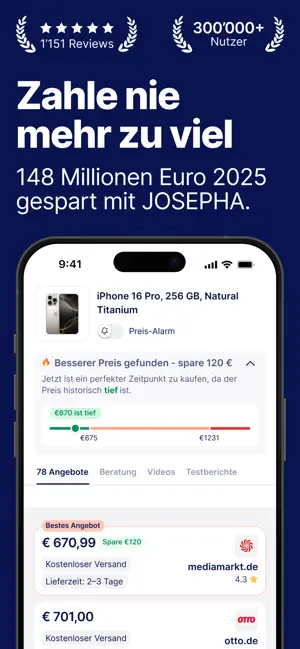
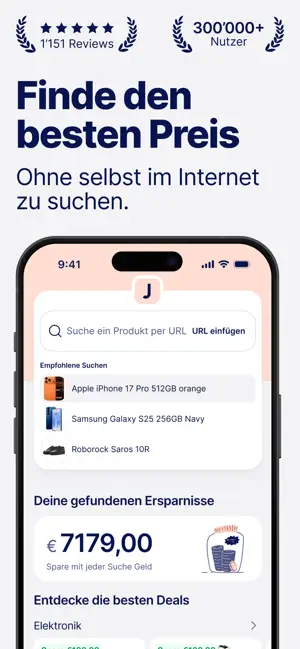
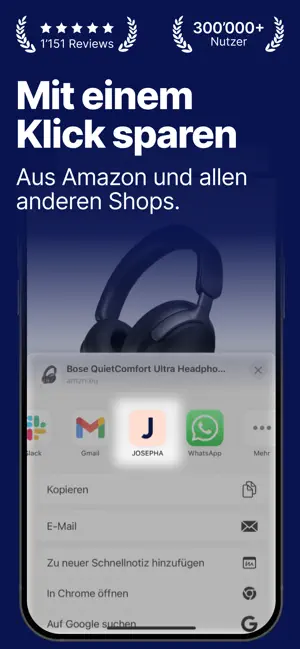
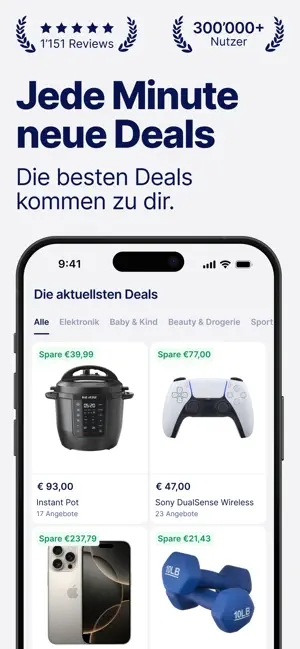
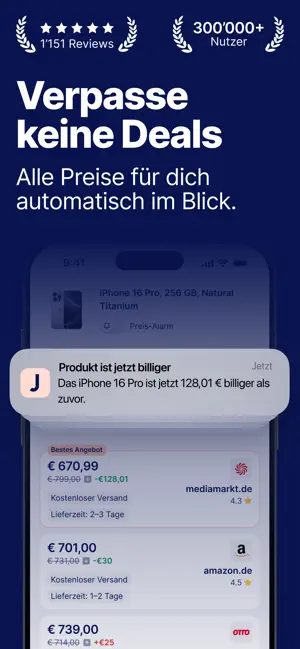
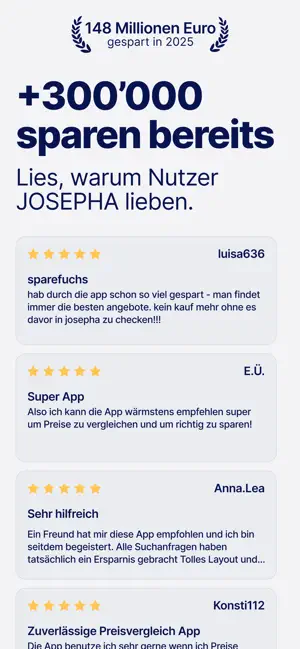
Finde den besten Preis für dein Produkt – in Sekunden. Du siehst ein Produkt? Sende das Produkt an die JOSEPHA App und erfahre in Sekunden, bei welchem Shop du das gleiche Produkt billiger kaufen kannst. Mit JOSEPHA musst du nicht mehr selbst stundenlang nach dem besten Preis suchen. JOSEPHA durchsucht für dich das ganze Web nach allen Preisen zu deinem Produkt. Warum JOSEPHA? Weil du in zwei Klicks herausfinden kannst, wo du das Produkt billiger kaufen kannst. Hauptfunktionen: Finde in Sekunden den besten Preis für dein Produkt: Sende ein Produkt direkt aus jeder App oder von jedem Webshop an JOSEPHA und es startet automatisch den Preisvergleich. JOSEPHA scannt in Sekunden tausende Shops im Netz – weit über die großen Plattformen hinaus. In Sekunden hast du Gewissheit darüber, ob du für dein Produkt zu viel bezahlst. Erfahre, welcher Shop am schnellsten liefern kann: Ob schnell …
App details
What you can learn from JOSEPHA - KI Preisvergleich
Every shipping app on the App Store has gone through the same decisions you're working through right now: which screenshot goes first, what caption sits over it, which device frame to show, what color the background should be. The 6 screenshots above are JOSEPHA - KI Preisvergleich's answers to those questions — they're public, they're real, and they made it through Apple's review.
Notice the first screenshot in particular. It's the one users see in search results and on the product page, and it's where most apps spend their best caption and tightest design. Look at the proportion of background to phone, where the text sits, what one thing the image is trying to communicate.
Want to see how other Shopping apps approach the same problem? Browse more Shopping apps in the showcase.
Take what works into your own screenshots
Open LaunchShots and design your App Store & Google Play screenshots — pick a device frame, drop captions, ship in minutes. Free, in your browser.
Open the screenshot editor →