Screenshots

Icon palette
About this app
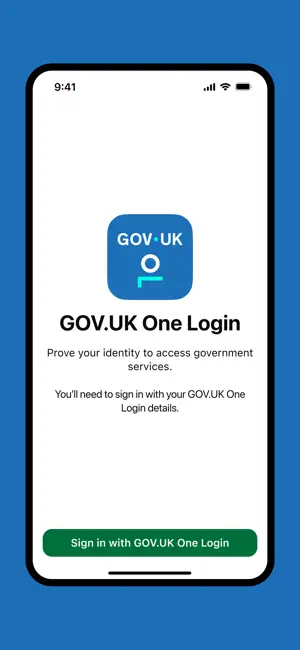
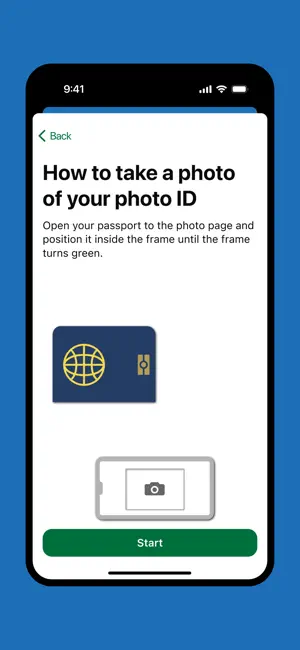
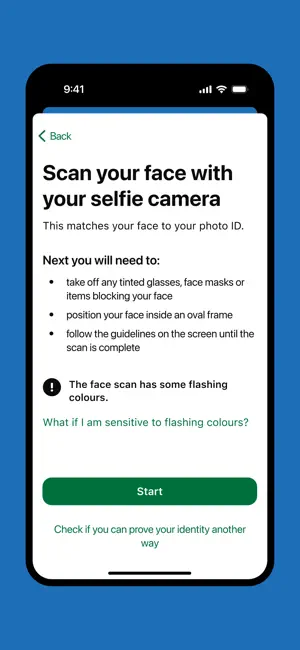
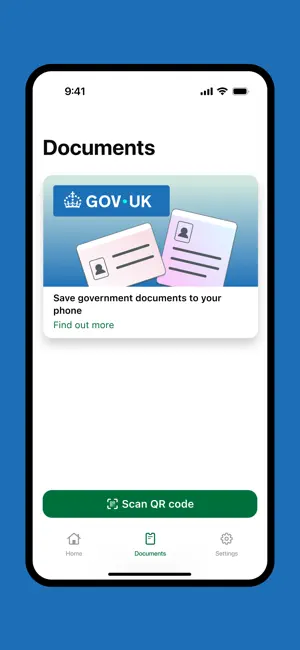
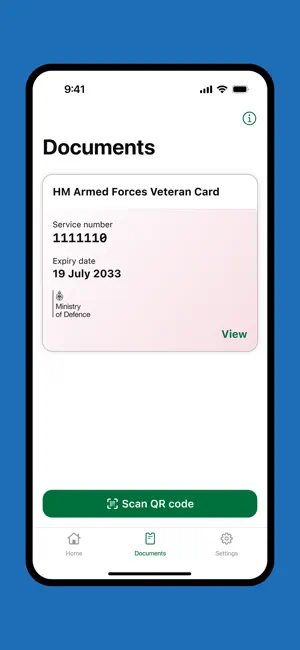
You can use the GOV.UK One Login app to prove your identity to access some government services. It works by matching your face to your photo ID. You can also use this app to save a digital version of your HM Armed Forces Veteran Card to your phone. In future you'll be able to save other digital documents, such as your driving licence. This is not available yet. Before you start You need to get this app if you’re: • using a service on the GOV.UK website that asks you to prove your identity with GOV.UK One Login • saving your digital Veteran Card to your phone You’ll be guided to this app when it is time to use it. What you need You can use any of the following types of photo ID to prove your identity: • UK passport • non-UK passport with a biometric chip • UK photocard driving licence • UK biometric residence permit (BRP) • UK biometric residence card (BRC) • UK Frontier Worker p…
App details
What you can learn from GOV.UK One Login
Every shipping app on the App Store has gone through the same decisions you're working through right now: which screenshot goes first, what caption sits over it, which device frame to show, what color the background should be. The 6 screenshots above are GOV.UK One Login's answers to those questions — they're public, they're real, and they made it through Apple's review.
Notice the first screenshot in particular. It's the one users see in search results and on the product page, and it's where most apps spend their best caption and tightest design. Look at the proportion of background to phone, where the text sits, what one thing the image is trying to communicate.
Want to see how other Utilities apps approach the same problem? Browse more Utilities apps in the showcase.
Take what works into your own screenshots
Open LaunchShots and design your App Store & Google Play screenshots — pick a device frame, drop captions, ship in minutes. Free, in your browser.
Open the screenshot editor →