Screenshots

Icon palette
About this app
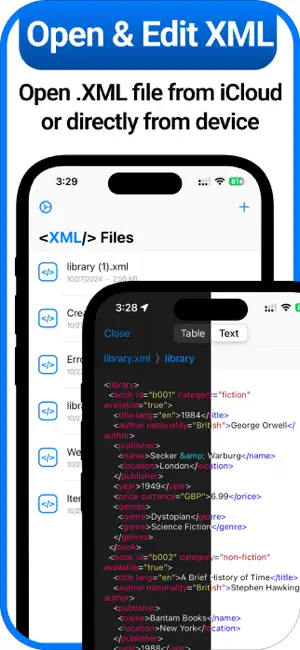
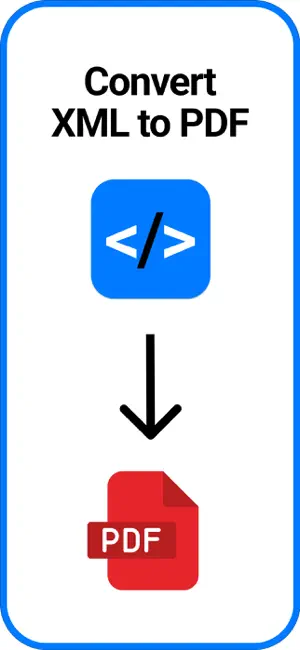
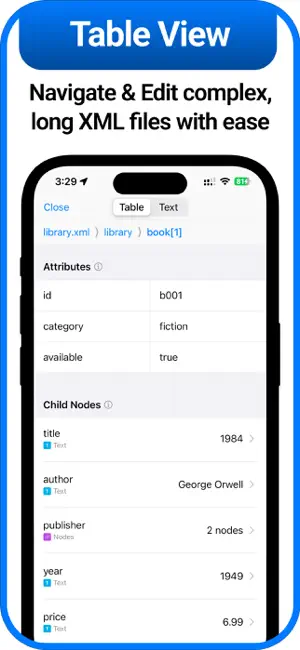
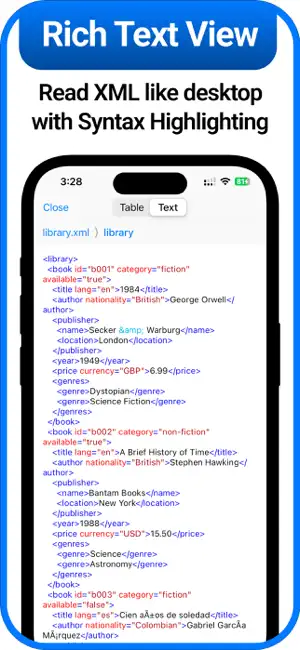
Visor XML – Abre XML de CFDI y Facturas Electrónicas en iPhone ¿Necesitas abrir archivos XML en tu iPhone? Con XML Viewer puedes abrir, leer y convertir archivos .XML fácilmente — desde CFDI (Comprobante Fiscal Digital por Internet), facturas electrónicas del SAT, recibos de nómina, hasta complementos de pago. Perfecto Para: ► CFDI 4.0 — abrir y visualizar el XML de tu factura electrónica ► Facturas electrónicas descargadas del portal del SAT ► Recibos de nómina CFDI en formato XML ► Complementos de pago y notas de crédito en XML ► Archivos XML de sistemas de facturación (Facturama, Aspel, CONTPAQi) ► Constancias de situación fiscal y documentos tributarios XML Características: ► Abrir Archivos XML en iOS — Abre archivos XML almacenados en tu dispositivo o en iCloud sin complicaciones. ► Conversión a PDF — Convierte facturas CFDI, recibos de nómina y comprobantes fiscales de XML a fo…
App details
What you can learn from Visor, lector y editor de XML
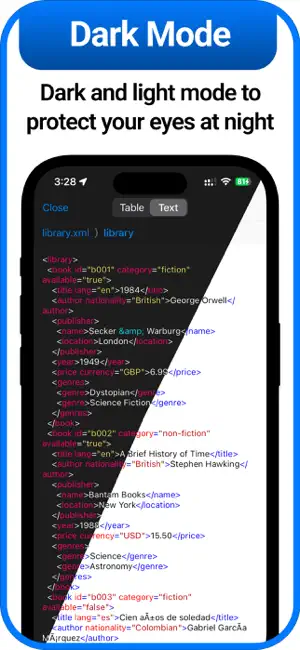
Every shipping app on the App Store has gone through the same decisions you're working through right now: which screenshot goes first, what caption sits over it, which device frame to show, what color the background should be. The 6 screenshots above are Visor, lector y editor de XML's answers to those questions — they're public, they're real, and they made it through Apple's review.
Notice the first screenshot in particular. It's the one users see in search results and on the product page, and it's where most apps spend their best caption and tightest design. Look at the proportion of background to phone, where the text sits, what one thing the image is trying to communicate.
Want to see how other Developer Tools apps approach the same problem? Browse more Developer Tools apps in the showcase.
Take what works into your own screenshots
Open LaunchShots and design your App Store & Google Play screenshots — pick a device frame, drop captions, ship in minutes. Free, in your browser.
Open the screenshot editor →