Screenshots

Icon palette
About this app
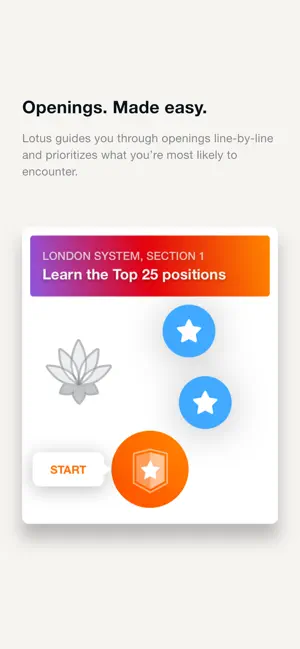
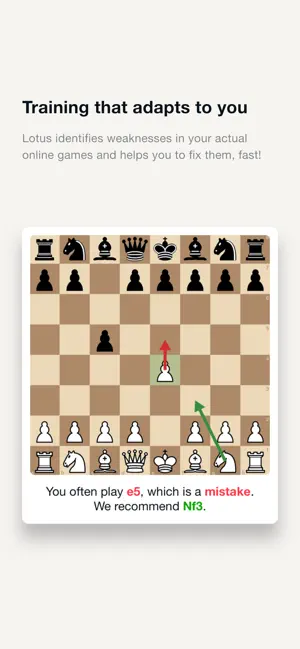
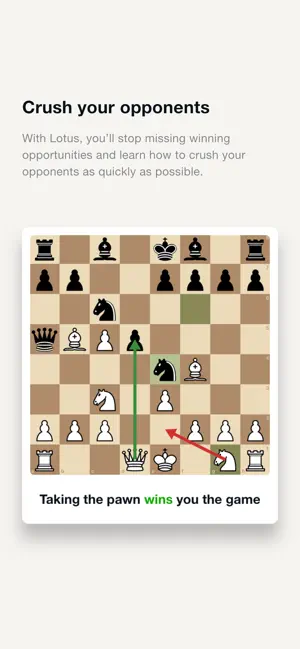
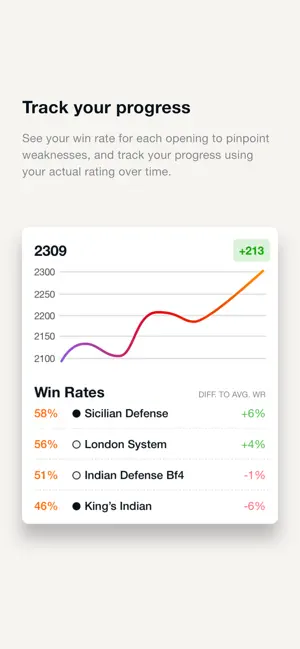
Lotus Chess is a powerful chess training app designed to help you improve faster than any other chess learning app. It provides a complete system for mastering openings, tactics, and endgames. Join more than 250.000 chess learners across the world — from beginners starting with the fundamentals to competitive players with 2300 Elo. Unlike most apps — which focus on engine-perfect theory — Lotus Chess teaches attacking chess that helps you win against human opponents. --- Opening Training Built for Real Games Lotus Chess analyzes up to 3000 of your online games, identifies your weaknesses, and creates a personalized, tailored course to make your openings bulletproof. Lotus Chess teaches you crushing lines that exploit common mistakes, instead of showing you boring theoretical lines that rarely happen in actual games. To do this, Lotus Chess’ AI has analyzed 100.000.000+ games to i…
App details
What you can learn from Lotus Chess – Trainer
Every shipping app on the App Store has gone through the same decisions you're working through right now: which screenshot goes first, what caption sits over it, which device frame to show, what color the background should be. The 5 screenshots above are Lotus Chess – Trainer's answers to those questions — they're public, they're real, and they made it through Apple's review.
Notice the first screenshot in particular. It's the one users see in search results and on the product page, and it's where most apps spend their best caption and tightest design. Look at the proportion of background to phone, where the text sits, what one thing the image is trying to communicate.
Want to see how other Education apps approach the same problem? Browse more Education apps in the showcase.
Take what works into your own screenshots
Open LaunchShots and design your App Store & Google Play screenshots — pick a device frame, drop captions, ship in minutes. Free, in your browser.
Open the screenshot editor →