Screenshot style breakdown
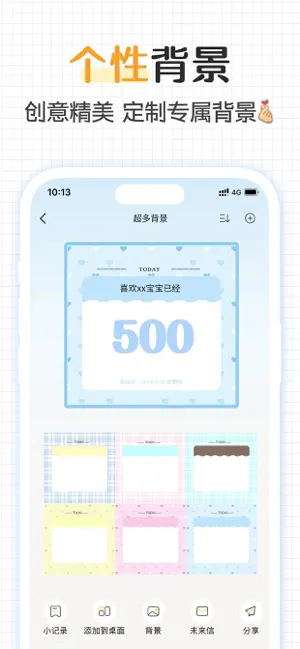
Sampled from 6 of 纪念日 - 时间倒计时·记录日期·日期计算器's App Store screenshots — background, accent and theme, measured by LaunchShots (not something Apple publishes).
#FCFCFC bg
#DDDDDD
#54ACFC accent
#111111 text
Screenshots

Icon palette
About this app
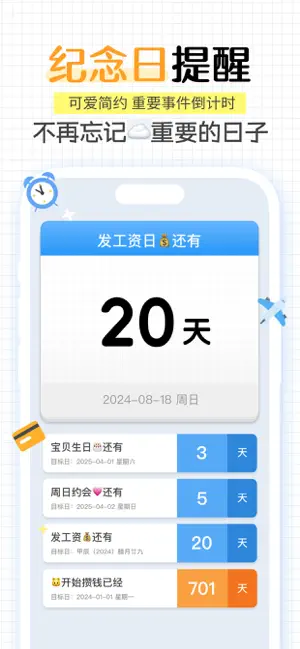
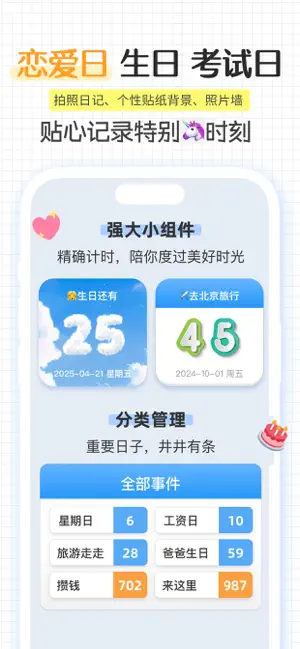
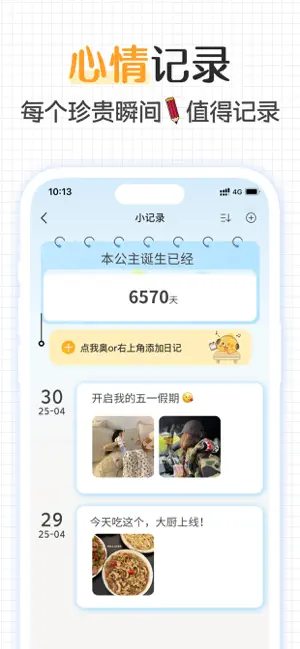
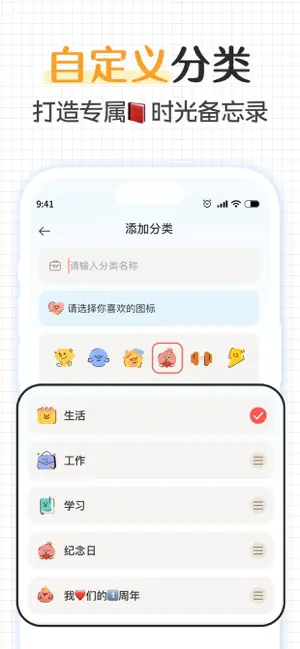
是否在寻找一款增添趣味的纪念日软件?是否觉得市面上现有的纪念日工具过于单一、缺乏个性? 我们的纪念日应用拥有丰富可爱的图标与界面设计,简约而不失风格;包含纪念日记录等更多丰富功能。满足你的每一个时间规划需求,让您的每一个日子都变得独特而难忘! 【记录美好,珍藏回忆】 生活中充满了值得期待的美好时刻,每个日子都不应被遗忘。无论是生日、周年纪念还是特殊节日,我们的应用都能精准记录并提醒您,确保您不错过任何珍贵的瞬间,为每一天注入满满的仪式感和小确幸。 【心动时刻,专属纪念】 特别设置的恋爱纪念板块,为您记录每一个心动瞬间——从第一次牵手到每一次深情相拥。这里不仅是记忆的宝库,更是情感的充电站,帮助每一对情侣重温那些甜蜜的时光,加深彼此之间的感情纽带。 【智能祝福,温暖守护】 只需提前输入祝福语,我们就能在特别的日子里自动发送温馨的祝福信息给您的亲朋好友。即使偶尔忙碌忘记,也能确保您的关心准时到达,避免错过任何目标时刻。无论是恋人的生日还是家人的纪念日,再也不用担心因为疏忽而感到遗憾。 【日常打卡…
App details
What you can learn from 纪念日 - 时间倒计时·记录日期·日期计算器
Every shipping app on the App Store has gone through the same decisions you're working through right now: which screenshot goes first, what caption sits over it, which device frame to show, what color the background should be. The 6 screenshots above are 纪念日 - 时间倒计时·记录日期·日期计算器's answers to those questions — they're public, they're real, and they made it through Apple's review.
What the numbers say: 纪念日 - 时间倒计时·记录日期·日期计算器 runs a light set with one background colour (#FCFCFC) carried across every screenshot — the listing reads as a single poster when the shots sit side by side in search results. The accent colour we picked up, #54ACFC, is the one to reuse for badges, arrows and highlighted words if you borrow this look. Hit Use this style to open the editor with these exact colours and drop your own screenshot in.
Notice the first screenshot in particular. It's the one users see in search results and on the product page, and it's where most apps spend their best caption and tightest design. Look at the proportion of background to phone, where the text sits, what one thing the image is trying to communicate.
Want to see how other Utilities apps approach the same problem? Browse more Utilities apps in the showcase.
Take what works into your own screenshots
Open LaunchShots and design your App Store & Google Play screenshots — pick a device frame, drop captions, ship in minutes. Free, in your browser.
Open the screenshot editor →Apps with a similar look
Closest background + accent colours among the listings we've analysed — useful when you want to see the same palette handled by a different team.