Screenshots


Icon palette
About this app
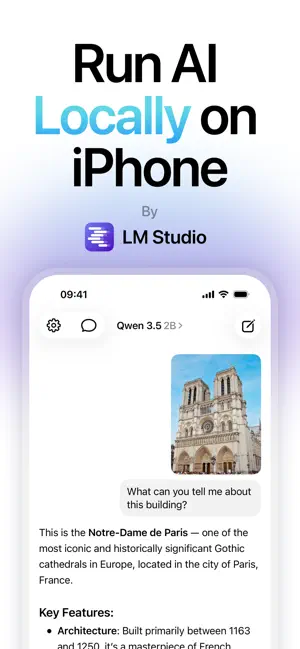
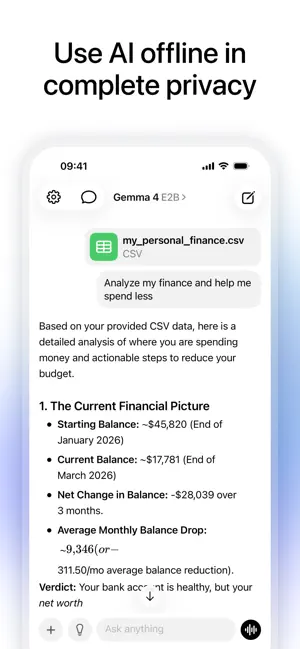
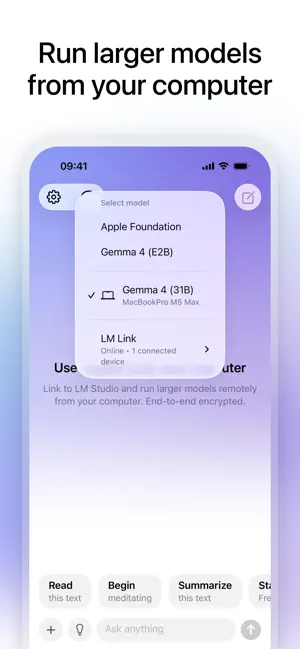
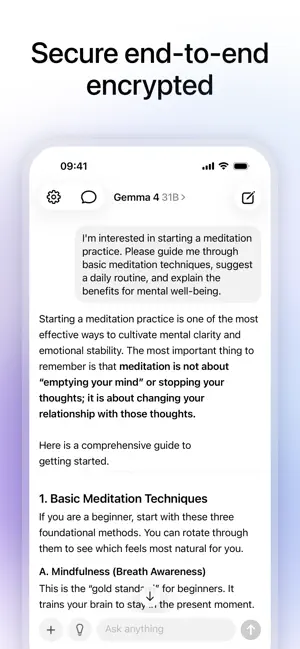
Run AI models like Llama, Gemma, Qwen, and more on your iPhone and iPad. Offline. Private. No login. No data collection. Powered by Apple MLX. Meet Locally AI by LM Studio, the AI app that respects your privacy. No login. No data collection. Just pure intelligence, running entirely on your iPhone and iPad. Why Locally AI? - 100% Offline: No internet needed. Chat anywhere. - Total Privacy: No login, no data collection. Your data stays on your device. - Optimized for Apple Silicon: Powered by Apple MLX for lightning-fast responses. - Multiple models supported: Run Llama 3.2, Google Gemma 2 & 3, Qwen 3, DeepSeek, and more. - Chat, Analyze, Create: Ask complex questions, analyze images, or generate text. Download Locally AI now! Privacy Policy: https://locallyai.app/privacy-policy.html Terms & Conditions: https://locallyai.app/terms.html
App details
What you can learn from Locally AI by LM Studio
Every shipping app on the App Store has gone through the same decisions you're working through right now: which screenshot goes first, what caption sits over it, which device frame to show, what color the background should be. The 6 screenshots above are Locally AI by LM Studio's answers to those questions — they're public, they're real, and they made it through Apple's review.
Notice the first screenshot in particular. It's the one users see in search results and on the product page, and it's where most apps spend their best caption and tightest design. Look at the proportion of background to phone, where the text sits, what one thing the image is trying to communicate.
Want to see how other Productivity apps approach the same problem? Browse more Productivity apps in the showcase.
Take what works into your own screenshots
Open LaunchShots and design your App Store & Google Play screenshots — pick a device frame, drop captions, ship in minutes. Free, in your browser.
Open the screenshot editor →