Chart position — tracked daily by LaunchShots
Screenshot changes — detected by LaunchShots
Screenshot style breakdown
Sampled from 6 of 无思微程序 - 快速搭建专属的个人工作台's App Store screenshots — background, accent and theme, measured by LaunchShots (not something Apple publishes).
#4C7CB4 bg
#658EBE
#F4B47C accent
#FFFFFF text
Screenshots


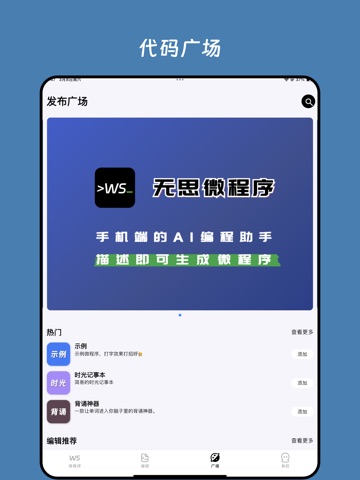
iPad screenshots

Icon palette
About this app
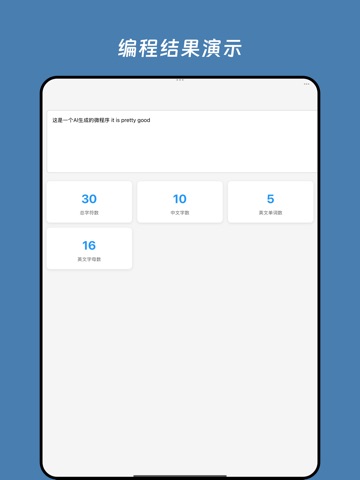
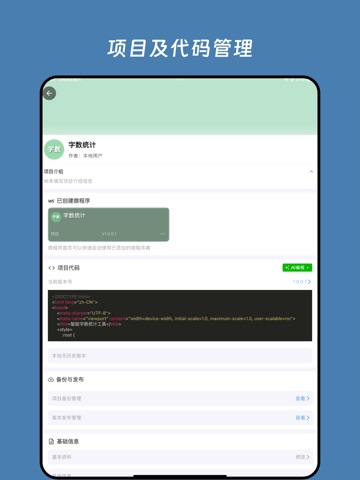
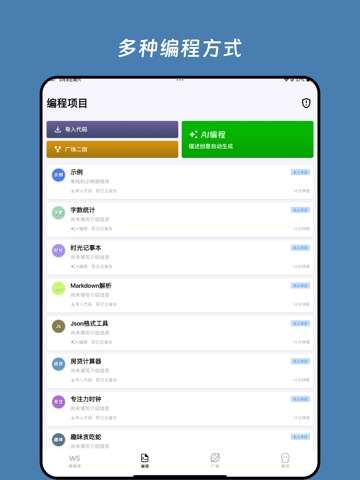
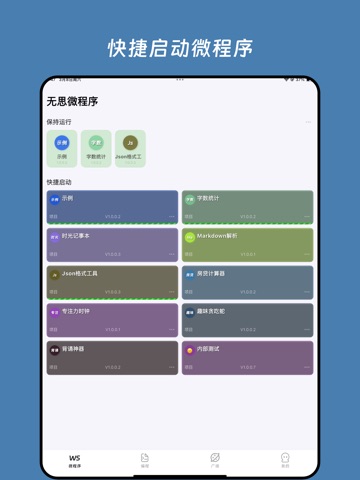
手机专用的AI编程工具:全程只需一部手机即可一句话生成好玩的微游戏、专属的微应用,制作HTML类型PPT和精美的信息图,制作完成手机直接可以使用。 无思微程序,让人人都可以一句话随口编写程序,在手机上Vibe Coding! 此外,还支持导入DeepSeek、豆包、千问、元宝、Work Buddy等AI平台生成的HTML代码直接运行。 人气微程序示例: 个人财务工作台:AI搭建的个人工作台,统一管理个人的财务信息 周期倒计时:生日、习惯等需要周期性记录的信息,都可以统一管理 礼金记录:安全记录存储收礼送礼礼金信息 像素清单:像素风格的清单,私人定义,数据安全保障 手持弹幕:滚动展示文字,演唱会、机场接人等场景必备神器 自制DeepSeek:可自定义人设提示词的DeepSeek AI聊天微程序 巨星之路:选择不同的行动提升爱豆的各项属性,积累粉丝和影响力 单词记忆大师:内置词库,多种技巧辅助记忆,支持朗读,更好的产生记忆点 修仙模拟器:适合喜欢玩修仙类型游戏的发烧友 API请求调试工具:手机版PostMan Json格式工具:快速整理Json文本格式 Markdown解析:可快速渲染Markdow…
App details
What you can learn from 无思微程序 - 快速搭建专属的个人工作台
Every shipping app on the App Store has gone through the same decisions you're working through right now: which screenshot goes first, what caption sits over it, which device frame to show, what color the background should be. The 12 screenshots above are 无思微程序 - 快速搭建专属的个人工作台's answers to those questions — they're public, they're real, and they made it through Apple's review.
What the numbers say: 无思微程序 - 快速搭建专属的个人工作台 runs a dark set with one background colour (#4C7CB4) carried across every screenshot — the listing reads as a single poster when the shots sit side by side in search results. The accent colour we picked up, #F4B47C, is the one to reuse for badges, arrows and highlighted words if you borrow this look. Hit Use this style to open the editor with these exact colours and drop your own screenshot in.
Notice the first screenshot in particular. It's the one users see in search results and on the product page, and it's where most apps spend their best caption and tightest design. Look at the proportion of background to phone, where the text sits, what one thing the image is trying to communicate.
Want to see how other Developer Tools apps approach the same problem? Browse more Developer Tools apps in the showcase.
Take what works into your own screenshots
Open LaunchShots and design your App Store & Google Play screenshots — pick a device frame, drop captions, ship in minutes. Free, in your browser.
Open the screenshot editor →Apps with a similar look
Closest background + accent colours among the listings we've analysed — useful when you want to see the same palette handled by a different team.