Screenshot changes — detected by LaunchShots
Screenshot style breakdown
Sampled from 4 of Advanced Security: Web Protect's App Store screenshots — background, accent and theme, measured by LaunchShots (not something Apple publishes).
#FC3464 bg
#FC5079
#FC7C9C accent
#FFFFFF text
Screenshots
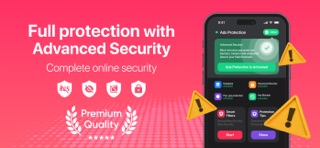
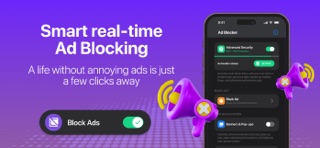
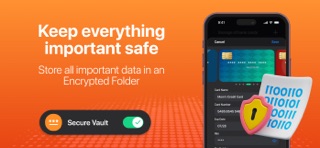

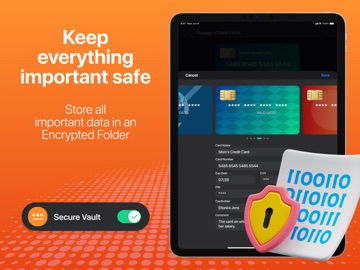
iPad screenshots



Icon palette
About this app
ウェブ セキュリティ、プレミアム広告ブロック、安全なブラウジングのためのトップ アプリである Advanced Security でオンライン セキュリティを維持しましょう。このアプリには、プライベート フォルダーも搭載されています。セキュリティを強化するために設計された最先端のツールで、個人データを安全に保護し、オンライン プレゼンスを完全に制御できます。 ウェブ保護: Advanced Security は、iOS デバイスでのブラウジング中に煩わしい広告やポップアップを排除するための究極のソリューションを提供します。Advanced Security は、当社の高度なテクノロジーにより、バナー、ポップアップ、ビデオ広告など、あらゆる種類の広告をブロックすることで、スムーズで高速、中断のないブラウジング体験を保証します。 プライベート フォルダー: 機密情報や大切な思い出を安全に保管します。プライベート フォルダーは、パスワード、メモ、銀行の詳細を保存するための安全なスペースを提供し、常にプライバシーを確保します。 セキュア ブラウザー: セキュア ブ…
App details
What you can learn from Advanced Security: Web Protect
Every shipping app on the App Store has gone through the same decisions you're working through right now: which screenshot goes first, what caption sits over it, which device frame to show, what color the background should be. The 8 screenshots above are Advanced Security: Web Protect's answers to those questions — they're public, they're real, and they made it through Apple's review.
What the numbers say: Advanced Security: Web Protect runs a mixed light-and-dark set where the background shifts from screenshot to screenshot (first shot #FC3464) — each image has to stand on its own, so the captions carry more of the story. The accent colour we picked up, #FC7C9C, is the one to reuse for badges, arrows and highlighted words if you borrow this look. Hit Use this style to open the editor with these exact colours and drop your own screenshot in.
Notice the first screenshot in particular. It's the one users see in search results and on the product page, and it's where most apps spend their best caption and tightest design. Look at the proportion of background to phone, where the text sits, what one thing the image is trying to communicate.
Want to see how other Utilities apps approach the same problem? Browse more Utilities apps in the showcase.
Take what works into your own screenshots
Open LaunchShots and design your App Store & Google Play screenshots — pick a device frame, drop captions, ship in minutes. Free, in your browser.
Open the screenshot editor →Apps with a similar look
Closest background + accent colours among the listings we've analysed — useful when you want to see the same palette handled by a different team.