Screenshot style breakdown
Sampled from 6 of 恋小喵 - 同城陌聊视频交友's App Store screenshots — background, accent and theme, measured by LaunchShots (not something Apple publishes).
#FCE4EC bg
#DDC8CF
#AC7C5C accent
#111111 text
Reading the caption text from the screenshots in your browser…
Screenshots
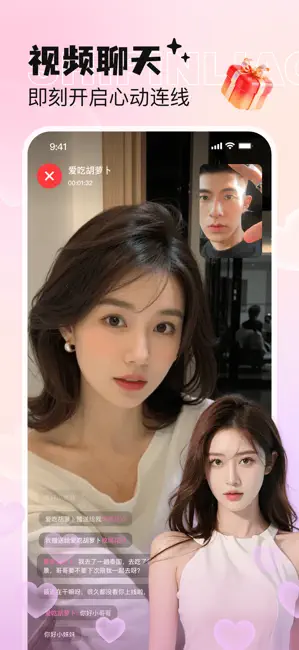
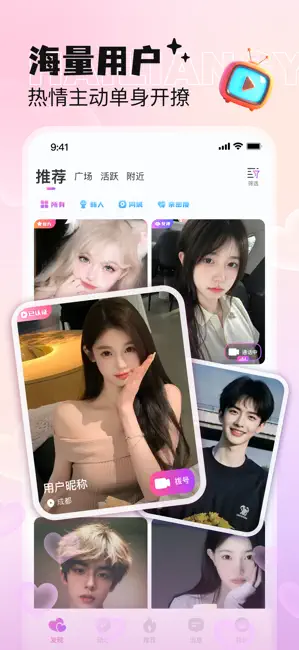

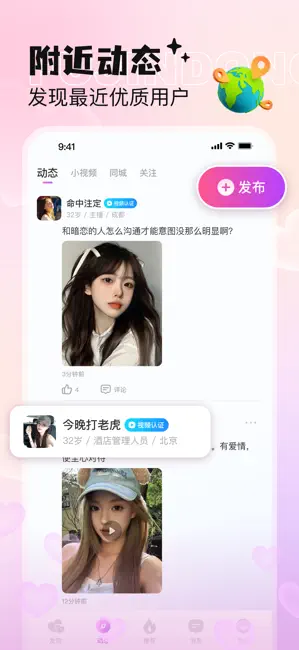

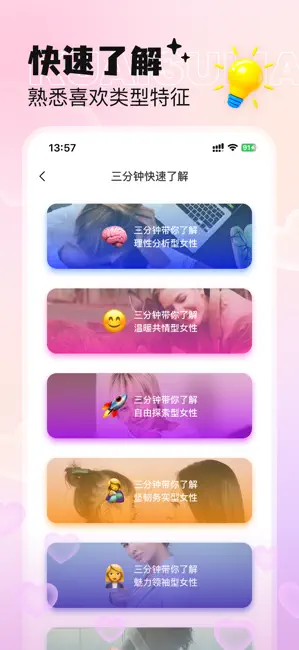
Icon palette
About this app
「恋小喵」—— 让恋爱变得更简单 (从破冰到热恋,让AI为甜蜜关系保驾护航) 为什么你的恋爱总卡在“朋友区”? 明明想逗她笑,却只会发系统表情包? 精心编辑的告白,被误认成“兄弟玩笑”? 约会前翻遍教程,仍不懂如何制造心动信号? ——别让“不会表达”成为爱情绊脚石! 四大核心模块,攻破恋爱全难题 【AI聊天教练】 实时解析对话情绪,推荐高情商话术 【3000+原创恋爱表情包】 智能推荐系统:根据聊天氛围匹配表情包 【CP关系升温工具】 双人情侣头像:超多情侣头像供你使用 【科学恋爱研究院】 匹配教程推荐:根据对象类型智能匹配恋爱技巧 见证真实改变 用户@Leo:“用CP头像官宣当晚,她主动说‘突然有真正恋爱的感觉了’” 用户@绵绵:“AI推荐的小恶魔表情包,让他3分钟就约我周末见面!” 数据印证:87%用户使用1个月后关系明显进阶
App details
What you can learn from 恋小喵 - 同城陌聊视频交友
Every shipping app on the App Store has gone through the same decisions you're working through right now: which screenshot goes first, what caption sits over it, which device frame to show, what color the background should be. The 6 screenshots above are 恋小喵 - 同城陌聊视频交友's answers to those questions — they're public, they're real, and they made it through Apple's review.
What the numbers say: 恋小喵 - 同城陌聊视频交友 runs a light set with one background colour (#FCE4EC) carried across every screenshot — the listing reads as a single poster when the shots sit side by side in search results. The accent colour we picked up, #AC7C5C, is the one to reuse for badges, arrows and highlighted words if you borrow this look. Hit Use this style to open the editor with these exact colours and drop your own screenshot in.
Notice the first screenshot in particular. It's the one users see in search results and on the product page, and it's where most apps spend their best caption and tightest design. Look at the proportion of background to phone, where the text sits, what one thing the image is trying to communicate.
Want to see how other Reference apps approach the same problem? Browse more Reference apps in the showcase.
Take what works into your own screenshots
Open LaunchShots and design your App Store & Google Play screenshots — pick a device frame, drop captions, ship in minutes. Free, in your browser.
Open the screenshot editor →Apps with a similar look
Closest background + accent colours among the listings we've analysed — useful when you want to see the same palette handled by a different team.