Chart position — tracked daily by LaunchShots
Screenshot changes — detected by LaunchShots
Screenshot style breakdown
Sampled from 6 of Snapchat好友,和外国人聊天,认识新朋友 - STRK's App Store screenshots — background, accent and theme, measured by LaunchShots (not something Apple publishes).
#FCFC4C bg
#DDDD42
#5C2CE4 accent
#111111 text
Screenshots
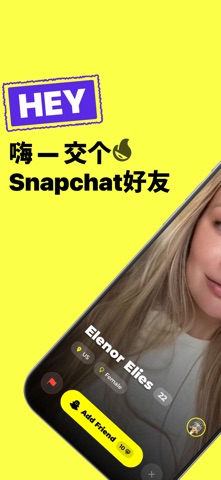
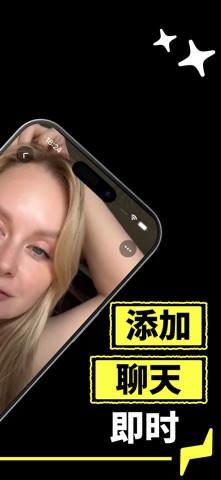

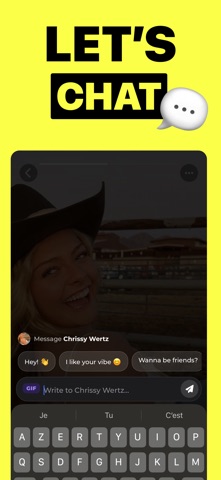
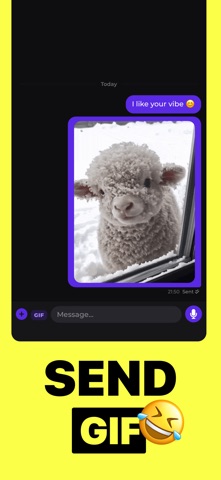
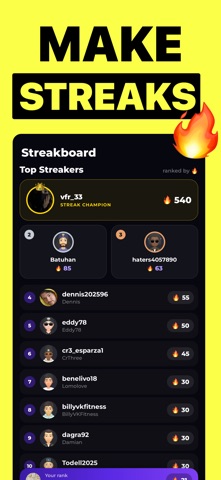
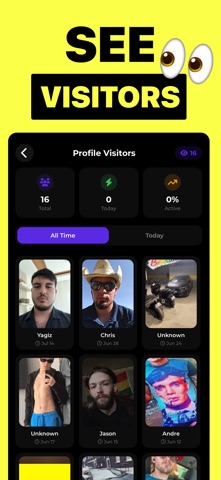

Icon palette
About this app
认识世界各地的新朋友,聊天,添加新的 Snapchat 好友——一个 App 全搞定。 浏览真实的用户资料,几秒钟就能开始聊天,用连续打卡把话题一直延续下去。 真人认证,不是机器人 每个资料都经过人脸认证,把假号和机器人挡在门外。你聊天的对象,是真实存在的人。 任何时候都可以举报或拉黑。 发现全世界的人 浏览附近或地球另一端的用户资料。按年龄、性别和距离筛选,只和你真正想认识的人聊天。 主题群聊房间 进入一个主题聊天室,和所有人一起聊——hot takes、rant room、tea time 等等。 全天开放,永远有人在线。可以发 GIF 和表情,也可以回复任何一条消息。 一对一私聊 遇到聊得来的人?开一个私聊。文字、语音消息、GIF、表情都能发,还能针对任意消息回复。 添加 Snapchat 好友 把你的 Snapchat 用户名放在资料里,让正在找新好友的人发现你。连续聊天累积天数, 在 Streakboard 上和朋友比一比。 连续打卡,聊得更久 每天聊天,连续天数就会增长。爬上 Streakboard,看谁能把连续记录保持得最久。 使用方法 1. 创建资料——照片、简介、年龄和兴趣 2. 完成人脸认证,让别人知…
App details
What you can learn from Snapchat好友,和外国人聊天,认识新朋友 - STRK
Every shipping app on the App Store has gone through the same decisions you're working through right now: which screenshot goes first, what caption sits over it, which device frame to show, what color the background should be. The 8 screenshots above are Snapchat好友,和外国人聊天,认识新朋友 - STRK's answers to those questions — they're public, they're real, and they made it through Apple's review.
What the numbers say: Snapchat好友,和外国人聊天,认识新朋友 - STRK runs a mixed light-and-dark set where the background shifts from screenshot to screenshot (first shot #FCFC4C) — each image has to stand on its own, so the captions carry more of the story. The accent colour we picked up, #5C2CE4, is the one to reuse for badges, arrows and highlighted words if you borrow this look. Hit Use this style to open the editor with these exact colours and drop your own screenshot in.
Notice the first screenshot in particular. It's the one users see in search results and on the product page, and it's where most apps spend their best caption and tightest design. Look at the proportion of background to phone, where the text sits, what one thing the image is trying to communicate.
Want to see how other Lifestyle apps approach the same problem? Browse more Lifestyle apps in the showcase.
Take what works into your own screenshots
Open LaunchShots and design your App Store & Google Play screenshots — pick a device frame, drop captions, ship in minutes. Free, in your browser.
Open the screenshot editor →Apps with a similar look
Closest background + accent colours among the listings we've analysed — useful when you want to see the same palette handled by a different team.