Chart position — tracked daily by LaunchShots
Screenshot changes — detected by LaunchShots
Screenshot style breakdown
Sampled from 6 of AVIOT CONNECT's App Store screenshots — background, accent and theme, measured by LaunchShots (not something Apple publishes).
#ECECEC bg
#CFCFCF
#DC3C3C accent
#111111 text
Reading the caption text from the screenshots in your browser…
Screenshots
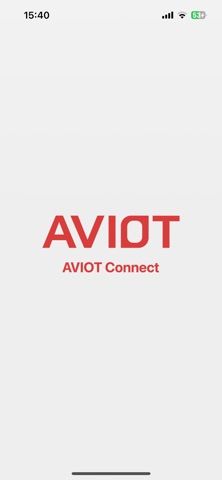
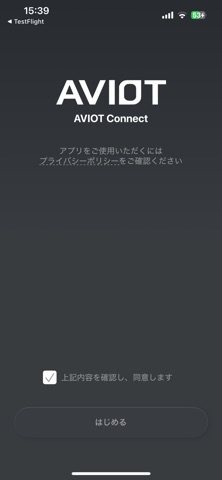
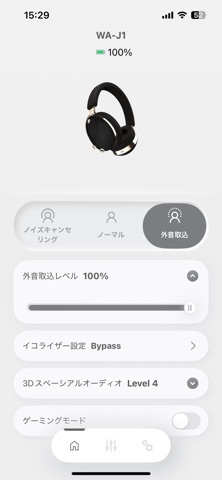
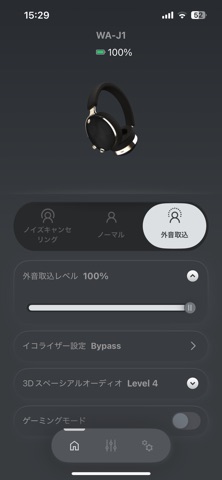
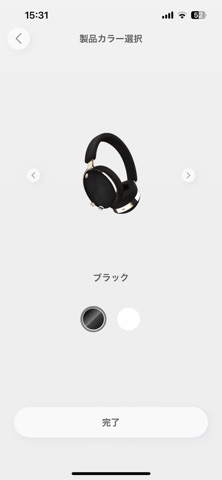
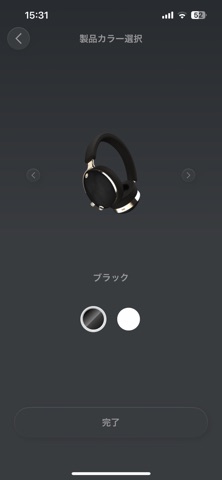
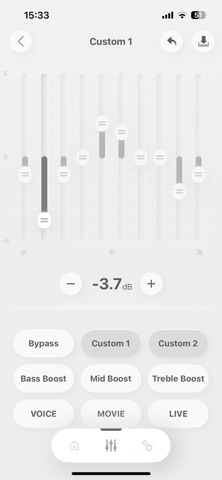
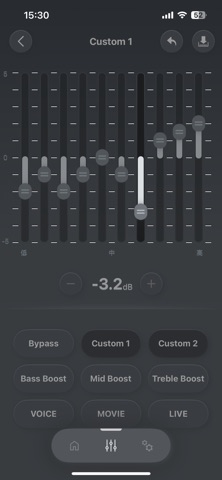
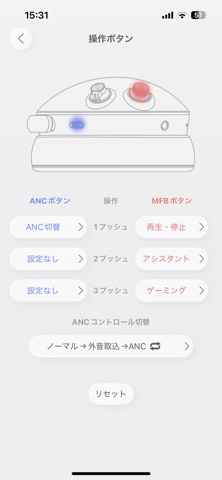
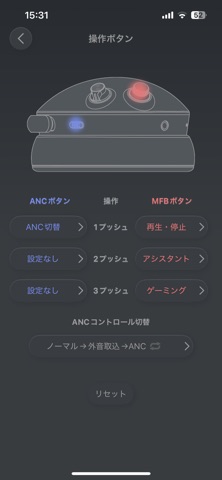
iPad screenshots


Icon palette
About this app
AVIOT CONNECTのイヤホン専用アプリです。 お好みの音楽に合わせ細かく音質調整が可能な10バンドのグラフィックイコライザーやイヤホン探知機能、 ノイズキャンセリングや外音取込モードのON/OFFおよびレベル調整、音声の遅延を低減するゲーミングモード、 ノイズキャンセリング使用時の風切り音を抑制する風雑音抑制モードなど、AVIOTのイヤホンをより自分好みにカスタマイズできます。 <ご注意事項> ・EQ機能は音切れや接続解除の不具合が発生する場合があります。不具合が生じた場合は一旦アプリを終了し、イヤホンをケースに戻して接続解除してから再びお使いください。 ・OSのバージョン変更等で予期せずアプリが使用できなくなる場合がございます。 ・Bluetooth接続を再度求められる場合がございますので、必ず承認してご利用ください。 ・イヤホンの機種によってご利用いただける機能が異なります。 <主な機能> ・ノイズキャンセリング/外音取込モード設定 各モードのON/OFFおよびレベル調整、および風雑音抑制モードのON/OFFが可能です。 ご使…
App details
What you can learn from AVIOT CONNECT
Every shipping app on the App Store has gone through the same decisions you're working through right now: which screenshot goes first, what caption sits over it, which device frame to show, what color the background should be. The 14 screenshots above are AVIOT CONNECT's answers to those questions — they're public, they're real, and they made it through Apple's review.
What the numbers say: AVIOT CONNECT runs a mixed light-and-dark set where the background shifts from screenshot to screenshot (first shot #ECECEC) — each image has to stand on its own, so the captions carry more of the story. The accent colour we picked up, #DC3C3C, is the one to reuse for badges, arrows and highlighted words if you borrow this look. Hit Use this style to open the editor with these exact colours and drop your own screenshot in.
Notice the first screenshot in particular. It's the one users see in search results and on the product page, and it's where most apps spend their best caption and tightest design. Look at the proportion of background to phone, where the text sits, what one thing the image is trying to communicate.
Want to see how other Music apps approach the same problem? Browse more Music apps in the showcase.
Take what works into your own screenshots
Open LaunchShots and design your App Store & Google Play screenshots — pick a device frame, drop captions, ship in minutes. Free, in your browser.
Open the screenshot editor →Apps with a similar look
Closest background + accent colours among the listings we've analysed — useful when you want to see the same palette handled by a different team.