Screenshots
Icon palette
About this app
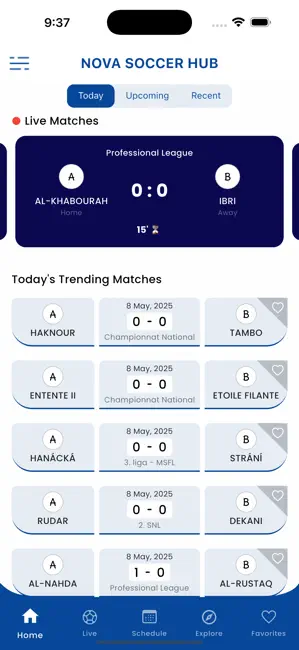
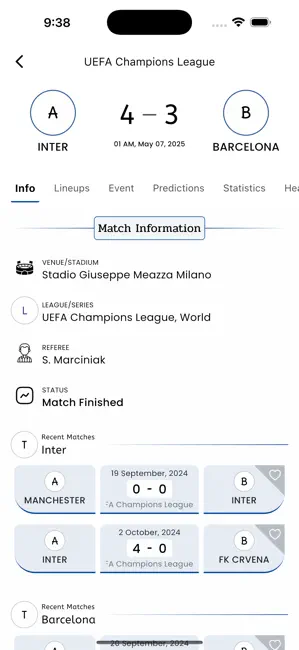
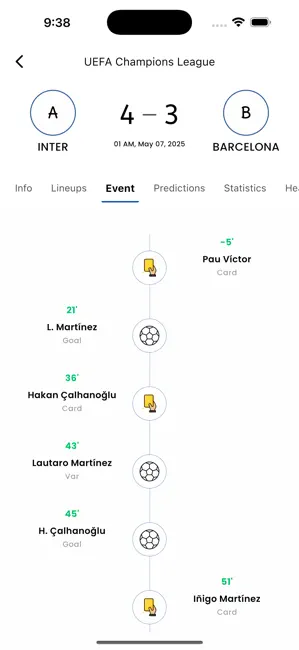
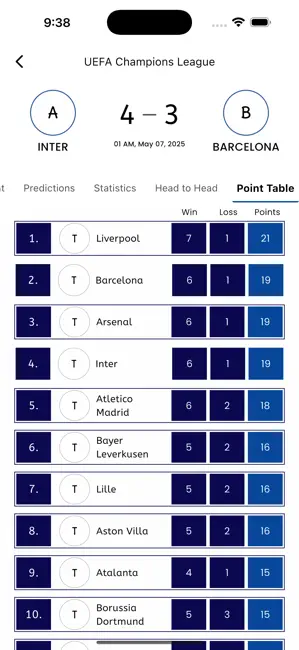
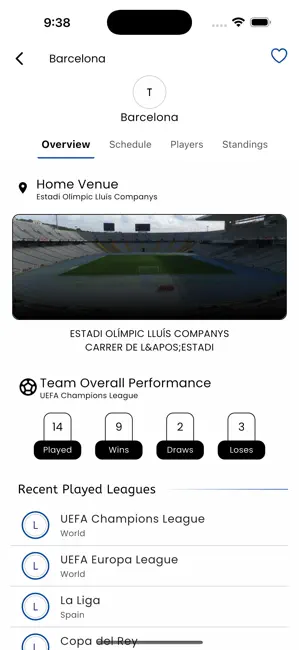
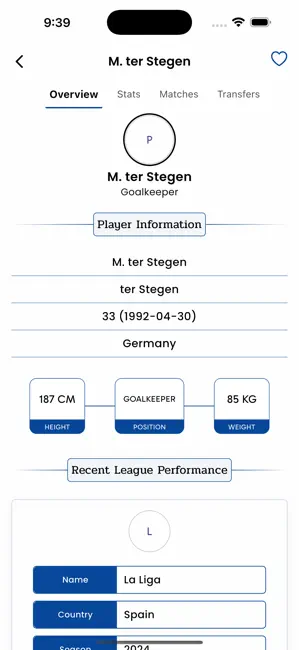
NOVA Soccer Hub App - delivers a complete Soccer tracking experience for fans worldwide. Whether you want to follow live scores, analyze matches, check team lineups, or explore player profiles, this app has it all—wrapped in a clean and intuitive interface. NOVA Soccer Hub App Key Features: * Live Match Center - Follow real-time updates with live scores, match time, key events, and team lineups. * Detailed Statistics - View comprehensive stats including shots, passes, fouls, offsides, possession, and more—visually compared between both sides. * Fixture & Schedule View - Plan ahead or look back with a calendar-based view of upcoming and past matches sorted by day. * Predictions & Analytics - Check team performance, form streaks, head-to-head comparisons, and match outcome predictions based on data. * Point Tables & Standings - Track team positions and points across various leagues …
App details
What you can learn from Nova Soccer Hub
Every shipping app on the App Store has gone through the same decisions you're working through right now: which screenshot goes first, what caption sits over it, which device frame to show, what color the background should be. The 6 screenshots above are Nova Soccer Hub's answers to those questions — they're public, they're real, and they made it through Apple's review.
Notice the first screenshot in particular. It's the one users see in search results and on the product page, and it's where most apps spend their best caption and tightest design. Look at the proportion of background to phone, where the text sits, what one thing the image is trying to communicate.
Want to see how other Sports apps approach the same problem? Browse more Sports apps in the showcase.
Take what works into your own screenshots
Open LaunchShots and design your App Store & Google Play screenshots — pick a device frame, drop captions, ship in minutes. Free, in your browser.
Open the screenshot editor →