Screenshots


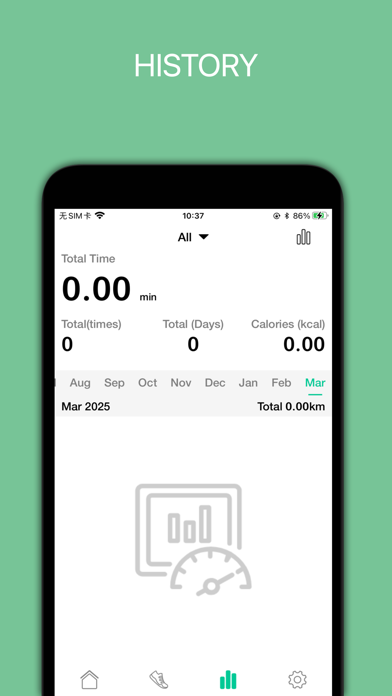

iPad screenshots


Icon palette
About this app
This App together with our smartwatch provides you with the best set of information straight from your wrist. Without compromising your style, our smartwatch is not just a traditional smartwatch but a powerful sport computer to monitor your performance in real time, and also let you receive text message and notifications from your smartphone. This App integrates with the Apple Health App. A built-in pedometer tracks your steps, distance, and calories burned. A built-in sleep monitor tracks your quality of sleep. A built-in heart rate sensor tracks your heart rate (please make sure your device has a built-in Heart Rate Sensor) Powered with multi-sport functionality, our sport smartwatch lets you choose from a series of activity types such as running, biking, walking, hiking, trail run etc… In addition to its training functions, our sport smartwatch will also notify you when …
App details
What you can learn from Porodo Fit
Every shipping app on the App Store has gone through the same decisions you're working through right now: which screenshot goes first, what caption sits over it, which device frame to show, what color the background should be. The 8 screenshots above are Porodo Fit's answers to those questions — they're public, they're real, and they made it through Apple's review.
Notice the first screenshot in particular. It's the one users see in search results and on the product page, and it's where most apps spend their best caption and tightest design. Look at the proportion of background to phone, where the text sits, what one thing the image is trying to communicate.
Want to see how other Lifestyle apps approach the same problem? Browse more Lifestyle apps in the showcase.
Take what works into your own screenshots
Open LaunchShots and design your App Store & Google Play screenshots — pick a device frame, drop captions, ship in minutes. Free, in your browser.
Open the screenshot editor →