Screenshots


Icon palette
About this app
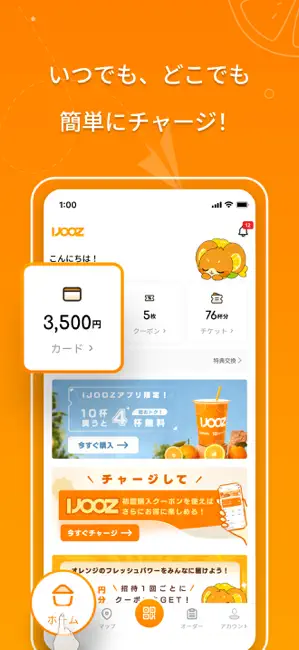
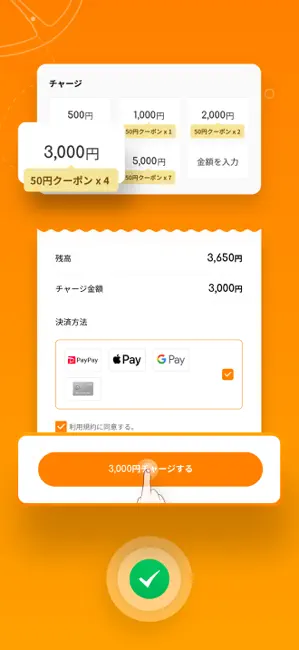
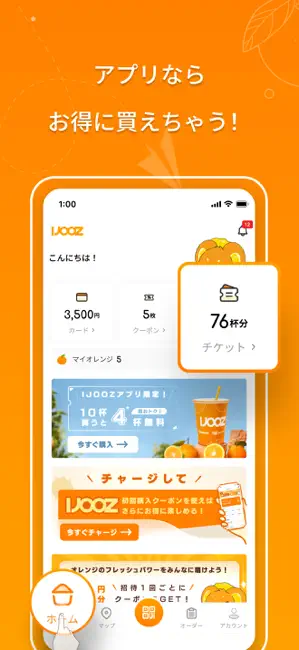
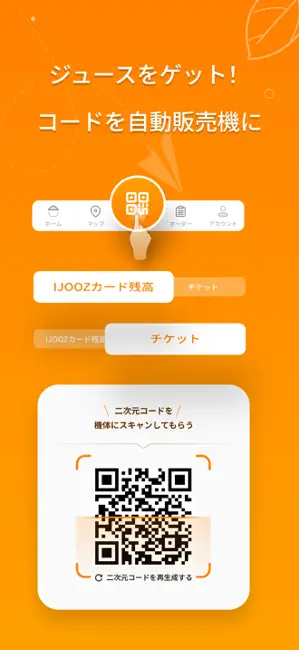
【主な機能と特徴】 IJOOZアプリ限定の嬉しい機能や特典がいっぱい! ■ すぐに、簡単に購入! 自動販売機にアプリの二次元コードにかざすと、現金・クレジットカードなしで簡単に決済できます。 ■ ジュースを買ってポイントが貯まる ジュースを購入するたびに、自動的にオレンジ(ポイント名)が貯まります。クーポンと交換でき、次回のお買い物がお得になります。 ■ 自動販売機を検索 地図検索や最寄りのIJOOZ自動販売機の場所がわかります。 ■ お得なジュースチケット! IJOOZアプリなら、まとめ買いチケットや期間限定の特別チケットをご購入いただけます!チケットの管理やご利用も、アプリ内で簡単にできます。 ■ 友だちにプレゼントも! 購入したチケットを友だちや家族に贈ることができます。シェアされたチケットの二次元コードのスクリーンショットを送るだけで、簡単に利用できます! ■ 利用履歴も確認できる! チケット枚数やチャージ残高、購入履歴などをいつでも確認でき、安心してご利用いただけます。 ■ 新しいキャンペーンと特典をチェック IJO…
App details
What you can learn from IJOOZ JP
Every shipping app on the App Store has gone through the same decisions you're working through right now: which screenshot goes first, what caption sits over it, which device frame to show, what color the background should be. The 6 screenshots above are IJOOZ JP's answers to those questions — they're public, they're real, and they made it through Apple's review.
Notice the first screenshot in particular. It's the one users see in search results and on the product page, and it's where most apps spend their best caption and tightest design. Look at the proportion of background to phone, where the text sits, what one thing the image is trying to communicate.
Want to see how other Food & Drink apps approach the same problem? Browse more Food & Drink apps in the showcase.
Take what works into your own screenshots
Open LaunchShots and design your App Store & Google Play screenshots — pick a device frame, drop captions, ship in minutes. Free, in your browser.
Open the screenshot editor →