Chart position — tracked daily by LaunchShots
Screenshot style breakdown
Sampled from 6 of Meteology Live's App Store screenshots — background, accent and theme, measured by LaunchShots (not something Apple publishes).
#1C5CBC bg
#3B72C5
#FCCC34 accent
#FFFFFF text
Screenshots


iPad screenshots
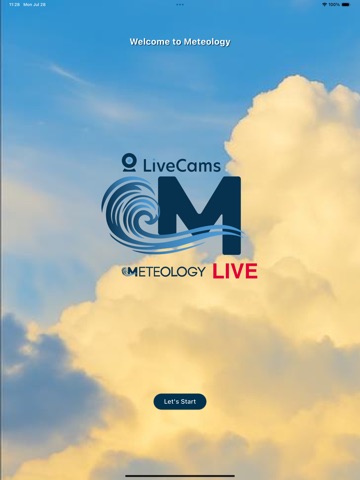


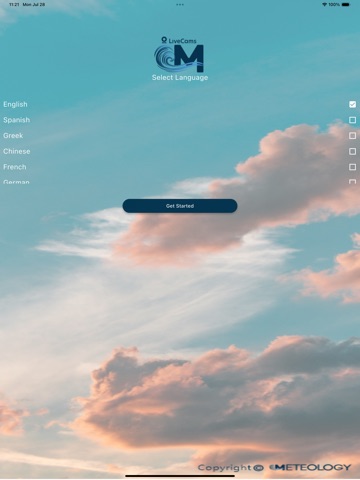


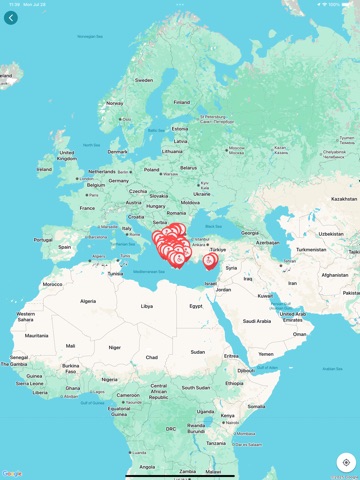
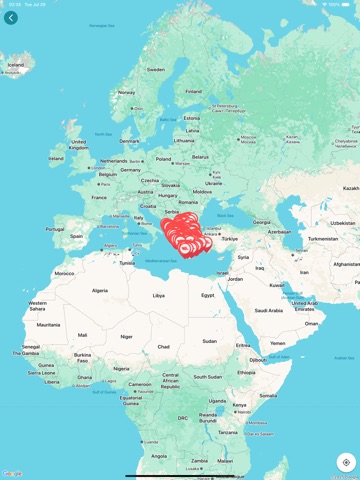
Icon palette
About this app
Meteology Live FREE – Ο Καιρός Ζωντανά σε παγκόσμιο επίπεδο, Παντού και Πάντα 24/7 Μην μένεις απλώς στην πρόγνωση, δες τον καιρό σε απευθείας ζωντανή μετάδοση! Και εντελώς ΔΩΡΕΑΝ. Η πιο πλήρης, γρήγορη και εύκολη εφαρμογή καιρού με δεκάδες ιδιόκτητες ζωντανές κάμερες 24/7, live ραντάρ, δορυφορικές λήψεις, αναλυτικές προγνώσεις και πολλά ακόμα. Καθαρό design, αναλυτικές προγνώσεις με πολλές πληροφορίες, πολυθεματικό μενού, άμεση πληροφορία, πολύ εύκολο και εύχρηστο ΜΕΝΟΥ. Ιδανική για εκδρομείς, επαγγελματίες, ταξιδιώτες, ψαράδες, αγρότες, οδηγούς, τουρίστες, πεζοπόρους, λάτρεις του καιρού και για όσους θέλουν πολλά παραπάνω, από μια απλή πρόγνωση! Με την Eφαρμογή Meteology Live FREE έχεις: - Δεκάδες ιδιόκτητες Live κάμερες σε όλη την Ελλάδα - Κύπρο και με συνεχόμενες νέες τοποθετήσεις σε εβδομαδιαία βάση - Πλούσιο, θεματικό μενού για κάθε ανάγκη - LIVE Ραντάρ Κεραυνών - Δορυφορ…
App details
What you can learn from Meteology Live
Every shipping app on the App Store has gone through the same decisions you're working through right now: which screenshot goes first, what caption sits over it, which device frame to show, what color the background should be. The 18 screenshots above are Meteology Live's answers to those questions — they're public, they're real, and they made it through Apple's review.
What the numbers say: Meteology Live runs a mixed light-and-dark set where the background shifts from screenshot to screenshot (first shot #1C5CBC) — each image has to stand on its own, so the captions carry more of the story. The accent colour we picked up, #FCCC34, is the one to reuse for badges, arrows and highlighted words if you borrow this look. Hit Use this style to open the editor with these exact colours and drop your own screenshot in.
Notice the first screenshot in particular. It's the one users see in search results and on the product page, and it's where most apps spend their best caption and tightest design. Look at the proportion of background to phone, where the text sits, what one thing the image is trying to communicate.
Want to see how other Weather apps approach the same problem? Browse more Weather apps in the showcase.
Take what works into your own screenshots
Open LaunchShots and design your App Store & Google Play screenshots — pick a device frame, drop captions, ship in minutes. Free, in your browser.
Open the screenshot editor →Apps with a similar look
Closest background + accent colours among the listings we've analysed — useful when you want to see the same palette handled by a different team.