Screenshots
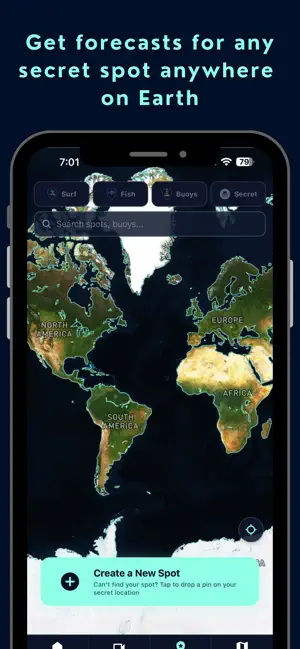
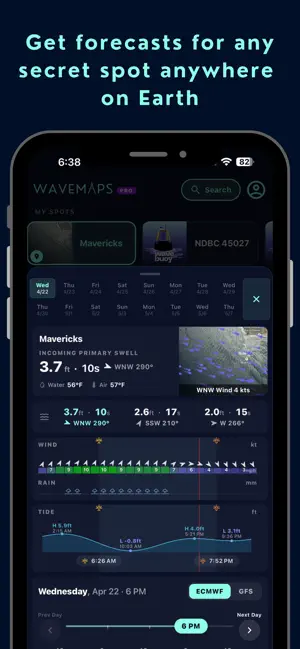
Icon palette
About this app
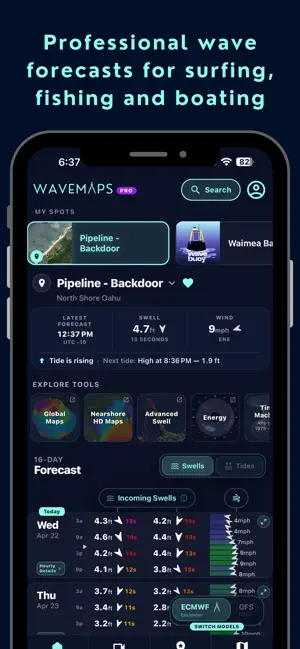
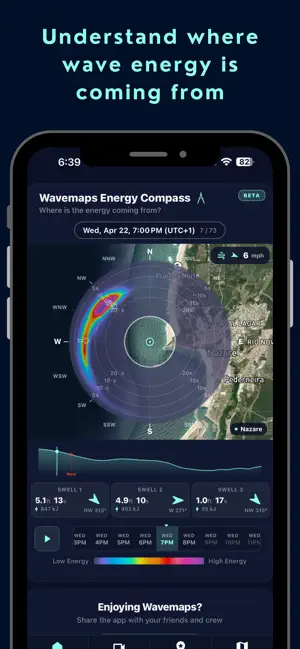
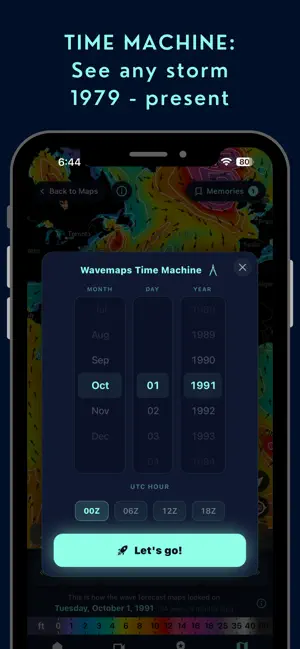
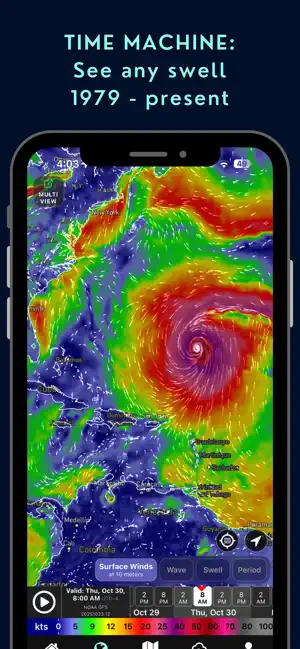
Wavemaps — A Professional Wave Forecasting Platform Wavemaps is a professional wave, wind, and marine forecasting platform built for people who spend serious time on or near the water. Surfers, fishers, sailors, captains, lifeguards, marine engineers, and coastal professionals run on the same system: the world's leading wave and marine weather models, refined into hyperlocal forecasts up to 16 days out. MULTI-MODEL COMPARISON Detailed wave forecasts compared side by side across leading global models, including ECMWF and GFS. Read the agreement between models at a glance and make calls with confidence. WAVEMAPS TIME MACHINE Visualize wave and wind forecast maps from 1979 to the present. Replay historical swells, storms, and seasons — and save them as memories to revisit. WAVEMAPS ENERGY COMPASS Our signature swell-direction visualization. See where wave energy is coming from, how it'…
App details
What you can learn from Wavemaps: Wave Forecasts
Every shipping app on the App Store has gone through the same decisions you're working through right now: which screenshot goes first, what caption sits over it, which device frame to show, what color the background should be. The 6 screenshots above are Wavemaps: Wave Forecasts's answers to those questions — they're public, they're real, and they made it through Apple's review.
Notice the first screenshot in particular. It's the one users see in search results and on the product page, and it's where most apps spend their best caption and tightest design. Look at the proportion of background to phone, where the text sits, what one thing the image is trying to communicate.
Want to see how other Weather apps approach the same problem? Browse more Weather apps in the showcase.
Take what works into your own screenshots
Open LaunchShots and design your App Store & Google Play screenshots — pick a device frame, drop captions, ship in minutes. Free, in your browser.
Open the screenshot editor →