Screenshots




Icon palette
About this app
Simran is your AI-powered Sikh companion. Chat about Gurbani, track your Nitnem, and build a daily spiritual practice that stays with you. Chat with Gurbani - Ask anything and receive thoughtful, Gurbani-based guidance - Explore Shabads with meaning, context, and spiritual insight - Discuss today's Hukamnama and what it means for you Daily Hukamnama - Receive the daily Hukamnama from Sri Harmandir Sahib - Read in Gurmukhi, Punjabi, or English - Save and share verses that speak to you Nitnem & Daily Practice - Track your daily banis with simple completion tracking - Build streaks and stay consistent in your practice - Morning and evening prayers all in one place Deep Sleep - Wind down with peaceful Waheguru Simran - Designed to calm the mind before sleep Why Simran? - One app for your complete daily Sikhi practice - Simple, beautiful, and distraction-free - Grounded in Sri Guru Gran…
App details
What you can learn from Simran: Sikh Companion App
Every shipping app on the App Store has gone through the same decisions you're working through right now: which screenshot goes first, what caption sits over it, which device frame to show, what color the background should be. The 5 screenshots above are Simran: Sikh Companion App's answers to those questions — they're public, they're real, and they made it through Apple's review.
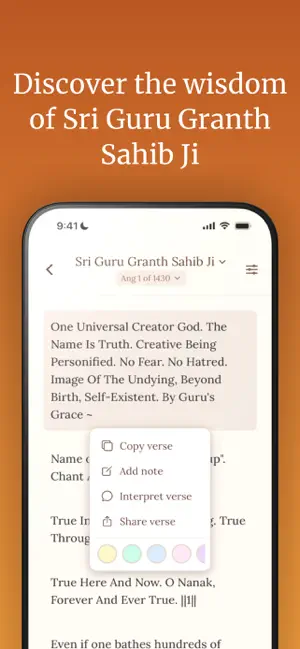
Notice the first screenshot in particular. It's the one users see in search results and on the product page, and it's where most apps spend their best caption and tightest design. Look at the proportion of background to phone, where the text sits, what one thing the image is trying to communicate.
Want to see how other Reference apps approach the same problem? Browse more Reference apps in the showcase.
Take what works into your own screenshots
Open LaunchShots and design your App Store & Google Play screenshots — pick a device frame, drop captions, ship in minutes. Free, in your browser.
Open the screenshot editor →