Screenshots

Icon palette
About this app
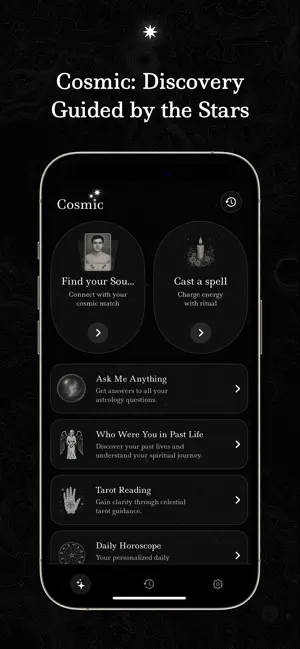
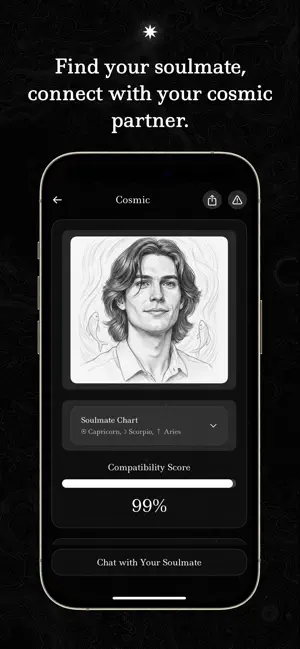
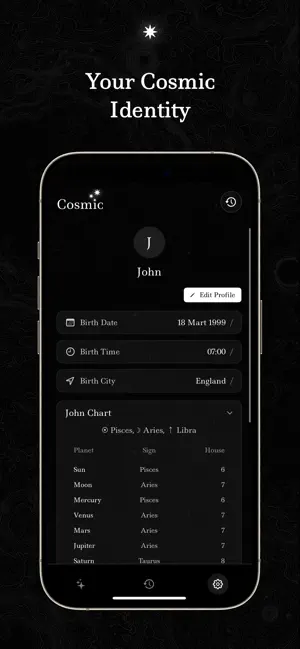
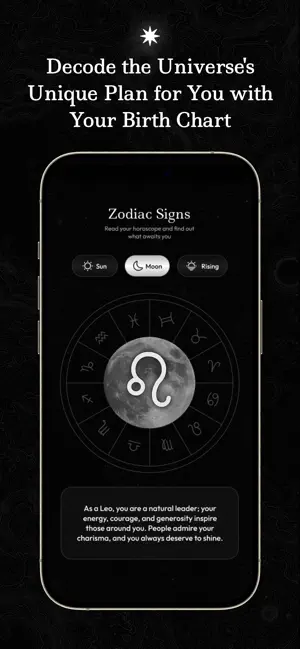
Cosmic is a personal awareness and astrology app that connects you with the energy of the universe. It is based on real astronomical data, analyzed by artificial intelligence, and interpreted with a human touch to deliver meaningful insights tailored just for you. With Cosmic, you can explore not only today’s energy, but also discover insights about your past-life connections, your soulmate, and clues about your future. Whether you want to see your soulmate’s portrait, learn who you were in a past life, or check your daily horoscope — Cosmic guides you every step of the way. What You Can Do with Cosmic • Soulmate Portrait View a personalized soulmate illustration generated by AI based on your birth details and explore your relational energy. • Past Life Analysis Discover who you may have been in a past life, your spiritual imprints, and their connection to your present. • Daily Hor…
App details
What you can learn from Cosmic: Soulmate Drawing
Every shipping app on the App Store has gone through the same decisions you're working through right now: which screenshot goes first, what caption sits over it, which device frame to show, what color the background should be. The 5 screenshots above are Cosmic: Soulmate Drawing's answers to those questions — they're public, they're real, and they made it through Apple's review.
Notice the first screenshot in particular. It's the one users see in search results and on the product page, and it's where most apps spend their best caption and tightest design. Look at the proportion of background to phone, where the text sits, what one thing the image is trying to communicate.
Want to see how other Lifestyle apps approach the same problem? Browse more Lifestyle apps in the showcase.
Take what works into your own screenshots
Open LaunchShots and design your App Store & Google Play screenshots — pick a device frame, drop captions, ship in minutes. Free, in your browser.
Open the screenshot editor →