Screenshot style breakdown
Sampled from 3 of Zika - Fun's App Store screenshots — background, accent and theme, measured by LaunchShots (not something Apple publishes).
#8CDCD4 bg
#7BC1BA
#B44C4C accent
#111111 text
Screenshots
Icon palette
About this app
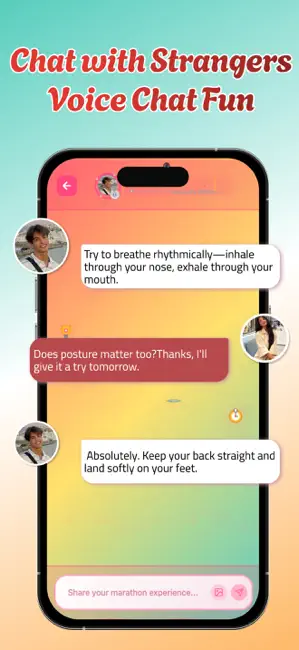
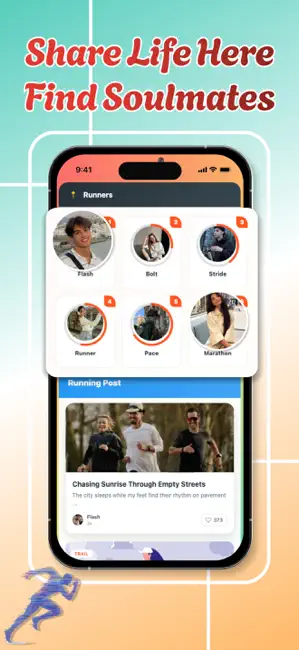
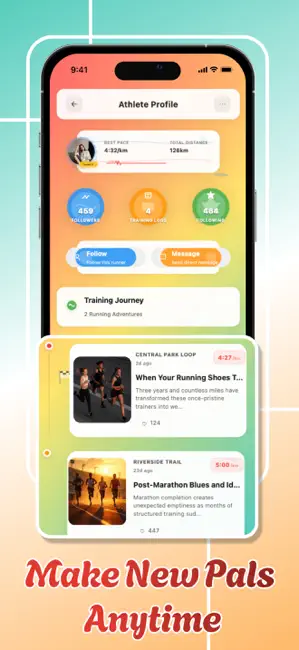
Zika establishes a vibrant running community where performance excellence converges with authentic social interaction through carefully engineered networking capabilities and elite-level training instruments. The application empowers runners to chronicle their athletic journeys, narrating compelling experiences about trail explorations, workout sessions, personal victories, and strategic discoveries while fostering deep connections with like-minded athletes who value the relentless pursuit of running mastery. Dynamic messaging systems facilitate spontaneous conversations regarding training methodologies, equipment insights, route preferences, and competitive approaches, building relationships anchored in collective dedication toward athletic achievement. Sophisticated calculation engines process temporal and distance variables to produce accurate pace measurements complemented by predic…
App details
What you can learn from Zika - Fun
Every shipping app on the App Store has gone through the same decisions you're working through right now: which screenshot goes first, what caption sits over it, which device frame to show, what color the background should be. The 3 screenshots above are Zika - Fun's answers to those questions — they're public, they're real, and they made it through Apple's review.
What the numbers say: Zika - Fun runs a light set where the background shifts from screenshot to screenshot (first shot #8CDCD4) — each image has to stand on its own, so the captions carry more of the story. The accent colour we picked up, #B44C4C, is the one to reuse for badges, arrows and highlighted words if you borrow this look. Hit Use this style to open the editor with these exact colours and drop your own screenshot in.
Notice the first screenshot in particular. It's the one users see in search results and on the product page, and it's where most apps spend their best caption and tightest design. Look at the proportion of background to phone, where the text sits, what one thing the image is trying to communicate.
Want to see how other Social Networking apps approach the same problem? Browse more Social Networking apps in the showcase.
Take what works into your own screenshots
Open LaunchShots and design your App Store & Google Play screenshots — pick a device frame, drop captions, ship in minutes. Free, in your browser.
Open the screenshot editor →Apps with a similar look
Closest background + accent colours among the listings we've analysed — useful when you want to see the same palette handled by a different team.