Screenshots

Icon palette
About this app
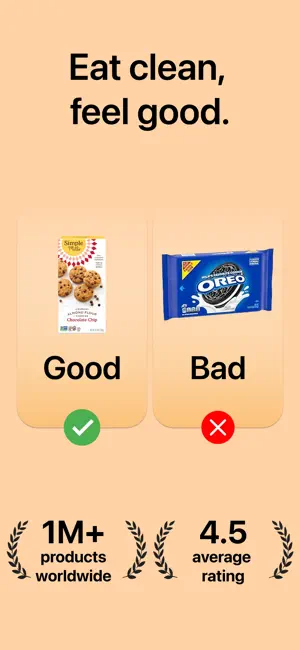
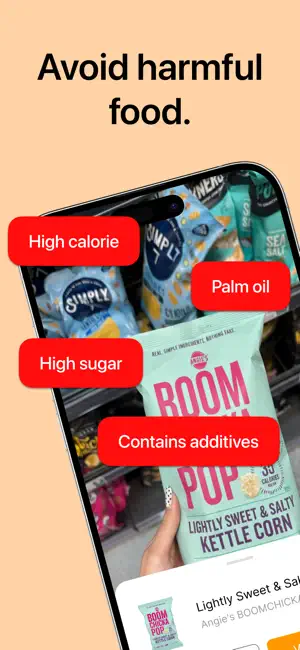
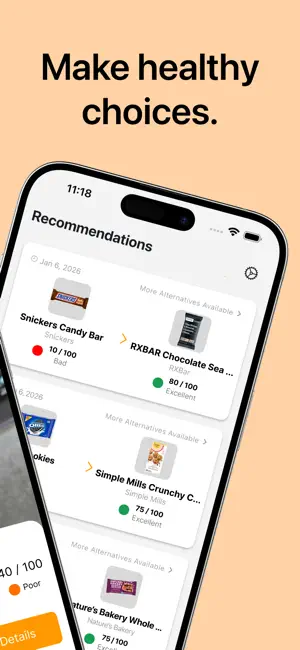
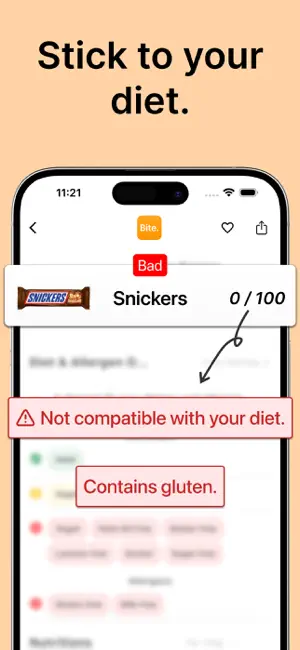
Bite is a smart food scanner that helps you shop fast and healthy. Point the camera at a barcode to see ingredients, allergens, and clear nutrition details in seconds. Use simple filters to find gluten free, halal, and kosher products that match your needs. Why Bite? • Fast scans with easy-to-read nutrition info • Clear badges for healthy picks and allergen alerts • Filters for gluten free, halal, kosher • Keep a list of products you like for quick access • Private by design with anonymous sign-in How it helps? Scan, see the facts, and decide with confidence. Bite translates labels into plain language so you can compare similar items without digging through tiny text. If you follow gluten free, halal, or kosher guidelines, or just want better nutrition, Bite makes it simple to spot the right choice. Download Bite and bring clarity to every aisle with a reliable food scanner, helpful …
App details
What you can learn from Bite - Food Scanner
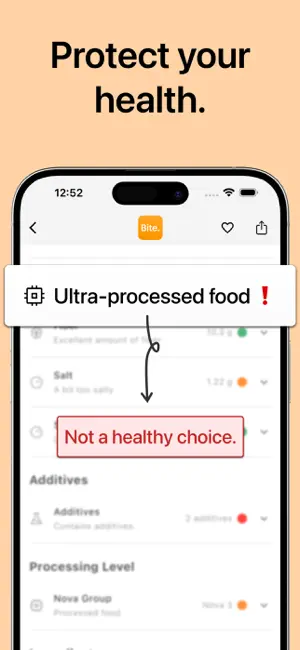
Every shipping app on the App Store has gone through the same decisions you're working through right now: which screenshot goes first, what caption sits over it, which device frame to show, what color the background should be. The 6 screenshots above are Bite - Food Scanner's answers to those questions — they're public, they're real, and they made it through Apple's review.
Notice the first screenshot in particular. It's the one users see in search results and on the product page, and it's where most apps spend their best caption and tightest design. Look at the proportion of background to phone, where the text sits, what one thing the image is trying to communicate.
Want to see how other Health & Fitness apps approach the same problem? Browse more Health & Fitness apps in the showcase.
Take what works into your own screenshots
Open LaunchShots and design your App Store & Google Play screenshots — pick a device frame, drop captions, ship in minutes. Free, in your browser.
Open the screenshot editor →