Screenshots


Icon palette
About this app
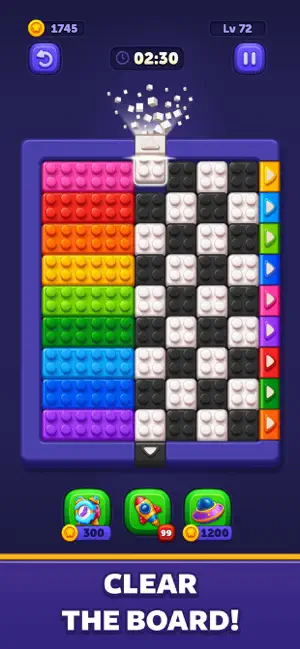
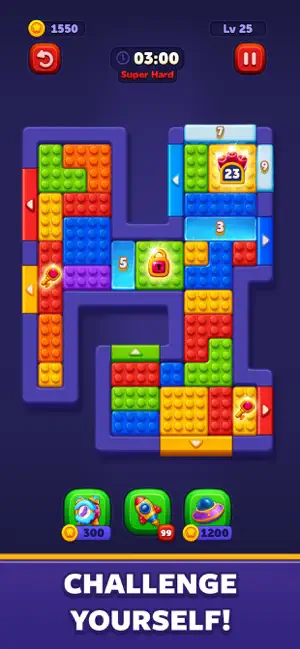
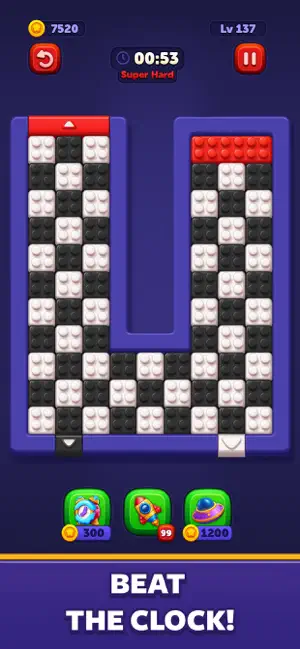
Get ready for Block Out!, a block puzzle game where every level feels alive. Slide colorful blocks, match them with their targets while experiencing the unique twist of moving elevators and block generators. Each puzzle feels fresh with ever-changing layouts. Plan your moves, think quickly, and enjoy the satisfaction of perfect clears as you progress through a colorful and evolving puzzle adventure. Block Out! offers a puzzle experience that keeps you coming back for more. Accept the challenge and start your journey! Quick Play Guide - Start Simple: Slide the blocks to the matching doors and create satisfying clears. - Plan Ahead: Position blocks carefully, manage space, and keep up with dynamic challenges. - Think Fast: Move faster to complete levels and unlock new challenges. Cool Features - Offline Play: Enjoy anywhere, anytime—no wi-fi required. - Strategic Gameplay: Start simpl…
App details
What you can learn from Block Out! - Color Sort Puzzle
Every shipping app on the App Store has gone through the same decisions you're working through right now: which screenshot goes first, what caption sits over it, which device frame to show, what color the background should be. The 6 screenshots above are Block Out! - Color Sort Puzzle's answers to those questions — they're public, they're real, and they made it through Apple's review.
Notice the first screenshot in particular. It's the one users see in search results and on the product page, and it's where most apps spend their best caption and tightest design. Look at the proportion of background to phone, where the text sits, what one thing the image is trying to communicate.
Want to see how other Games apps approach the same problem? Browse more Games apps in the showcase.
Take what works into your own screenshots
Open LaunchShots and design your App Store & Google Play screenshots — pick a device frame, drop captions, ship in minutes. Free, in your browser.
Open the screenshot editor →