Screenshots
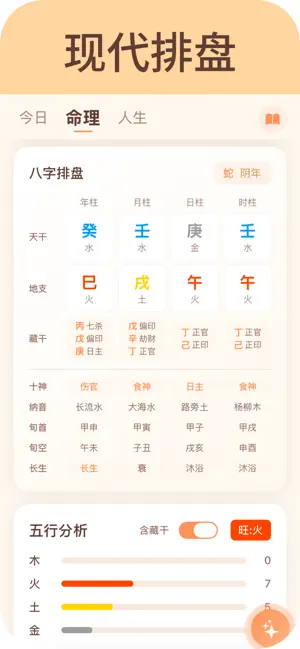

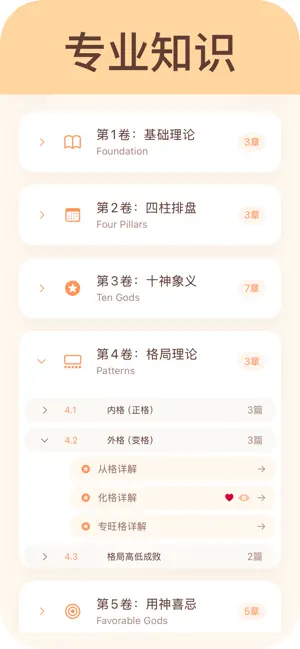

Icon palette
About this app
【核心功能】 ▸ 今日概览 · 流日速览 · 公历农历双历同显,一屏尽览今日要素 · 灵动日期切换,穿梭古今,查看任意日期详情 ▸ 节气百科 · 顺应自然 · 二十四节气完整收录,传统智慧系统呈现 · 节气详情深度解读(由来、三候、气候、农事) · 养生要点、时令食材、传统习俗一应俱全 · 季节筛选、关键词搜索,快速查找节气知识 · 精美诗词配图,感受古人对自然的诗意表达 ▸ 传统节日 · 文化传承 · 春节、端午、中秋等传统节日全收录 · 节日由来、习俗、美食、诗词文化详尽展示 · 地方特色习俗对比,了解各地民俗差异 · 节日象征意义解读,传承文化精髓 ▸ 日期计算工具 · 精准便捷 · 日期加减计算 - 推算未来过去任意日期 · 日期间隔计算 - 精确计算两日期间隔天数 · 年龄计算器 - 从出生到现在的完整时光记录 订阅说明 本应用提供以下订阅选项: • 月度会员:按月自动续订 • 年度会员:按年自动续订,性价比更高 订阅详情: • 付款将在确认购买时从 iTunes 账户扣除 • 订阅会在到期前 24 小时自动续订,除非提前关闭自动续订 • 可在账户设置中管理订阅:设置 > […
App details
What you can learn from 测测八字-周易工具知识库
Every shipping app on the App Store has gone through the same decisions you're working through right now: which screenshot goes first, what caption sits over it, which device frame to show, what color the background should be. The 4 screenshots above are 测测八字-周易工具知识库's answers to those questions — they're public, they're real, and they made it through Apple's review.
Notice the first screenshot in particular. It's the one users see in search results and on the product page, and it's where most apps spend their best caption and tightest design. Look at the proportion of background to phone, where the text sits, what one thing the image is trying to communicate.
Want to see how other Reference apps approach the same problem? Browse more Reference apps in the showcase.
Take what works into your own screenshots
Open LaunchShots and design your App Store & Google Play screenshots — pick a device frame, drop captions, ship in minutes. Free, in your browser.
Open the screenshot editor →