Screenshots

Icon palette
About this app
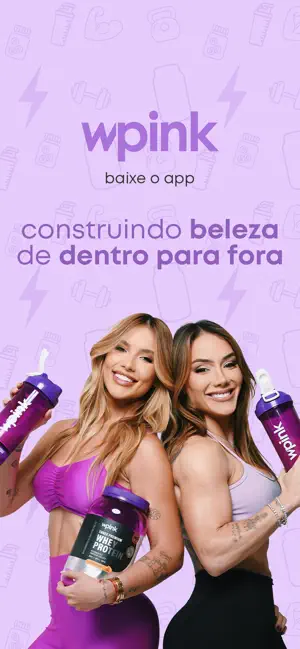
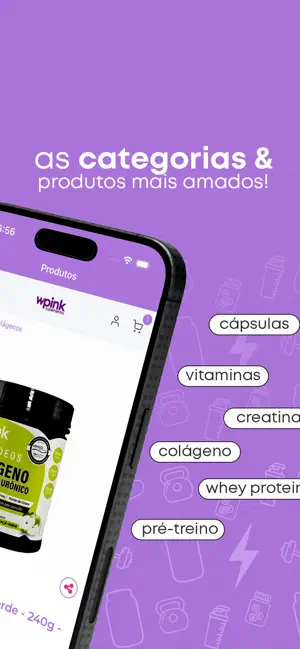
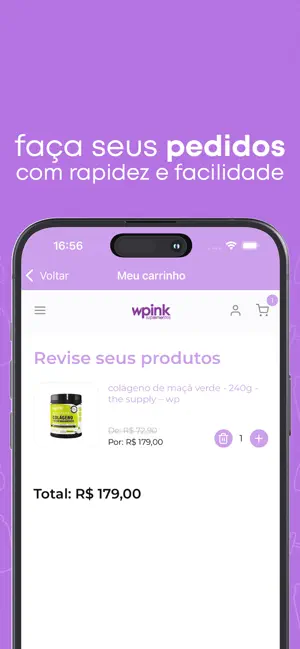
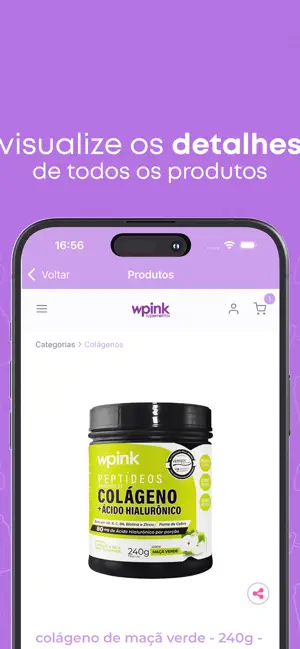
BREVE DESCRIÇÃO: O app WPINK chegou! Garanta seus suplementos favoritos com descontos exclusivos DESCRIÇÃO Impulsionada pela paixão pela inovação e qualidade, a WPINK Suplementos leva saúde, performance e bem-estar para onde você estiver. Com o app oficial, comprar seus suplementos favoritos ficou muito mais rápido, seguro e prático, com vantagens exclusivas para quem vive o universo WPINK todos os dias! Com o app, você acompanha lançamentos, promoções exclusivas e novidades! DESTAQUES DO APP WPINK SUPLEMENTOS: • Vitaminas e Cápsulas – suporte essencial para a sua saúde • Whey Protein e Creatina – nutrição para ganho de massa e recuperação muscular • Pré-treinos e Energia – disposição extra para o dia a dia e treinos • Colágeno – cuidado com a pele, cabelos, unhas e articulações COMPRAR NA WPINK NUNCA FOI TÃO FÁCIL Com apenas alguns cliques, você escolhe, compra e recebe seus …
App details
What you can learn from Wpink suplementos
Every shipping app on the App Store has gone through the same decisions you're working through right now: which screenshot goes first, what caption sits over it, which device frame to show, what color the background should be. The 6 screenshots above are Wpink suplementos's answers to those questions — they're public, they're real, and they made it through Apple's review.
Notice the first screenshot in particular. It's the one users see in search results and on the product page, and it's where most apps spend their best caption and tightest design. Look at the proportion of background to phone, where the text sits, what one thing the image is trying to communicate.
Want to see how other Shopping apps approach the same problem? Browse more Shopping apps in the showcase.
Take what works into your own screenshots
Open LaunchShots and design your App Store & Google Play screenshots — pick a device frame, drop captions, ship in minutes. Free, in your browser.
Open the screenshot editor →