Screenshots



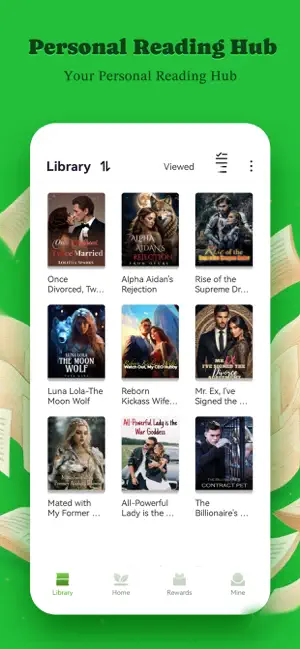

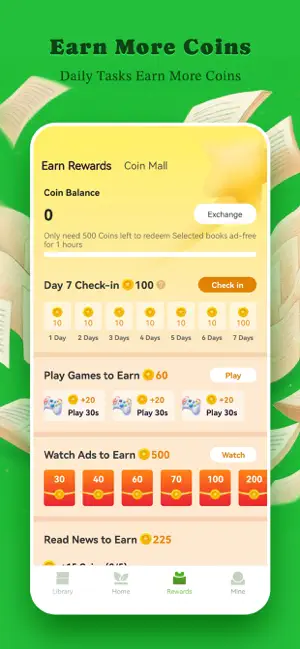
Icon palette
About this app
LeafNovel – Enjoy Unlimited Reading Novels Here! Dive into a world of stories – From romance to fantasy, realistic urban to paranormal, LeafNovel offers thousands of captivating English novels for every mood. Enjoy daily updated chapters, offline access, and a seamless experience! Why readers love LeafNovel:【Daily updated chapters】 – There is no need to hesitate to enjoy fresh stories, we have the most popular content available to you here! 【Personalized recommendations】 – You will get tailored suggestions and find your next favorite book effortlessly. 【Offline Access】 – Download novels & read anytime, anywhere.【Smooth reading experience】 – Day/Night mode, customizable fonts & more! Hot genres you’ll love: Billionaire | Werewolf | Realistic Urban | Fantasy | Paranormal Let's Join Us! Join millions of readers and experience the pleasure of unlimited reading numerous novels. I…
App details
What you can learn from LeafNovel - Unlimited Stories
Every shipping app on the App Store has gone through the same decisions you're working through right now: which screenshot goes first, what caption sits over it, which device frame to show, what color the background should be. The 6 screenshots above are LeafNovel - Unlimited Stories's answers to those questions — they're public, they're real, and they made it through Apple's review.
Notice the first screenshot in particular. It's the one users see in search results and on the product page, and it's where most apps spend their best caption and tightest design. Look at the proportion of background to phone, where the text sits, what one thing the image is trying to communicate.
Want to see how other Book apps approach the same problem? Browse more Book apps in the showcase.
Take what works into your own screenshots
Open LaunchShots and design your App Store & Google Play screenshots — pick a device frame, drop captions, ship in minutes. Free, in your browser.
Open the screenshot editor →