Screenshots

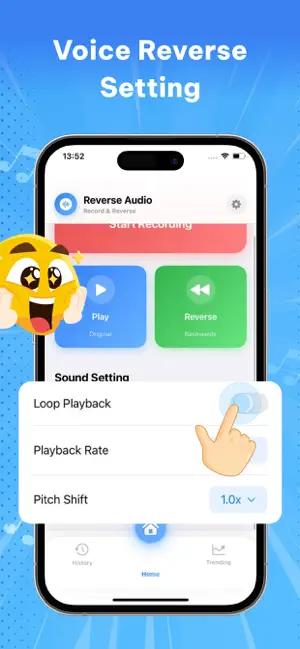
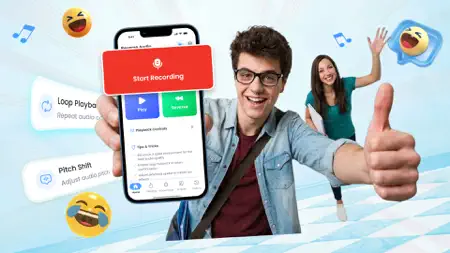
Icon palette
About this app
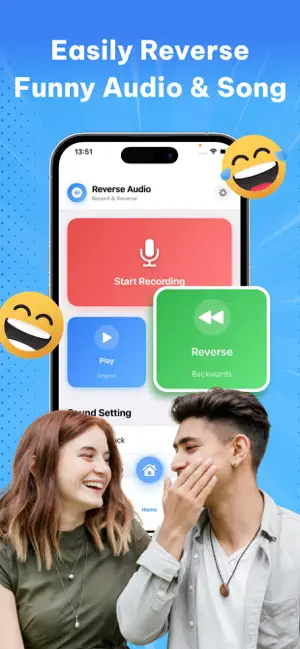
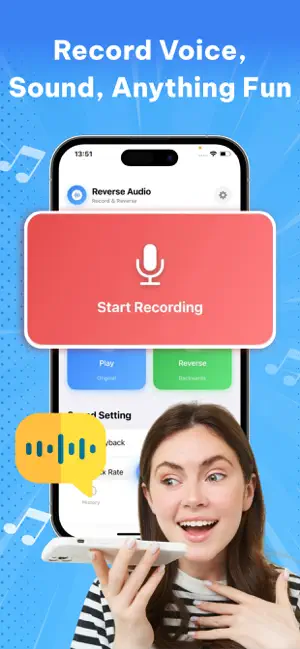
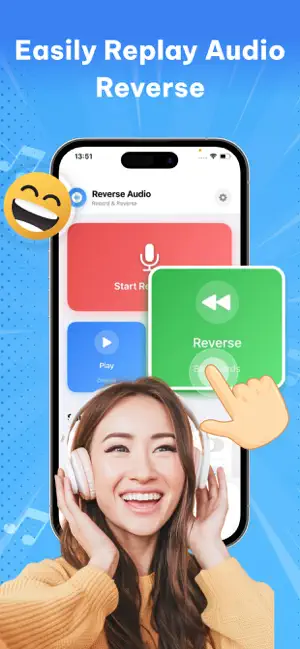
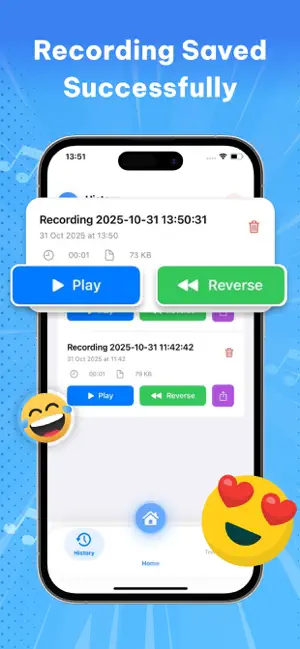
Discover the fun of reversing your world with Reverse Audio: Sing Challenge! Turn your ordinary sounds into something extraordinary — flip your voice, songs, or any audio backward and see how funny, weird, and creative it can get! With Reverse Audio: Sing Challenge, you can easily record, reverse, and play back your sounds in seconds. Whether you want to make your friends laugh, join a viral singing challenge, or experiment with sound effects, this app gives you all the tools to have fun with your voice. Main Features: • Reverse any voice or sound instantly Tap to record — then hear your recording backward in just seconds! Perfect for trying out funny phrases, jokes, or singing lines. • Reverse your singing for fun challenges Join the Reverse Singing Challenge! Record yourself singing a short verse, flip it backward, learn to mimic it, then reverse your attempt — and see how close y…
App details
What you can learn from Reverse Audio: Sing Challenge
Every shipping app on the App Store has gone through the same decisions you're working through right now: which screenshot goes first, what caption sits over it, which device frame to show, what color the background should be. The 7 screenshots above are Reverse Audio: Sing Challenge's answers to those questions — they're public, they're real, and they made it through Apple's review.
Notice the first screenshot in particular. It's the one users see in search results and on the product page, and it's where most apps spend their best caption and tightest design. Look at the proportion of background to phone, where the text sits, what one thing the image is trying to communicate.
Want to see how other Music apps approach the same problem? Browse more Music apps in the showcase.
Take what works into your own screenshots
Open LaunchShots and design your App Store & Google Play screenshots — pick a device frame, drop captions, ship in minutes. Free, in your browser.
Open the screenshot editor →