Screenshots


Icon palette
About this app
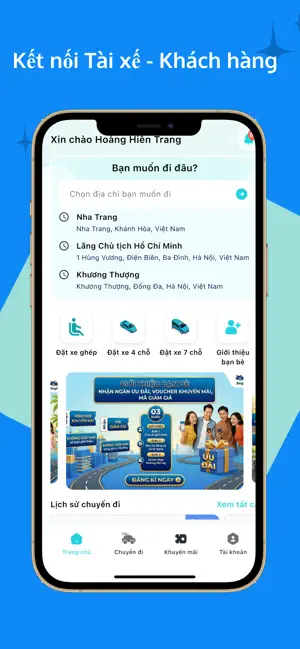
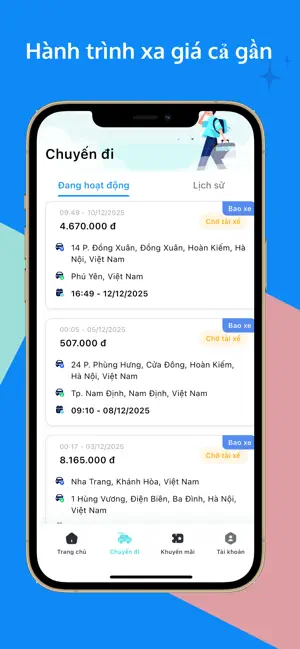
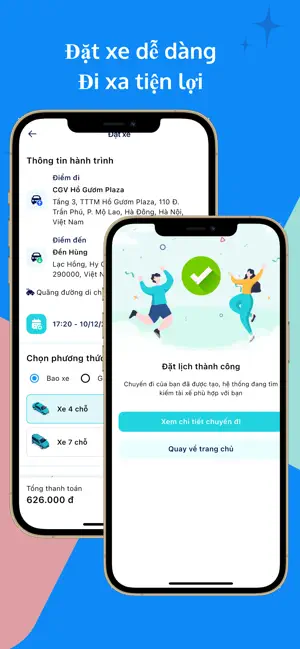
Xe Ghép VN – Ứng Dụng Đặt Xe Ghép & Xe Tiện Chuyến Liên Tỉnh Giá Rẻ Xe Ghép VN là ứng dụng đặt xe ghép, xe tiện chuyến và taxi liên tỉnh giúp bạn đi tỉnh, đi quê, di chuyển đường dài với chi phí tiết kiệm, an toàn và minh bạch. Ứng dụng kết nối hành khách với tài xế taxi tỉnh, taxi đường dài chuyên nghiệp, tối ưu hành trình bằng mô hình xe chung – chia sẻ chuyến đi, giúp giảm chi phí nhưng vẫn đảm bảo chất lượng dịch vụ. Đặt Xe Ghép & Xe Tiện Chuyến Chỉ Trong 30 Giây Với Xe Ghép VN, việc đặt xe liên tỉnh trở nên nhanh chóng và đơn giản: Đặt xe ghép liên tỉnh hoặc xe tiện chuyến online, đặt trước từ 2 giờ Nhập điểm đi – điểm đến, xem giá taxi tỉnh tức thì Chọn xe 4 chỗ, xe 7 chỗ phù hợp Đặt xe cho cá nhân, gia đình, nhóm bạn hoặc doanh nghiệp Ứng dụng phù hợp cho: Đi công tác, du lịch liên tỉnh Về quê, đi tỉnh dịp lễ Tết Di chuyển cùng người lớn tuổi và trẻ em Dịch Vụ Xe Ghép…
App details
What you can learn from Xe ghép VN
Every shipping app on the App Store has gone through the same decisions you're working through right now: which screenshot goes first, what caption sits over it, which device frame to show, what color the background should be. The 5 screenshots above are Xe ghép VN's answers to those questions — they're public, they're real, and they made it through Apple's review.
Notice the first screenshot in particular. It's the one users see in search results and on the product page, and it's where most apps spend their best caption and tightest design. Look at the proportion of background to phone, where the text sits, what one thing the image is trying to communicate.
Want to see how other Travel apps approach the same problem? Browse more Travel apps in the showcase.
Take what works into your own screenshots
Open LaunchShots and design your App Store & Google Play screenshots — pick a device frame, drop captions, ship in minutes. Free, in your browser.
Open the screenshot editor →