Screenshots
Icon palette
About this app
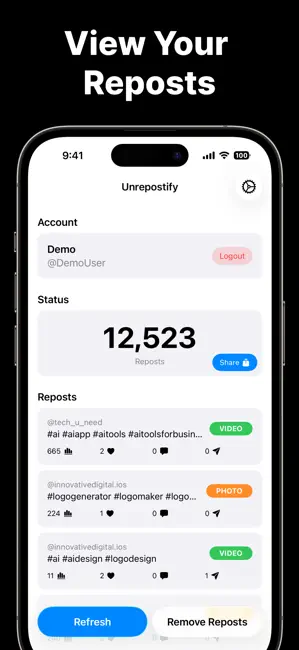
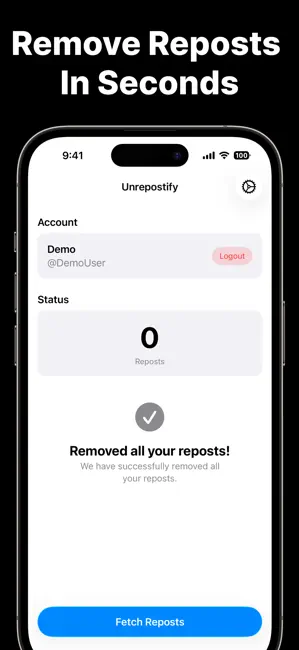
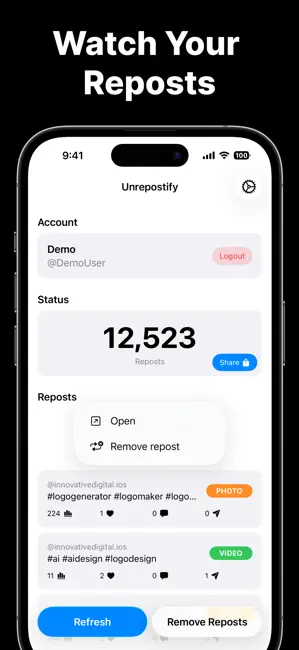
Unrepostify is a tool to automatically remove all your reposts from social media platforms. Take control of your reposts - fast, simple, and stress-free. Unrepostify lets you remove all your reposts and fetch your total repost count in just a few taps. No more scrolling endlessly to undo reposts one by one. Whether you’re cleaning up your profile or just curious about your repost activity, Unrepostify makes it easy. Key Features - Remove Reposts: Quickly unrepost videos you’ve previously reposted - Fetch Total Reposts: See how many reposts you’ve made in total - Fast & Simple: Designed for speed with a clean, easy-to-use interface - No Manual Work: Save time by avoiding repetitive actions • Privacy-Focused: Your data stays secure and is never sold Why Unrepostify? Unrepostify fills the gap of repost management by giving you better visibility and control over your repost activity - a…
App details
What you can learn from Unrepostify: Remove Reposts
Every shipping app on the App Store has gone through the same decisions you're working through right now: which screenshot goes first, what caption sits over it, which device frame to show, what color the background should be. The 4 screenshots above are Unrepostify: Remove Reposts's answers to those questions — they're public, they're real, and they made it through Apple's review.
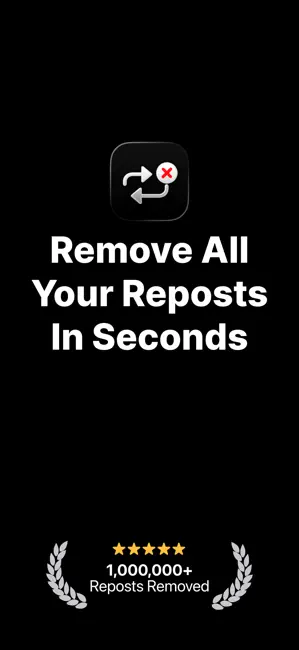
Notice the first screenshot in particular. It's the one users see in search results and on the product page, and it's where most apps spend their best caption and tightest design. Look at the proportion of background to phone, where the text sits, what one thing the image is trying to communicate.
Want to see how other Social Networking apps approach the same problem? Browse more Social Networking apps in the showcase.
Take what works into your own screenshots
Open LaunchShots and design your App Store & Google Play screenshots — pick a device frame, drop captions, ship in minutes. Free, in your browser.
Open the screenshot editor →