Screenshots
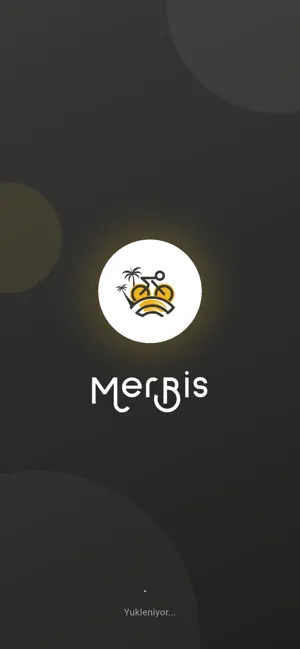

Icon palette
About this app
Merbis Bisiklet Uygulaması, şehir içi ulaşımı keyifli ve pratik hale getirir. Uygulamaya cep telefonu numaranız ile kolayca kayıt olabilir, size en yakın bisikletleri harita üzerinden görüntüleyebilirsiniz. Bisiklet üzerindeki QR kodu tarayarak kilidi açabilir ve sürüşünüze hemen başlayabilirsiniz. Kullanım süreniz, sürüş özetiniz ve kiralama bilgileriniz uygulama üzerinden takip edilir. Uygulamada belirtilen kullanım alanları (harita sınırları) içerisinde bisikleti özgürce kullanabilir, sürüş sonunda yine bu alanlar içinde dilediğiniz uygun noktaya park edebilirsiniz. Sürüşü tamamladığınızda bisikleti güvenli ve çevreye zarar vermeyecek bir şekilde park edin, fotoğrafını çekerek sisteme yükleyin ve kiralamayı kolayca sonlandırın. Merbis ile çevreci, ekonomik ve keyifli bir ulaşım deneyimi sizi bekliyor.
App details
What you can learn from Merbis
Every shipping app on the App Store has gone through the same decisions you're working through right now: which screenshot goes first, what caption sits over it, which device frame to show, what color the background should be. The 2 screenshots above are Merbis's answers to those questions — they're public, they're real, and they made it through Apple's review.
Notice the first screenshot in particular. It's the one users see in search results and on the product page, and it's where most apps spend their best caption and tightest design. Look at the proportion of background to phone, where the text sits, what one thing the image is trying to communicate.
Want to see how other Travel apps approach the same problem? Browse more Travel apps in the showcase.
Take what works into your own screenshots
Open LaunchShots and design your App Store & Google Play screenshots — pick a device frame, drop captions, ship in minutes. Free, in your browser.
Open the screenshot editor →