Screenshots


Icon palette
About this app
The Smart City Experience with Serdivan Cepte is Now More Comprehensive! Access municipal services anytime, anywhere with Serdivan Cepte, the official mobile app of Serdivan Municipality. Developed in line with our digital transformation vision, our app has been updated with new features designed to make your city life easier and provide you with better service. Fully experience digital citizenship with Serdivan Cepte, bringing the smart city experience right to your pocket. The City is in Your Pocket with Next-Gen Features Snap, Send & Track: Instantly report the situations you see in our city to us. With the "Snap & Send" feature, you can send not only complaints but also requests, information, and thank-you messages with photos and location data. Moreover, you can now track the current status of all your submitted requests step-by-step directly through the mobile app. Map-Based Eve…
App details
What you can learn from Serdivan Municipality Mobile
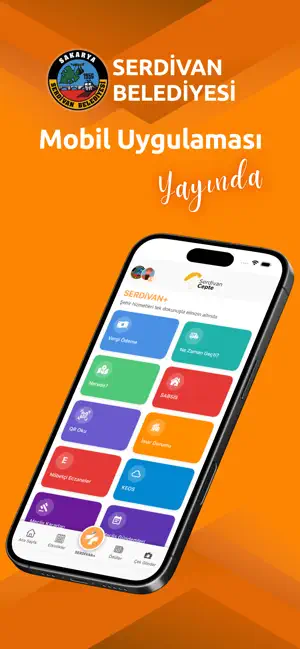
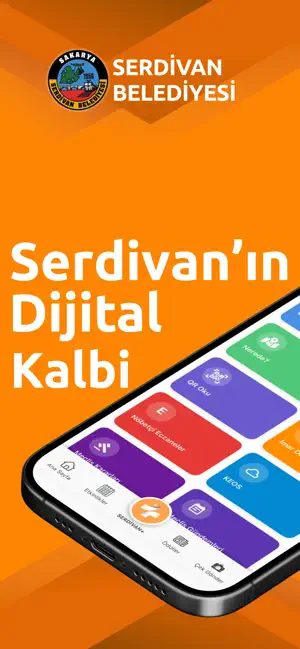
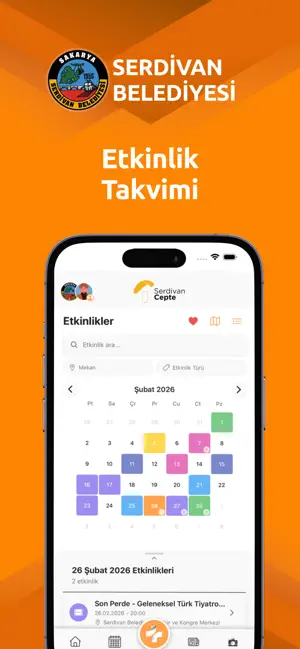
Every shipping app on the App Store has gone through the same decisions you're working through right now: which screenshot goes first, what caption sits over it, which device frame to show, what color the background should be. The 6 screenshots above are Serdivan Municipality Mobile's answers to those questions — they're public, they're real, and they made it through Apple's review.
Notice the first screenshot in particular. It's the one users see in search results and on the product page, and it's where most apps spend their best caption and tightest design. Look at the proportion of background to phone, where the text sits, what one thing the image is trying to communicate.
Want to see how other Lifestyle apps approach the same problem? Browse more Lifestyle apps in the showcase.
Take what works into your own screenshots
Open LaunchShots and design your App Store & Google Play screenshots — pick a device frame, drop captions, ship in minutes. Free, in your browser.
Open the screenshot editor →