Screenshot style breakdown
Sampled from 6 of 助乐 - 专属音乐助手's App Store screenshots — background, accent and theme, measured by LaunchShots (not something Apple publishes).
#FCFCFC bg
#DDDDDD
#E42C6C accent
#111111 text
Screenshots
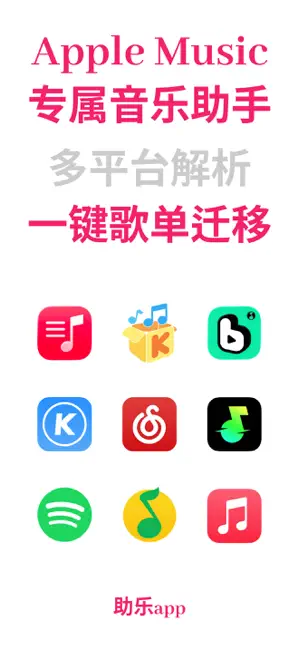
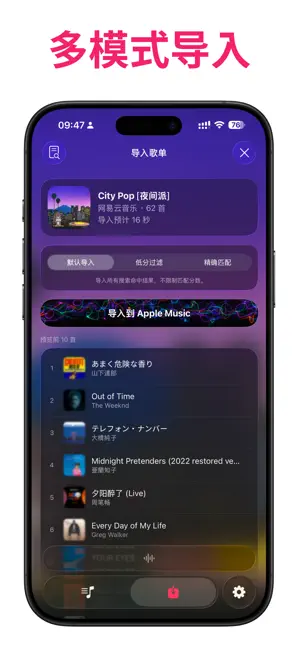
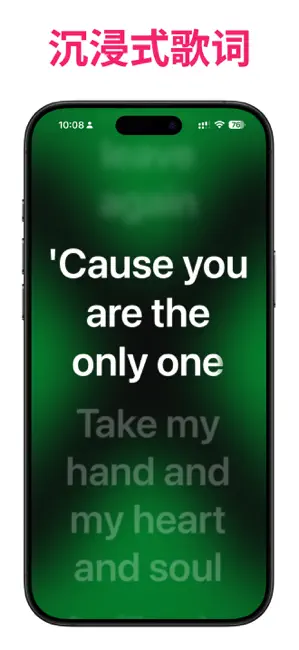
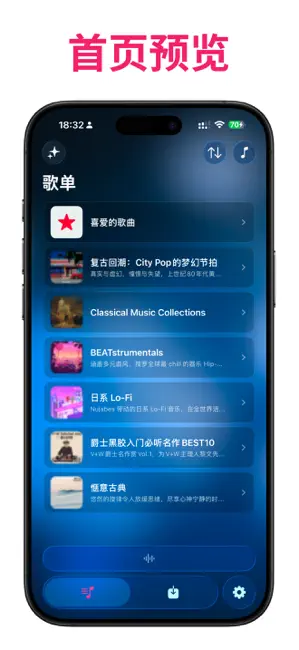
Icon palette
About this app
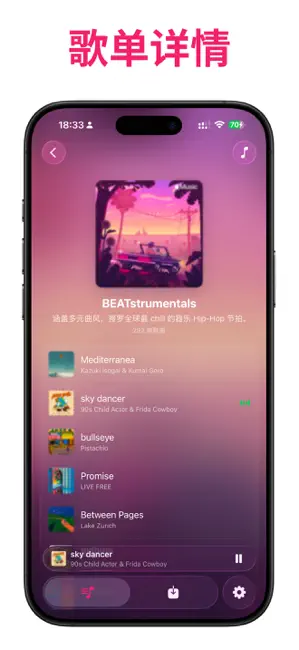
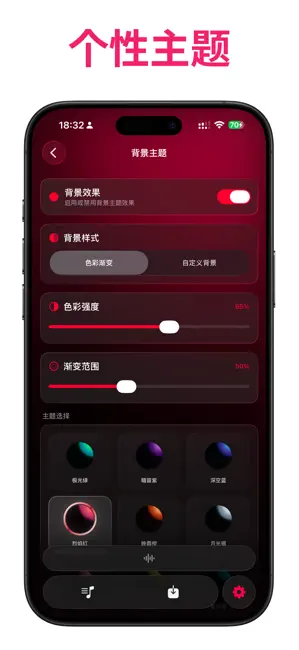
助乐 (MusicPal) —— 你的 Apple Music 进阶好帮手。 如果你热爱 Apple Music 的纯粹,但又受困于歌单迁移繁琐、功能扩展不足,那么「助乐」正是为你设计的工具。我们专注于填补 Apple Music 的功能空白,让你更高效地管理和享受音乐。 【注意事项】 需要解锁Apple Music会员,才可以正常使用助乐app。 【核心功能】 【1】歌单智能迁移: 支持将网易云音乐、QQ音乐、汽水音乐的歌单快速导入 Apple Music。内置精准匹配算法,并提供“歌曲匹配评分机制”,让你一眼看出匹配的准确度。 【2】音乐管理增强: 轻松查看 Apple Music 库内歌单与歌曲。支持单曲试听与一键跳转至 Apple Music 官方 App 进行深度操作。 【3】历史记录追溯: 详细记录每一次歌单导入的内容,随时找回你的音乐记忆。 【4】个性化定制: 厌倦了默认界面?你可以自定义 App 背景主题,并支持下载原歌单高清封面。 【Apple Music Kit 规范】 【1】助乐app 仅支持创建新歌单和添加歌曲。 【2】助乐app 内不支持删除/编辑现有歌单及歌曲。 【3】助乐app 无法直接添加或者歌单封面。 【4】这些限制操…
App details
What you can learn from 助乐 - 专属音乐助手
Every shipping app on the App Store has gone through the same decisions you're working through right now: which screenshot goes first, what caption sits over it, which device frame to show, what color the background should be. The 6 screenshots above are 助乐 - 专属音乐助手's answers to those questions — they're public, they're real, and they made it through Apple's review.
What the numbers say: 助乐 - 专属音乐助手 runs a light set with one background colour (#FCFCFC) carried across every screenshot — the listing reads as a single poster when the shots sit side by side in search results. The accent colour we picked up, #E42C6C, is the one to reuse for badges, arrows and highlighted words if you borrow this look. Hit Use this style to open the editor with these exact colours and drop your own screenshot in.
Notice the first screenshot in particular. It's the one users see in search results and on the product page, and it's where most apps spend their best caption and tightest design. Look at the proportion of background to phone, where the text sits, what one thing the image is trying to communicate.
Want to see how other Music apps approach the same problem? Browse more Music apps in the showcase.
Take what works into your own screenshots
Open LaunchShots and design your App Store & Google Play screenshots — pick a device frame, drop captions, ship in minutes. Free, in your browser.
Open the screenshot editor →Apps with a similar look
Closest background + accent colours among the listings we've analysed — useful when you want to see the same palette handled by a different team.