Chart position — tracked daily by LaunchShots
Screenshot changes — detected by LaunchShots
Screenshot style breakdown
Sampled from 6 of 助乐 - 专属音乐助手's App Store screenshots — background, accent and theme, measured by LaunchShots (not something Apple publishes).
#FCFCFC bg
#DDDDDD
#EC246C accent
#111111 text
Screenshots


iPad screenshots
Icon palette
About this app
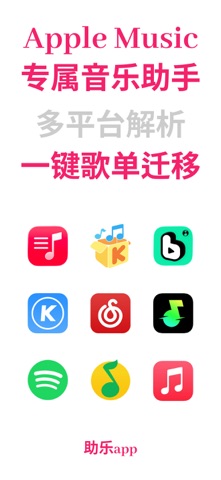
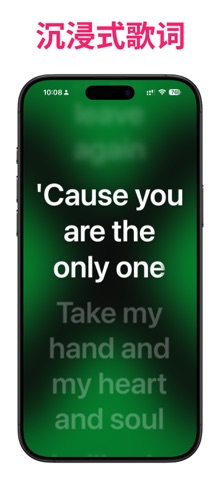
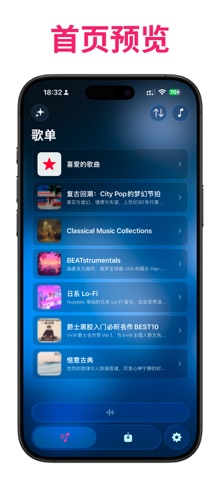
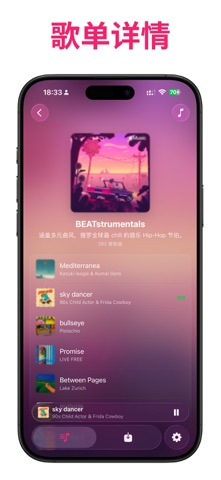
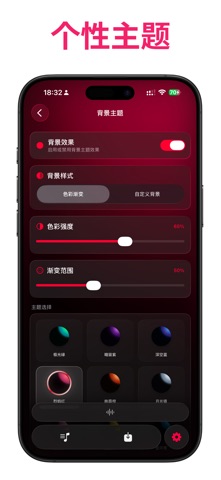
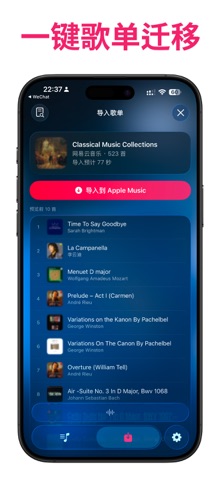
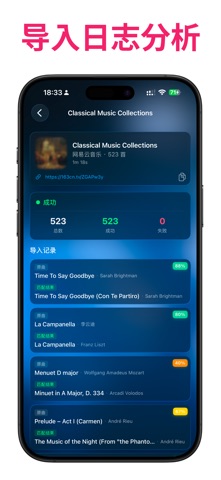
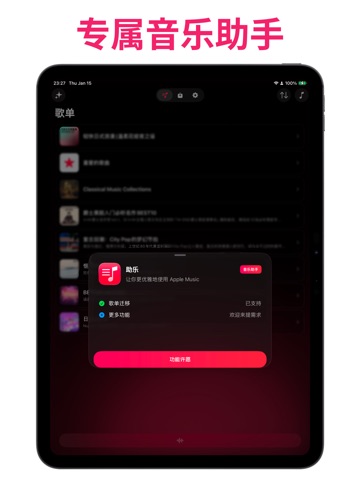
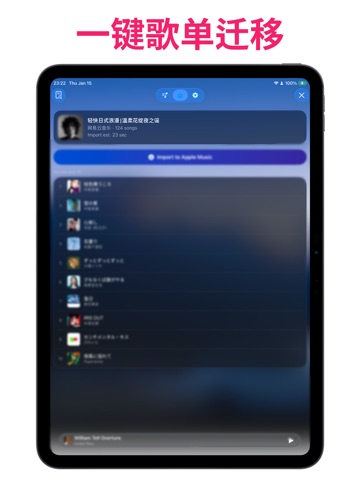
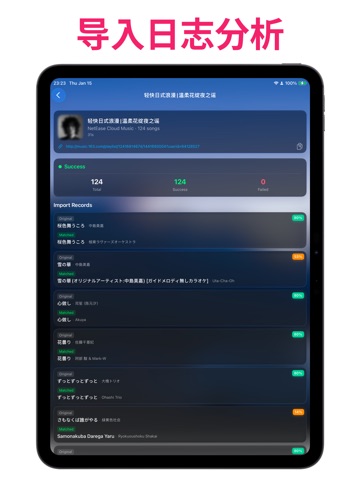
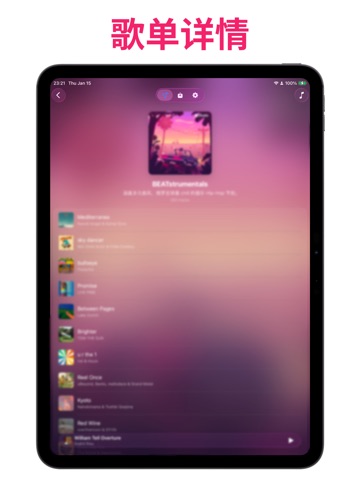
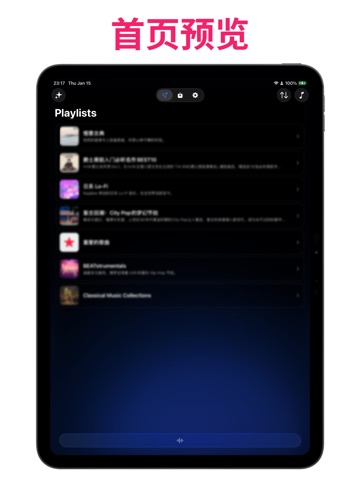
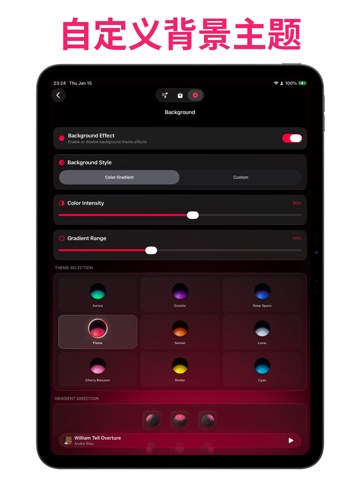
助乐(MusicPal)是一款围绕 Apple Music 打造的歌单迁移、资料库管理与沉浸播放工具。无论是从其他音乐平台搬迁收藏,还是整理资料库、发现个性化推荐、查看逐字歌词,都能在一个简洁流畅的界面中完成。 使用核心功能需要有效的 Apple Music 订阅。 【歌单迁移】 - 支持从 Spotify、网易云音乐、QQ音乐、酷狗音乐、酷我音乐、波点音乐和汽水音乐导入歌单。 - 智能匹配歌曲并显示匹配评分,便于在导入前核对和调整结果。 - 自动保留导入记录,可查看详情并重试未成功的歌曲。 【资料库与推荐】 - 浏览 Apple Music 中的歌单、专辑与个性化推荐。 - 独立设置列表或网格布局、封面形状、排序方式和信息显示。 - 支持批量收藏、取消收藏、添加到歌单等常用管理操作;可用操作会根据内容类型与权限自动调整。 【播放与歌词】 - 在 App 内播放 Apple Music 内容,快速切换播放顺序并管理当前队列。 - 支持逐字同步歌词、歌词翻译、沉浸式歌词界面和动态封面背景。 - 可从搜索、推荐或资料库详情直接开始播放。 【个性化与分享】 - 自定义主题背景、字体、图标与资料库…
App details
What you can learn from 助乐 - 专属音乐助手
Every shipping app on the App Store has gone through the same decisions you're working through right now: which screenshot goes first, what caption sits over it, which device frame to show, what color the background should be. The 15 screenshots above are 助乐 - 专属音乐助手's answers to those questions — they're public, they're real, and they made it through Apple's review.
What the numbers say: 助乐 - 专属音乐助手 runs a light set with one background colour (#FCFCFC) carried across every screenshot — the listing reads as a single poster when the shots sit side by side in search results. The accent colour we picked up, #EC246C, is the one to reuse for badges, arrows and highlighted words if you borrow this look. Hit Use this style to open the editor with these exact colours and drop your own screenshot in.
Notice the first screenshot in particular. It's the one users see in search results and on the product page, and it's where most apps spend their best caption and tightest design. Look at the proportion of background to phone, where the text sits, what one thing the image is trying to communicate.
Want to see how other Music apps approach the same problem? Browse more Music apps in the showcase.
Take what works into your own screenshots
Open LaunchShots and design your App Store & Google Play screenshots — pick a device frame, drop captions, ship in minutes. Free, in your browser.
Open the screenshot editor →Apps with a similar look
Closest background + accent colours among the listings we've analysed — useful when you want to see the same palette handled by a different team.