Screenshots

Icon palette
About this app
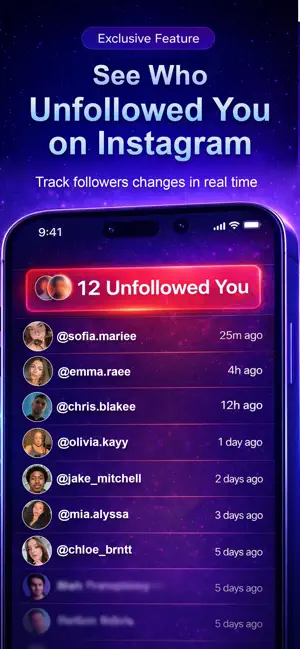
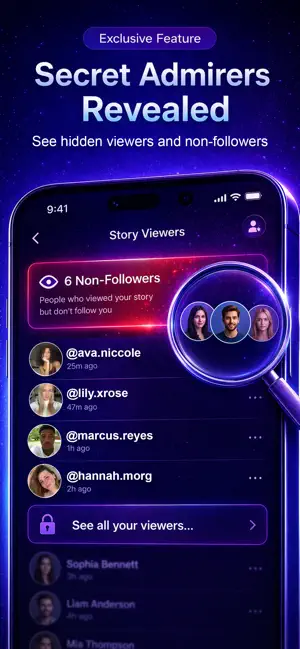
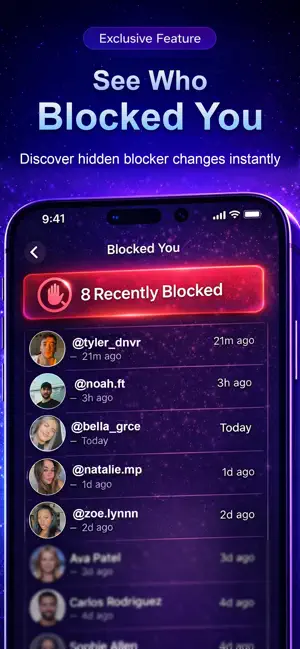
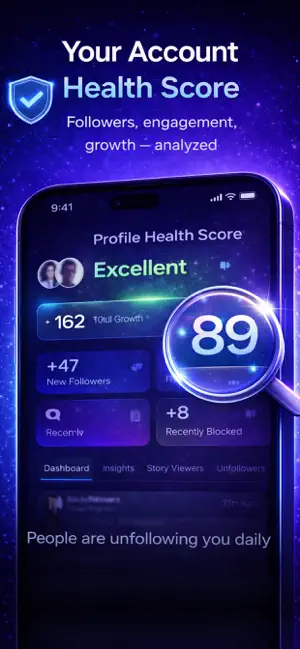
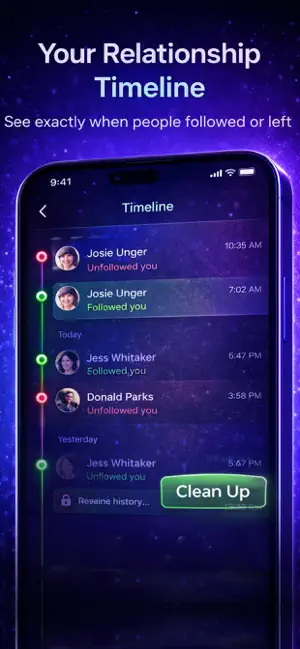
Take control of your social presence. Know exactly who follows you — and who doesn’t. This app is a powerful analytics and follower-tracking tool designed to help you understand, manage, and grow your social account with clarity and confidence. Once connected, you’ll see a clean, intuitive dashboard showing your profile details, follower stats, and real-time activity — all in one place. * Track Followers in Real Time - Stay informed about what’s really happening with your audience: - See who unfollowed you - Discover new followers - Find people who don’t follow you back - View mutual followers - Identify inactive or ghost users - No guessing. No delays. Just clear insights. * Smart Insights & Profile Health - Understand your account performance at a glance: - Engagement analytics for posts and stories - Profile Health Score based on growth and engagement - Timeline history showing…
App details
What you can learn from Unfollow Tracker: IG Followers
Every shipping app on the App Store has gone through the same decisions you're working through right now: which screenshot goes first, what caption sits over it, which device frame to show, what color the background should be. The 6 screenshots above are Unfollow Tracker: IG Followers's answers to those questions — they're public, they're real, and they made it through Apple's review.
Notice the first screenshot in particular. It's the one users see in search results and on the product page, and it's where most apps spend their best caption and tightest design. Look at the proportion of background to phone, where the text sits, what one thing the image is trying to communicate.
Want to see how other Social Networking apps approach the same problem? Browse more Social Networking apps in the showcase.
Take what works into your own screenshots
Open LaunchShots and design your App Store & Google Play screenshots — pick a device frame, drop captions, ship in minutes. Free, in your browser.
Open the screenshot editor →