Screenshots
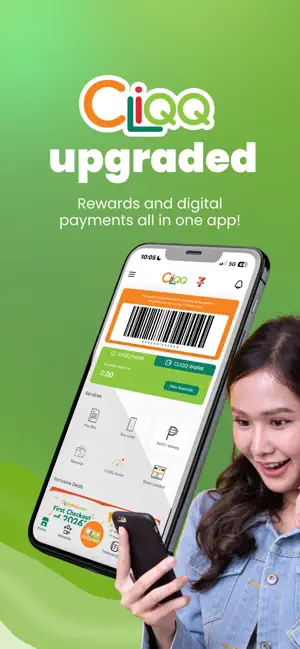
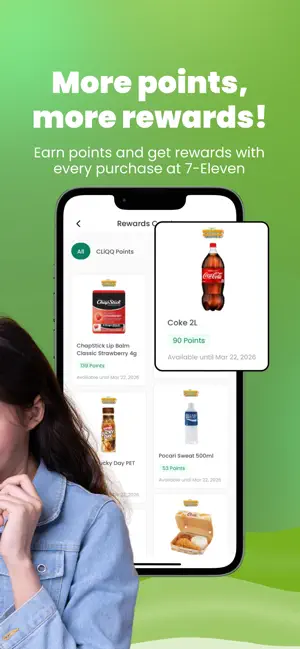
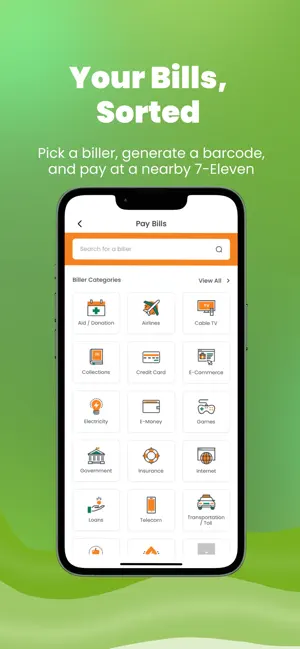
Icon palette
About this app
Welcome to CLiQQ, the official 7-Eleven app for reward and digital services! CLiQQ Rewards (formerly Every Day! Rewards) now comes with a refreshed look and exciting bonus features Bonus Features You’ll Love: Store Locator: Find the nearest 7-Eleven instantly. Quick Toggle Bar: Switch effortlessly between points and wallet balance views. Other Features: Earn Points: Show your loyalty barcode every time you shop at 7-Eleven. More points = more amazing rewards! Pay Bills and Buy Load: Generate a barcode on the app and pay at any nearby 7-Eleven store. Enjoy CLiQQ-exclusive Promos: Explore the Rewards Catalog and redeem rewards using points or e-stamps. Score Prizes: Keep tabs on e-raffle entries you earn via the CLiQQ app. Note: Point, e-stamp, and raffle balances usually update within 15 minutes after purchase. Network delays may occur, but please be assured that your points, e-st…
App details
What you can learn from CLiQQ 2.0
Every shipping app on the App Store has gone through the same decisions you're working through right now: which screenshot goes first, what caption sits over it, which device frame to show, what color the background should be. The 3 screenshots above are CLiQQ 2.0's answers to those questions — they're public, they're real, and they made it through Apple's review.
Notice the first screenshot in particular. It's the one users see in search results and on the product page, and it's where most apps spend their best caption and tightest design. Look at the proportion of background to phone, where the text sits, what one thing the image is trying to communicate.
Want to see how other Lifestyle apps approach the same problem? Browse more Lifestyle apps in the showcase.
Take what works into your own screenshots
Open LaunchShots and design your App Store & Google Play screenshots — pick a device frame, drop captions, ship in minutes. Free, in your browser.
Open the screenshot editor →