Screenshots
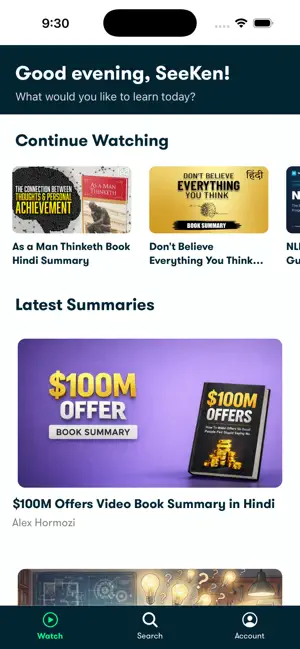
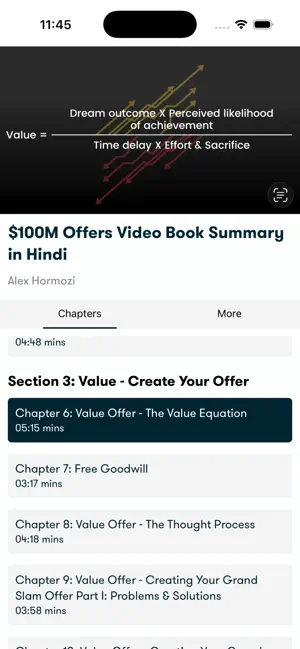
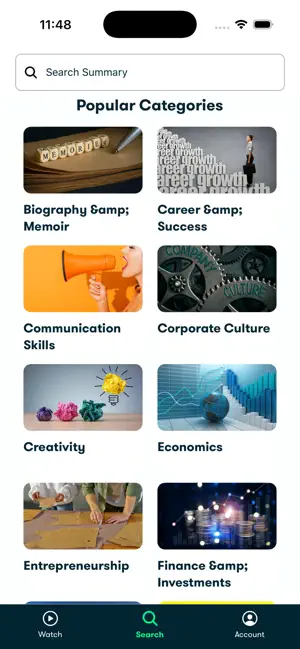
Icon palette
About this app
Summary Board – Learn Smarter in Minutes Summary Board is your personal hub for book summaries, case studies, and success frameworks — designed to save time while giving you the essential lessons that matter. Built by the creators of Seeken (India’s #1 book summary channel with 4.3M+ subscribers), Summary Board helps you learn, grow, and transform—fast. Why Summary Board? • Concise learning from books, frameworks, and case studies • Video + text summaries (watch or read—your choice) • Wide range of topics: personal growth, business, psychology, productivity, success • Practical and actionable takeaways for real life • Structured learning paths for deeper understanding Key Features 1. Huge library of summaries (constantly growing) 2. Optimized video player for smooth playback 3. Save & resume to continue where you left off 4. Simple, minimal navigation to stay focused 5. Premium mem…
App details
What you can learn from Summary Board
Every shipping app on the App Store has gone through the same decisions you're working through right now: which screenshot goes first, what caption sits over it, which device frame to show, what color the background should be. The 3 screenshots above are Summary Board's answers to those questions — they're public, they're real, and they made it through Apple's review.
Notice the first screenshot in particular. It's the one users see in search results and on the product page, and it's where most apps spend their best caption and tightest design. Look at the proportion of background to phone, where the text sits, what one thing the image is trying to communicate.
Want to see how other Book apps approach the same problem? Browse more Book apps in the showcase.
Take what works into your own screenshots
Open LaunchShots and design your App Store & Google Play screenshots — pick a device frame, drop captions, ship in minutes. Free, in your browser.
Open the screenshot editor →