Screenshot changes — detected by LaunchShots
Screenshot style breakdown
Sampled from 6 of 占城大师 - 战棋策略塔防 攻城掠地模拟器's App Store screenshots — background, accent and theme, measured by LaunchShots (not something Apple publishes).
#9CDC54 bg
#89C149
#EC444C accent
#111111 text
Screenshots
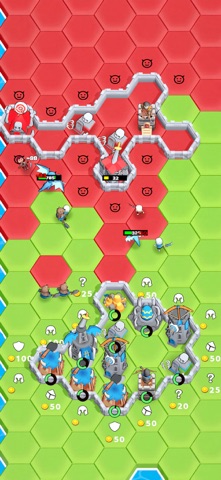
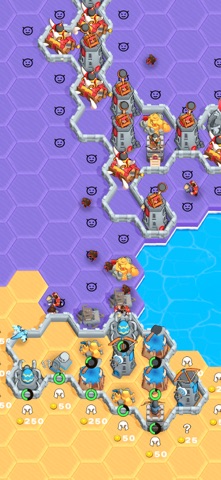


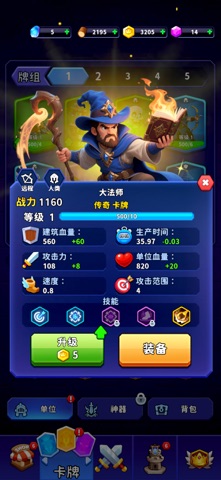

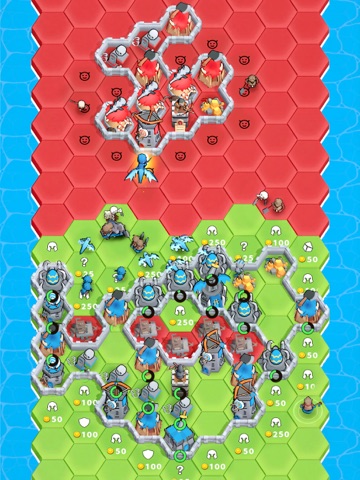
iPad screenshots


Icon palette
About this app
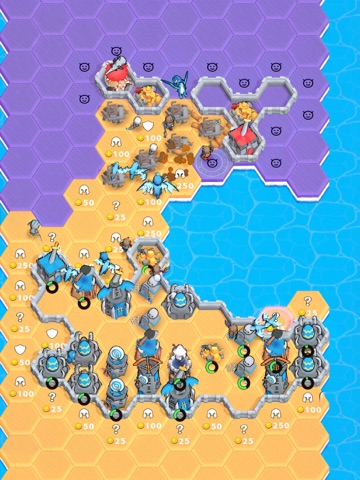
战鼓已经擂响,英雄们整装待发!这是一场融合了策略、运气与勇气的巅峰对决。在瞬息万变的战场上,你将指挥千军万马,开疆拓土,直至摧毁敌方的大本营,夺取最终的荣耀! 主要特色: 【即时出兵,自动交锋】 建造你的兵营,强大的战士将自动奔赴前线,向敌人的阵地发起潮水般的猛攻。你只需运筹帷幄,坐看敌军灰飞烟灭! 【探索未知,占领疆土】 每一片未知的六边形地块都充满了机遇与挑战!翻开它,你可能会发现源源不断的金矿,也可能直接召唤出强大的作战单位。每一次抉择,都在铺就你的胜利之路! 【收集卡牌,打造王牌军团】 从英勇的骑士到翱翔的巨龙,收集并升级数十种独特的作战单位。自由搭配你的专属阵容,让对手在你的独特战术下颤抖! 【三分钟激战,随时开打】 快节奏的对决让你随时都能体验到紧张刺激的头脑风暴。无论是片刻闲暇还是等车间隙,都能迅速投入一场酣畅淋漓的智谋较量。 你,准备好迎接挑战,成为这片土地上真正的霸主了吗? 立即加入,开启你的征服之路!
App details
What you can learn from 占城大师 - 战棋策略塔防 攻城掠地模拟器
Every shipping app on the App Store has gone through the same decisions you're working through right now: which screenshot goes first, what caption sits over it, which device frame to show, what color the background should be. The 12 screenshots above are 占城大师 - 战棋策略塔防 攻城掠地模拟器's answers to those questions — they're public, they're real, and they made it through Apple's review.
What the numbers say: 占城大师 - 战棋策略塔防 攻城掠地模拟器 runs a mixed light-and-dark set where the background shifts from screenshot to screenshot (first shot #9CDC54) — each image has to stand on its own, so the captions carry more of the story. The accent colour we picked up, #EC444C, is the one to reuse for badges, arrows and highlighted words if you borrow this look. Hit Use this style to open the editor with these exact colours and drop your own screenshot in.
Notice the first screenshot in particular. It's the one users see in search results and on the product page, and it's where most apps spend their best caption and tightest design. Look at the proportion of background to phone, where the text sits, what one thing the image is trying to communicate.
Want to see how other Games apps approach the same problem? Browse more Games apps in the showcase.
Take what works into your own screenshots
Open LaunchShots and design your App Store & Google Play screenshots — pick a device frame, drop captions, ship in minutes. Free, in your browser.
Open the screenshot editor →Apps with a similar look
Closest background + accent colours among the listings we've analysed — useful when you want to see the same palette handled by a different team.