Screenshot style breakdown
Sampled from 6 of AIクリーナー - 容量を整理's App Store screenshots — background, accent and theme, measured by LaunchShots (not something Apple publishes).
#348CFC bg
#509CFC
#7CACCC accent
#FFFFFF text
Screenshots
Icon palette
About this app
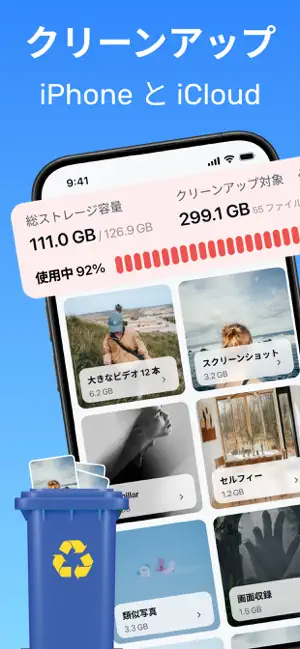
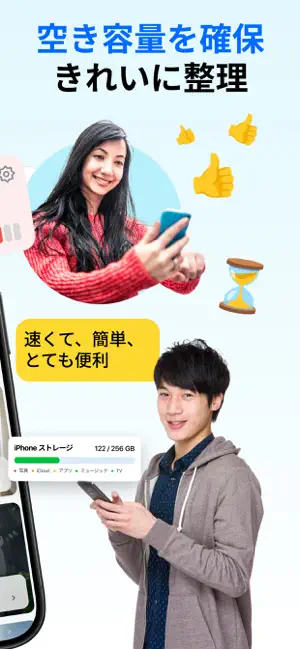
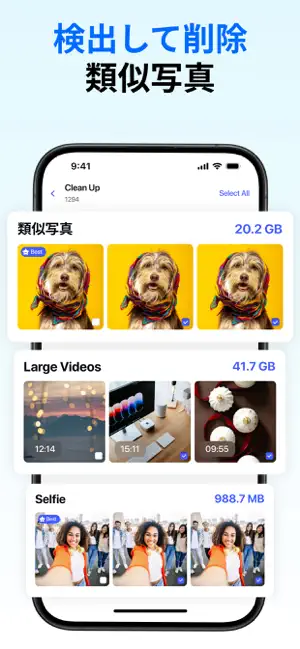
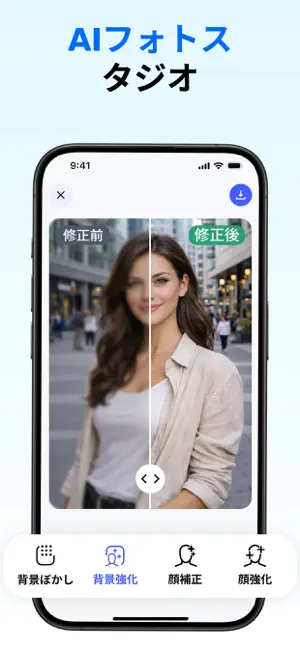
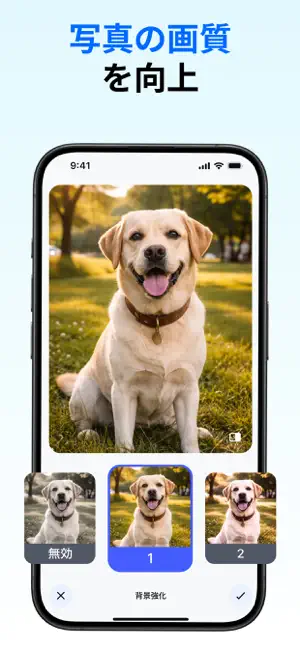
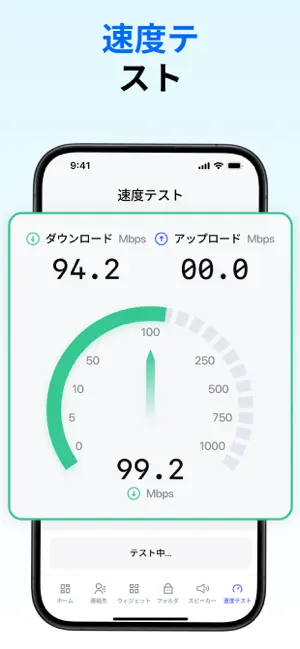
スマホ整理クリーナー は、写真の整理と編集ツールを1つにまとめたアプリです。 メディアライブラリを確認し、AIで写真を編集しながら、すべてをシンプルに整理できます。すべての操作はあなたの管理下で行われます。 AIフォトツール デバイス上で動作するAIツールを使って写真を編集・調整できます。 背景ぼかし – 背景をやわらかくぼかして自然な被写界深度を作成します。 背景補正 – 背景の明るさやディテールを調整し、バランスの取れた画像にします。 顔レタッチ – 肌のトーンを整え、小さな肌の imperfections を滑らかにします。 顔補正 – 顔のディテールを強調し、より鮮明にします。 AI写真調整 – 明るさ、コントラスト、全体のディテールを調整します。 スマートギャラリー整理 自動削除なしでメディアを確認・整理できます。 類似写真 – 見た目が似ている写真を検出し、残す写真を選択できます。 スクリーンショット – 不要なスクリーンショットを素早く確認して削除できます。 画面録画 – 不要な録画を見つけて削除できます。 動画レビュー – ライ…
App details
What you can learn from AIクリーナー - 容量を整理
Every shipping app on the App Store has gone through the same decisions you're working through right now: which screenshot goes first, what caption sits over it, which device frame to show, what color the background should be. The 6 screenshots above are AIクリーナー - 容量を整理's answers to those questions — they're public, they're real, and they made it through Apple's review.
What the numbers say: AIクリーナー - 容量を整理 runs a mixed light-and-dark set where the background shifts from screenshot to screenshot (first shot #348CFC) — each image has to stand on its own, so the captions carry more of the story. The accent colour we picked up, #7CACCC, is the one to reuse for badges, arrows and highlighted words if you borrow this look. Hit Use this style to open the editor with these exact colours and drop your own screenshot in.
Notice the first screenshot in particular. It's the one users see in search results and on the product page, and it's where most apps spend their best caption and tightest design. Look at the proportion of background to phone, where the text sits, what one thing the image is trying to communicate.
Want to see how other Photo & Video apps approach the same problem? Browse more Photo & Video apps in the showcase.
Take what works into your own screenshots
Open LaunchShots and design your App Store & Google Play screenshots — pick a device frame, drop captions, ship in minutes. Free, in your browser.
Open the screenshot editor →Apps with a similar look
Closest background + accent colours among the listings we've analysed — useful when you want to see the same palette handled by a different team.