Screenshots
Icon palette
About this app
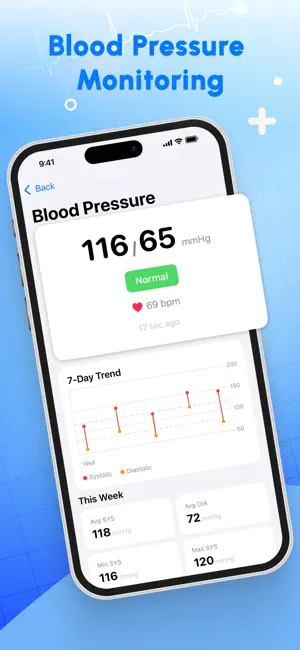
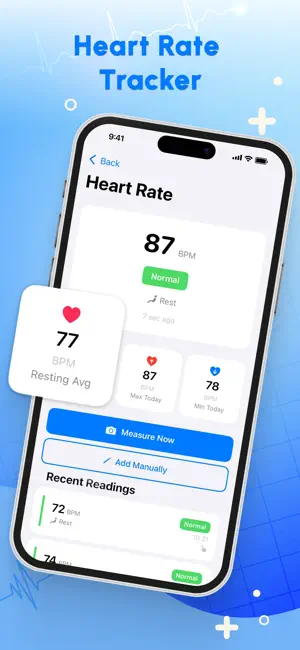
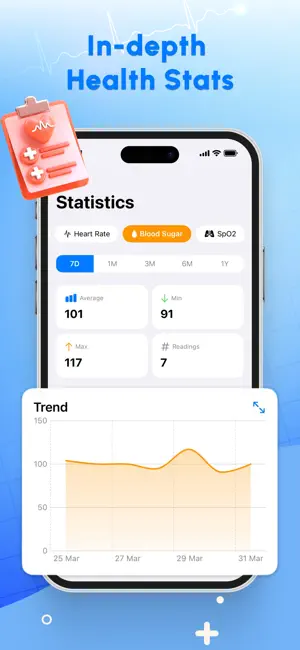
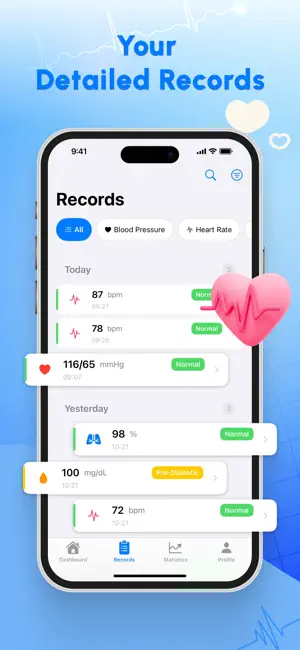
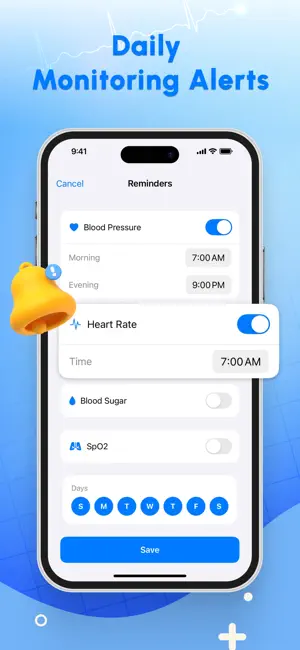
Take control of your well-being with Blood Pressure Log & Track, your all-in-one health track and smart health partner. Track your blood pressure & track your heart rate to better understand your body every day. * Heart Rate & Blood Pressure Record Easily log and track your heart rate & blood pressure in one place. - Easy heart rate & Blood pressure tracker - Simple blood pressure tracker - Log & track pressure oxygen * Smart Chart View & Trend Analysis Visualize your health with clear chart view dashboards and detailed health trend analysis. - Track health trends over the current period - Identify patterns with trend analysis * Blood Sugar & Diabetes Tracking Follow your blood sugar levels logged to the app and stay on top of your diabetes tracker goals. Track blood glucose levels & glucose tracking * Log, Export & Reminders Stay consistent with easy logging and reminders. - Qui…
App details
What you can learn from Blood Pressure Log & Track
Every shipping app on the App Store has gone through the same decisions you're working through right now: which screenshot goes first, what caption sits over it, which device frame to show, what color the background should be. The 5 screenshots above are Blood Pressure Log & Track's answers to those questions — they're public, they're real, and they made it through Apple's review.
Notice the first screenshot in particular. It's the one users see in search results and on the product page, and it's where most apps spend their best caption and tightest design. Look at the proportion of background to phone, where the text sits, what one thing the image is trying to communicate.
Want to see how other Health & Fitness apps approach the same problem? Browse more Health & Fitness apps in the showcase.
Take what works into your own screenshots
Open LaunchShots and design your App Store & Google Play screenshots — pick a device frame, drop captions, ship in minutes. Free, in your browser.
Open the screenshot editor →