Chart position — tracked daily by LaunchShots
Screenshot style breakdown
Sampled from 3 of 拼个豆豆's App Store screenshots — background, accent and theme, measured by LaunchShots (not something Apple publishes).
#FCD46C bg
#DDBA5F
#F45C14 accent
#111111 text
Screenshots
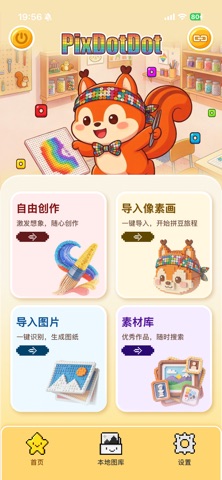
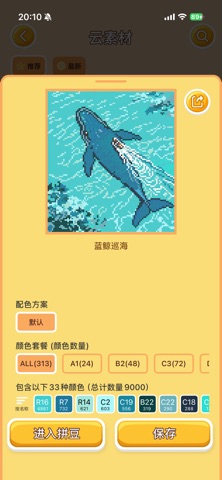
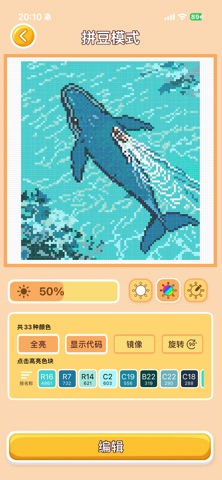
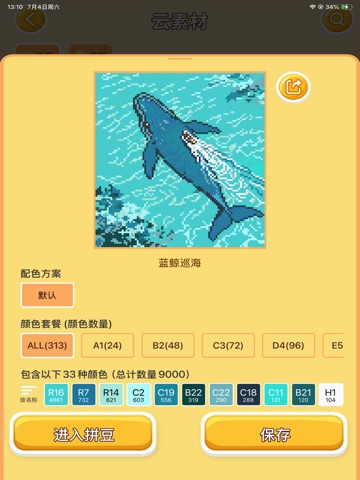
iPad screenshots


Icon palette
About this app
PixDotDot is a perler bead design tool that connects creativity with hardware. Whether you're a perler bead enthusiast, a crafting hobbyist, or an educator, this app lets you easily design patterns, manage colors, and sync them with Bluetooth-enabled perler bead hardware — all with one tap. Every bead lights up with precision. Connect to compatible perler bead hardware via Bluetooth, and light up beads of specific colors by color zone. Use the built‑in flexible canvas editor to design perler bead patterns just like drawing. Import any image from your photo library — the app automatically recognizes colors, matches them to your bead color library, and generates a ready‑to‑use perler bead pattern. PixDotDot是一款连接创意与硬件的拼豆设计工具。 无论您是拼豆爱好者、手工达人,还是教育工作者,都可以通过这款App轻松设计图案、管理色彩,并一键同步到支持蓝牙点亮的拼豆硬件设备,让每一颗“豆豆”精…
App details
What you can learn from 拼个豆豆
Every shipping app on the App Store has gone through the same decisions you're working through right now: which screenshot goes first, what caption sits over it, which device frame to show, what color the background should be. The 6 screenshots above are 拼个豆豆's answers to those questions — they're public, they're real, and they made it through Apple's review.
What the numbers say: 拼个豆豆 runs a light set where the background shifts from screenshot to screenshot (first shot #FCD46C) — each image has to stand on its own, so the captions carry more of the story. The accent colour we picked up, #F45C14, is the one to reuse for badges, arrows and highlighted words if you borrow this look. Hit Use this style to open the editor with these exact colours and drop your own screenshot in.
Notice the first screenshot in particular. It's the one users see in search results and on the product page, and it's where most apps spend their best caption and tightest design. Look at the proportion of background to phone, where the text sits, what one thing the image is trying to communicate.
Want to see how other Utilities apps approach the same problem? Browse more Utilities apps in the showcase.
Take what works into your own screenshots
Open LaunchShots and design your App Store & Google Play screenshots — pick a device frame, drop captions, ship in minutes. Free, in your browser.
Open the screenshot editor →Apps with a similar look
Closest background + accent colours among the listings we've analysed — useful when you want to see the same palette handled by a different team.