Screenshots

Icon palette
About this app
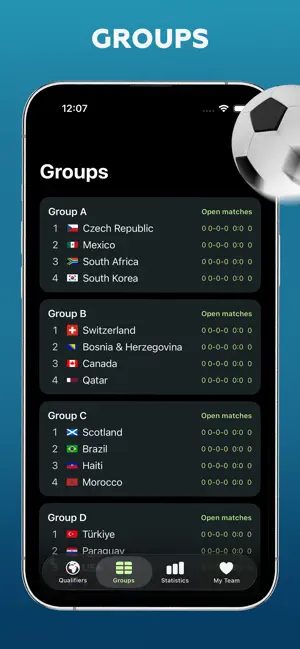
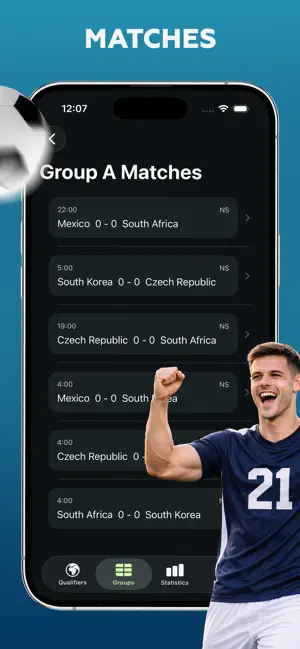
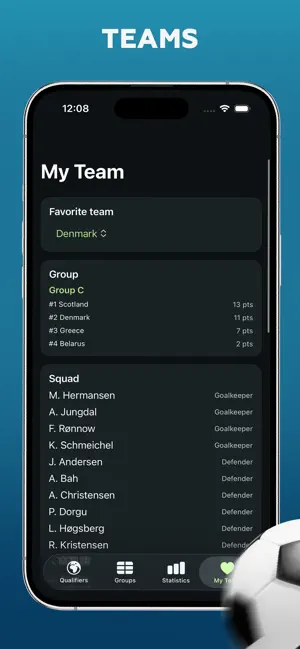
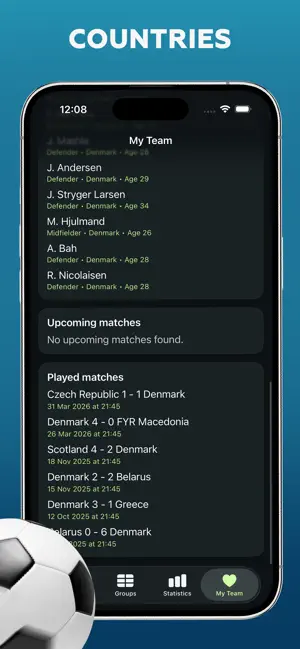
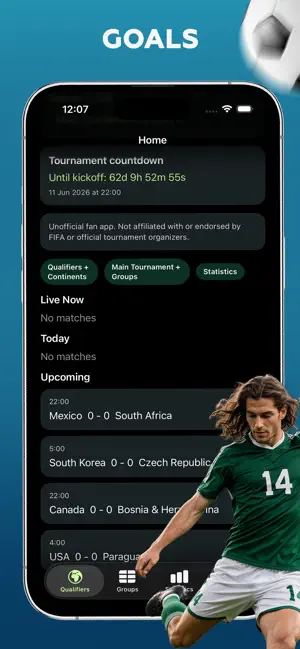
WC 2026: Results Predictor keeps every stage of the 2026 football journey in one place. Follow upcoming fixtures, live match status, finished results, group tables, national teams, player squads, and top scorers in a clean, fast interface built for iPhone and iPad. Stay organized and enjoy every match day with features designed for football fans: • Browse matches by status: live, today, upcoming, and finished • Check standings and detailed group tables • Explore team pages and player squads • Follow top scorers and tournament leaders • Add your own predictions for upcoming matches • Save your picks before kickoff Whether you want quick results or deeper team insights, WC 2026: Results Predictor makes it easy to follow the action from the first fixture to the final stage.
App details
What you can learn from WC 2026: Results Predictor
Every shipping app on the App Store has gone through the same decisions you're working through right now: which screenshot goes first, what caption sits over it, which device frame to show, what color the background should be. The 6 screenshots above are WC 2026: Results Predictor's answers to those questions — they're public, they're real, and they made it through Apple's review.
Notice the first screenshot in particular. It's the one users see in search results and on the product page, and it's where most apps spend their best caption and tightest design. Look at the proportion of background to phone, where the text sits, what one thing the image is trying to communicate.
Want to see how other Sports apps approach the same problem? Browse more Sports apps in the showcase.
Take what works into your own screenshots
Open LaunchShots and design your App Store & Google Play screenshots — pick a device frame, drop captions, ship in minutes. Free, in your browser.
Open the screenshot editor →