Screenshots
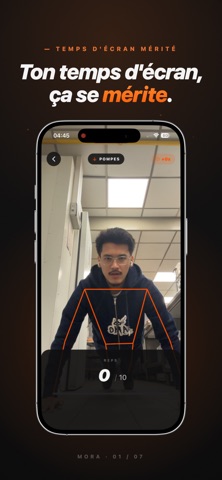
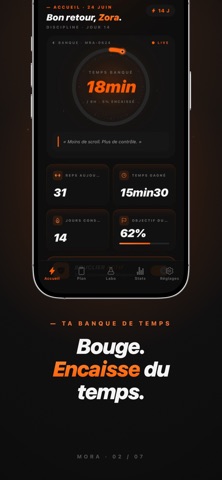


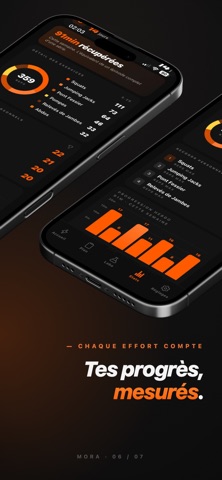

iPad screenshots


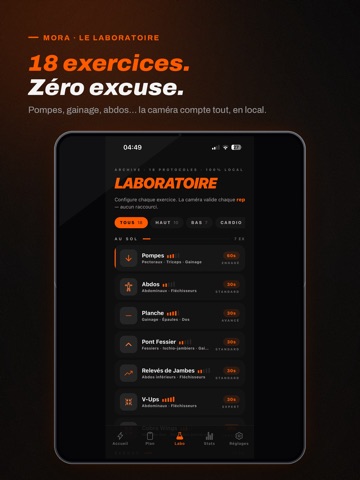
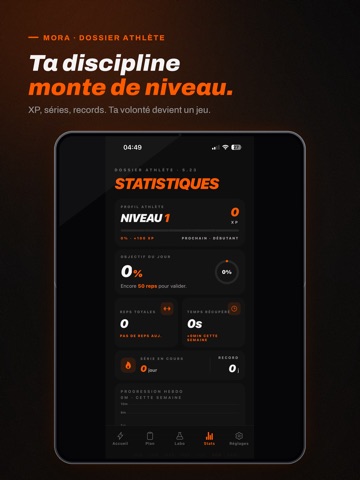

Icon palette
About this app
Et si ton temps d'écran, tu devais le mériter ? Tu ouvres Instagram « deux minutes ». Quarante minutes plus tard, tu ne sais même plus ce que tu as vu. MORA existe pour casser ce réflexe. MORA bloque les applis et les sites que tu choisis. Pour les rouvrir, tu fais de vrais mouvements devant la caméra de ton iPhone : pompes, squats, gainage. L'app compte tes répétitions en direct et les transforme en minutes d'écran. Le scroll n'est plus gratuit. Il se gagne. COMMENT ÇA MARCHE 1. Tu choisis tes pièges. Réseaux sociaux, vidéo, jeux, sites web : tu coches ce qui t'aspire. 2. Tu armes ton bouclier. MORA verrouille tout au niveau du système, via Temps d'écran d'Apple. 3. Tu bouges. La caméra suit tes mouvements, chaque répétition remplit ta réserve de temps. 4. Tu dépenses. Tu ouvres ta réserve quand tu veux, par tranches de 15 minutes. 18 EXERCICES, COMPTÉS PAR LA CAMÉRA Pompes, s…
App details
What you can learn from MORA : Bloqueur d'apps
Every shipping app on the App Store has gone through the same decisions you're working through right now: which screenshot goes first, what caption sits over it, which device frame to show, what color the background should be. The 14 screenshots above are MORA : Bloqueur d'apps's answers to those questions — they're public, they're real, and they made it through Apple's review.
Notice the first screenshot in particular. It's the one users see in search results and on the product page, and it's where most apps spend their best caption and tightest design. Look at the proportion of background to phone, where the text sits, what one thing the image is trying to communicate.
Want to see how other Health & Fitness apps approach the same problem? Browse more Health & Fitness apps in the showcase.
Take what works into your own screenshots
Open LaunchShots and design your App Store & Google Play screenshots — pick a device frame, drop captions, ship in minutes. Free, in your browser.
Open the screenshot editor →