Screenshots

Icon palette
About this app
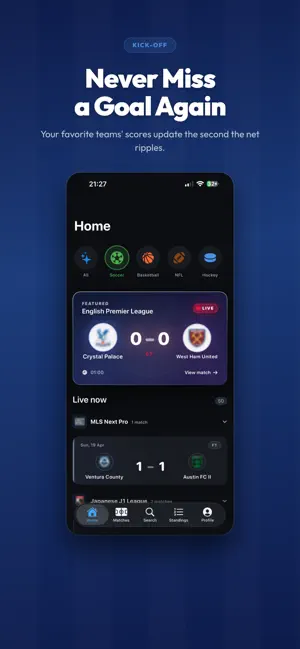
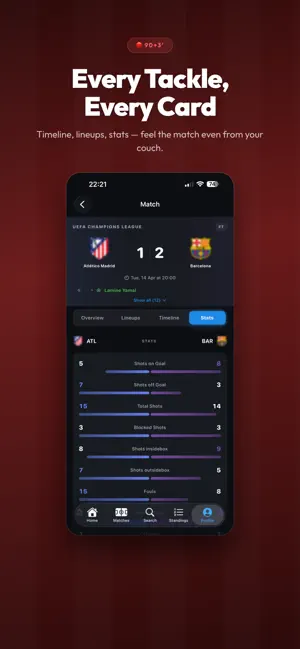
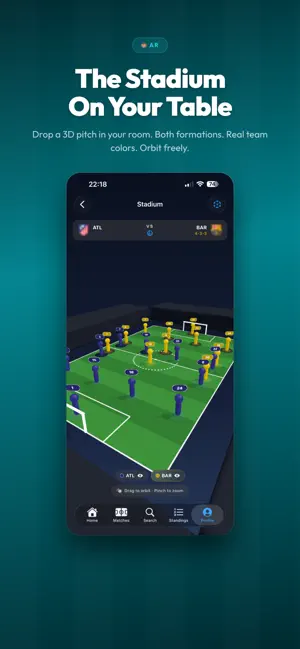
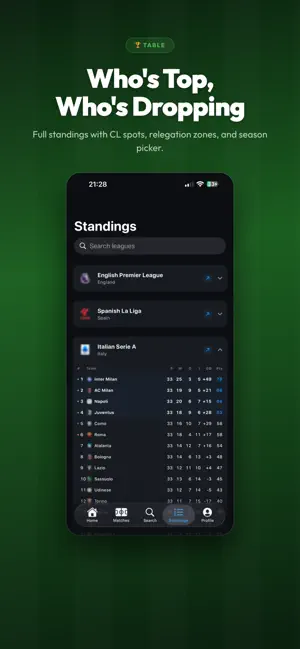
Nova Soccer Hub - All Sports is the fastest way to follow the beautiful game — live soccer scores, detailed match stats, global league standings, and deep team & player profiles, all in one premium, offline-friendly app. Built for real fans, Nova Soccer Hub is your complete matchday companion. Track every goal as it happens, browse fixtures and results across the world's top competitions, and dive into the story behind every club and player. Finish your session with a breathtaking 3D AR stadium view and step-by-step venue navigation so you never miss a kickoff. LIVE SCORES, THE WAY THEY SHOULD BE • Real-time soccer livescores updated automatically • Minute-by-minute match events and final results • Clean, card-based design that puts the score first COMPLETE FIXTURES & SCHEDULES • Today, yesterday, tomorrow — browse matches by date • Full calendars for leagues, cups and international …
App details
What you can learn from Nova Soccer Hub - All Sports
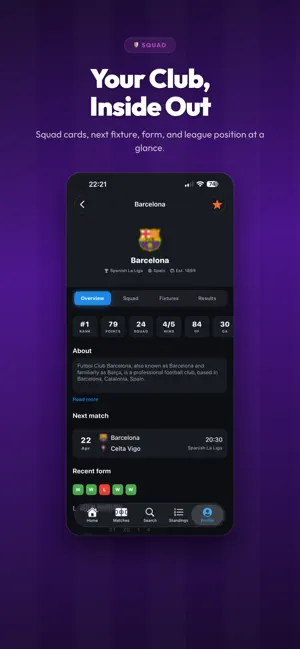
Every shipping app on the App Store has gone through the same decisions you're working through right now: which screenshot goes first, what caption sits over it, which device frame to show, what color the background should be. The 6 screenshots above are Nova Soccer Hub - All Sports's answers to those questions — they're public, they're real, and they made it through Apple's review.
Notice the first screenshot in particular. It's the one users see in search results and on the product page, and it's where most apps spend their best caption and tightest design. Look at the proportion of background to phone, where the text sits, what one thing the image is trying to communicate.
Want to see how other Sports apps approach the same problem? Browse more Sports apps in the showcase.
Take what works into your own screenshots
Open LaunchShots and design your App Store & Google Play screenshots — pick a device frame, drop captions, ship in minutes. Free, in your browser.
Open the screenshot editor →