Chart position — tracked daily by LaunchShots
Screenshot style breakdown
Sampled from 6 of Loreum: Read & Write Stories's App Store screenshots — background, accent and theme, measured by LaunchShots (not something Apple publishes).
#347494 bg
#5087A2
#8C7454 accent
#FFFFFF text
Reading the caption text from the screenshots in your browser…
Screenshots
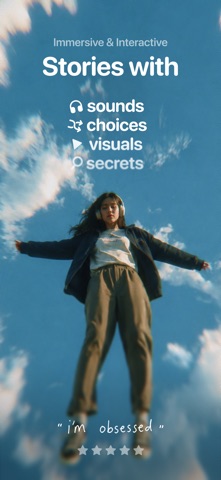


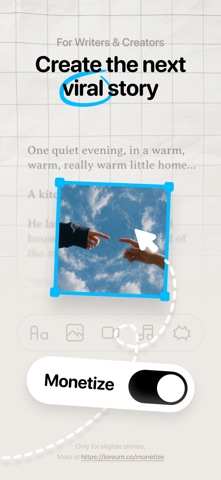


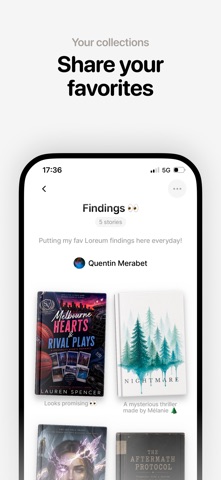
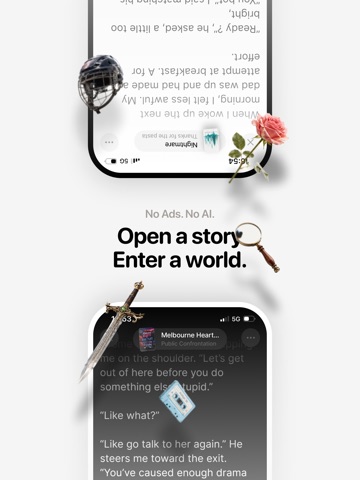
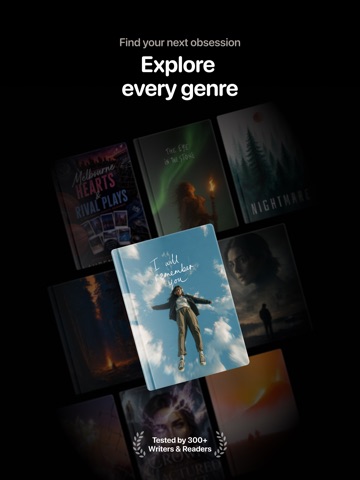
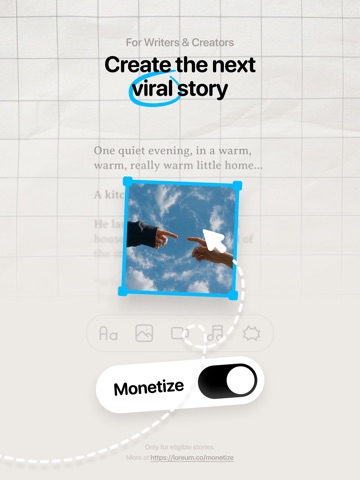
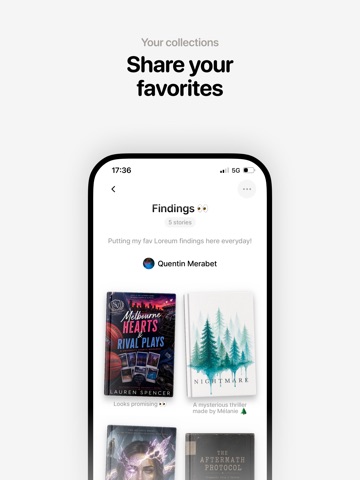
iPad screenshots



Icon palette
About this app
Read, play, create, and share stories made for the digital age. Loreum is a social storytelling app for short drama, romance, mystery, true crime, horror, fantasy, fanfiction-inspired stories, investigations, escape games, and interactive fiction. Stories can have text, images, videos, sounds, messages, clues, codes, secrets, questions, choices, and multiple endings. Read and watch, send stories to friends, react together, follow creators, and discover what’s going viral. FOR READERS: • Read short, addictive stories and serialized novels • Make choices that change what happens next • Solve mysteries, investigations, codes, clues, and escape-game-style stories • Discover romance, drama, thriller, horror, fantasy, true crime, and more • Experience sounds, images, videos, messages, and interactive moments • Send stories to friends and talk about what you’re reading • Follow writers an…
App details
What you can learn from Loreum: Read & Write Stories
Every shipping app on the App Store has gone through the same decisions you're working through right now: which screenshot goes first, what caption sits over it, which device frame to show, what color the background should be. The 14 screenshots above are Loreum: Read & Write Stories's answers to those questions — they're public, they're real, and they made it through Apple's review.
What the numbers say: Loreum: Read & Write Stories runs a mixed light-and-dark set where the background shifts from screenshot to screenshot (first shot #347494) — each image has to stand on its own, so the captions carry more of the story. The accent colour we picked up, #8C7454, is the one to reuse for badges, arrows and highlighted words if you borrow this look. Hit Use this style to open the editor with these exact colours and drop your own screenshot in.
Notice the first screenshot in particular. It's the one users see in search results and on the product page, and it's where most apps spend their best caption and tightest design. Look at the proportion of background to phone, where the text sits, what one thing the image is trying to communicate.
Want to see how other Book apps approach the same problem? Browse more Book apps in the showcase.
Take what works into your own screenshots
Open LaunchShots and design your App Store & Google Play screenshots — pick a device frame, drop captions, ship in minutes. Free, in your browser.
Open the screenshot editor →Apps with a similar look
Closest background + accent colours among the listings we've analysed — useful when you want to see the same palette handled by a different team.