Screenshot style breakdown
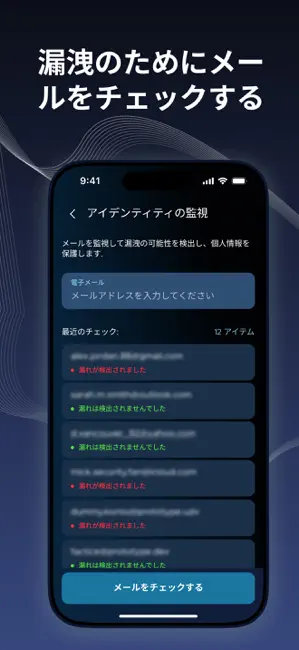
Sampled from 5 of SafeCore: セキュリティと保護's App Store screenshots — background, accent and theme, measured by LaunchShots (not something Apple publishes).
#0C141C bg
#2E343B
#1C74A4 accent
#FFFFFF text
Screenshots
Icon palette
About this app
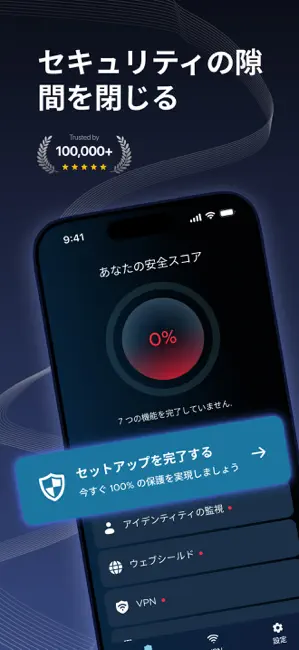
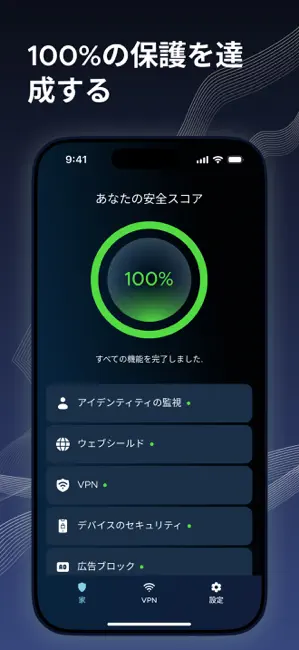
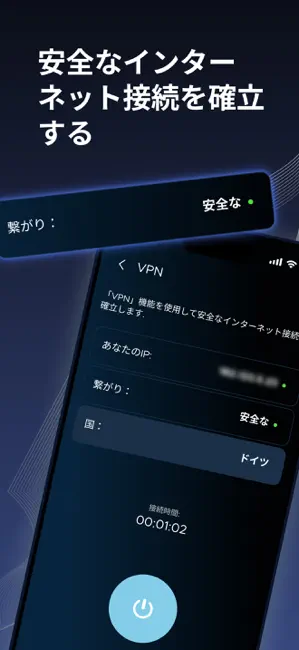
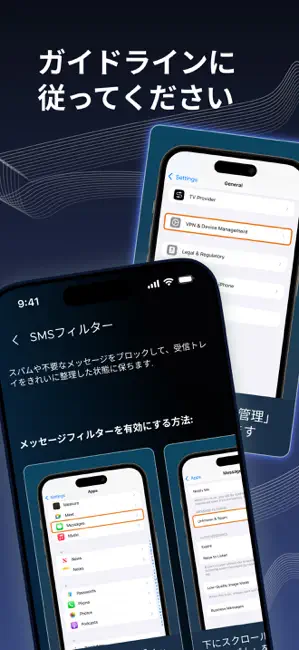
SafeCore — iPhone向けプライバシー&セキュリティ SafeCoreは、iPhoneをより安全かつ快適に使うためのセキュリティアプリです。重要なセキュリティ設定の確認や、安全なブラウジング、個人情報の保護をシンプルに行えます。 機能 • データ漏洩チェック メールアドレスが既知の情報漏洩に含まれていないか確認できます。 • VPN 特に公共Wi-Fi利用時に、通信の安全性とプライバシーを強化します。 • WebShield 危険なサイトやトラッカー、不審なページへのアクセスをサポート的にブロックします。 • 広告ブロック ブラウジング中の不要な広告を軽減します。 • SMSフィルター 迷惑SMSやスパムメッセージをフィルタリングします。 • デバイスセキュリティチェック パスコード設定の確認 iOSが最新か確認 デバイス保護状態の見直し • バッテリー管理のヒント バッテリー寿命を長持ちさせるための実用的なアドバイス。 サブスクリプション情報 無料トライアル付き週間プラン 月間プラン 年間プラン 購入確認後、料金はApple IDアカウントに請求されます。サブ…
App details
What you can learn from SafeCore: セキュリティと保護
Every shipping app on the App Store has gone through the same decisions you're working through right now: which screenshot goes first, what caption sits over it, which device frame to show, what color the background should be. The 5 screenshots above are SafeCore: セキュリティと保護's answers to those questions — they're public, they're real, and they made it through Apple's review.
What the numbers say: SafeCore: セキュリティと保護 runs a dark set with one background colour (#0C141C) carried across every screenshot — the listing reads as a single poster when the shots sit side by side in search results. The accent colour we picked up, #1C74A4, is the one to reuse for badges, arrows and highlighted words if you borrow this look. Hit Use this style to open the editor with these exact colours and drop your own screenshot in.
Notice the first screenshot in particular. It's the one users see in search results and on the product page, and it's where most apps spend their best caption and tightest design. Look at the proportion of background to phone, where the text sits, what one thing the image is trying to communicate.
Want to see how other Utilities apps approach the same problem? Browse more Utilities apps in the showcase.
Take what works into your own screenshots
Open LaunchShots and design your App Store & Google Play screenshots — pick a device frame, drop captions, ship in minutes. Free, in your browser.
Open the screenshot editor →Apps with a similar look
Closest background + accent colours among the listings we've analysed — useful when you want to see the same palette handled by a different team.