Screenshot style breakdown
Sampled from 6 of OtoAto - ライブのセットリスト自動保存&サブスク連携's App Store screenshots — background, accent and theme, measured by LaunchShots (not something Apple publishes).
#D4D4D4 bg
#BABABA
#1C2C5C accent
#111111 text
Screenshots



iPad screenshots




Icon palette
About this app
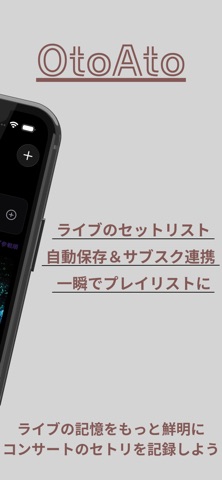
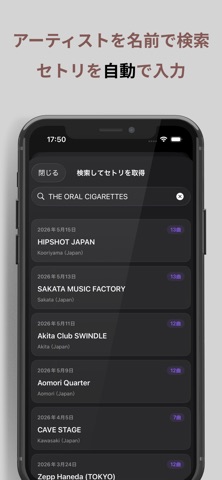
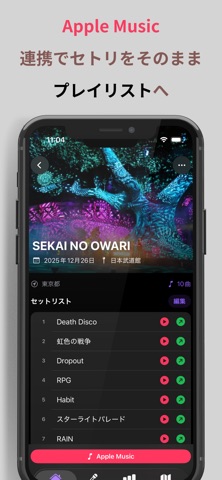
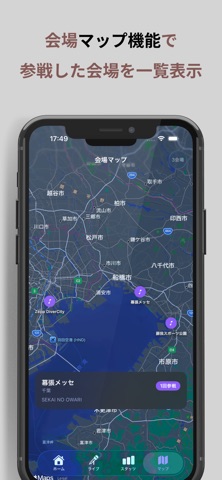
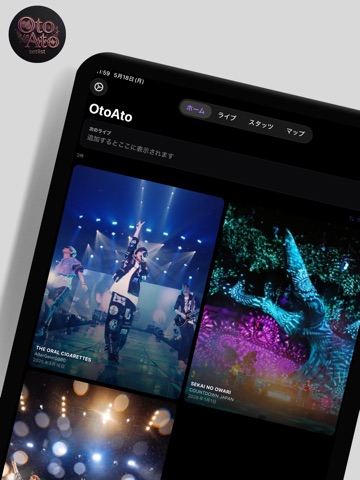
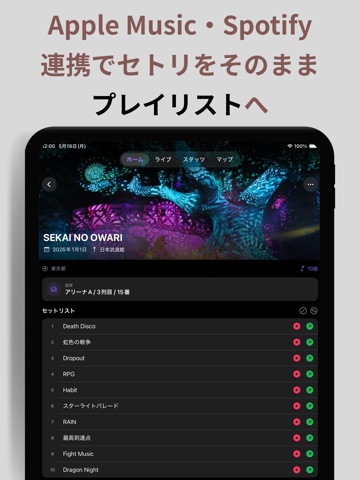
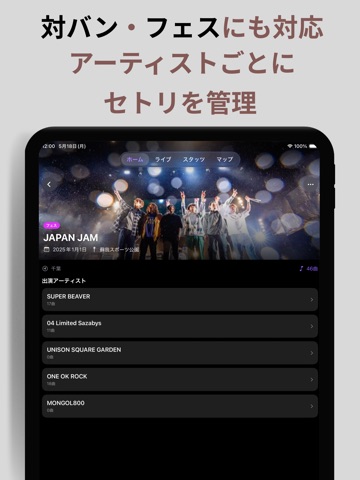
OtoAtoは、参戦したライブ・コンサートのセットリストを記録するアプリです。 他のアプリにはない機能【セトリ全自動入力】は、OtoAtoだけの機能です。 3つの入力方法で、どんな場面にも対応 ・検索して全自動入力(おすすめ) ・チケット・手書きセトリの写真から読み取り入力 ・手入力 「検索して全自動入力」は、みんなのセトリ(利用者どうしで共有されたセットリストの共有プール)から、アーティストと公演日を選ぶだけで曲順をまるごと取り込めます。 Apple Musicと連携すれば、記録したセトリをそのままプレイリストとして保存できます。 その他にもたくさんの便利機能が! ■ みんなのセトリ 行けなかった公演や、うろ覚えのセトリも、みんなの記録から検索。あなたの記録を共有プールに提供して、他のファンを助けることもできます(任意でオン・オフ切替可能)。 ■ 座席の見え方を3Dプレビュー 会場と座席を入力するだけで、その席からステージがどう見えるかを3Dでプレビュー。双眼鏡での見え方もシミュレーションできます。(日本武道館・京セラド…
App details
What you can learn from OtoAto - ライブのセットリスト自動保存&サブスク連携
Every shipping app on the App Store has gone through the same decisions you're working through right now: which screenshot goes first, what caption sits over it, which device frame to show, what color the background should be. The 20 screenshots above are OtoAto - ライブのセットリスト自動保存&サブスク連携's answers to those questions — they're public, they're real, and they made it through Apple's review.
What the numbers say: OtoAto - ライブのセットリスト自動保存&サブスク連携 runs a light set with one background colour (#D4D4D4) carried across every screenshot — the listing reads as a single poster when the shots sit side by side in search results. The accent colour we picked up, #1C2C5C, is the one to reuse for badges, arrows and highlighted words if you borrow this look. Hit Use this style to open the editor with these exact colours and drop your own screenshot in.
Notice the first screenshot in particular. It's the one users see in search results and on the product page, and it's where most apps spend their best caption and tightest design. Look at the proportion of background to phone, where the text sits, what one thing the image is trying to communicate.
Want to see how other Music apps approach the same problem? Browse more Music apps in the showcase.
Take what works into your own screenshots
Open LaunchShots and design your App Store & Google Play screenshots — pick a device frame, drop captions, ship in minutes. Free, in your browser.
Open the screenshot editor →Apps with a similar look
Closest background + accent colours among the listings we've analysed — useful when you want to see the same palette handled by a different team.