Screenshot style breakdown
Sampled from 5 of AVEIF AI - AI動画メーカー's App Store screenshots — background, accent and theme, measured by LaunchShots (not something Apple publishes).
#040404 bg
#272727
#24246C accent
#FFFFFF text
Screenshots
Icon palette
About this app
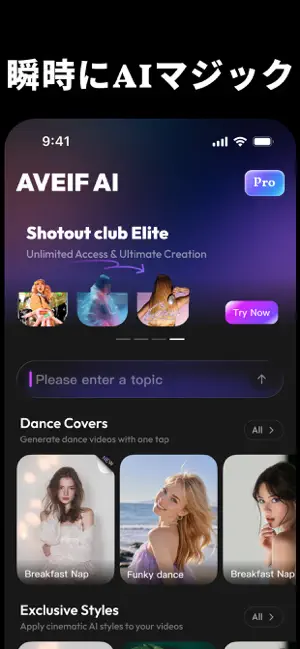
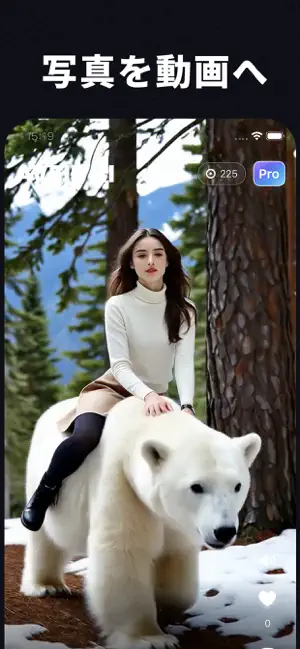
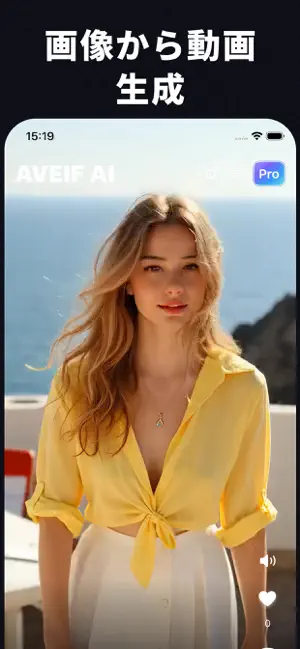
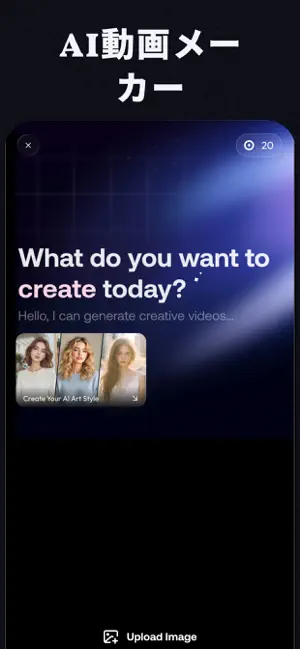
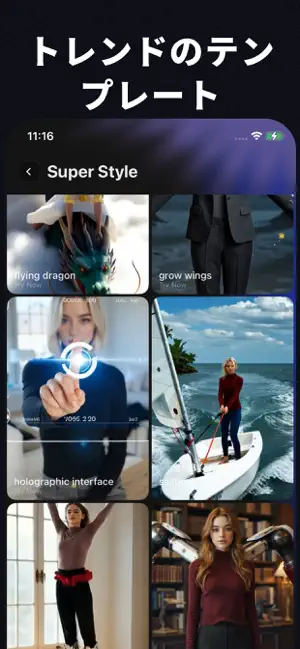
多くのAI動画アプリは、いきなり長いテンプレ一覧を渡します。AVEIF AIは、いつも時間を使う場所から始めます。完成クリップを見ることから。 サムネで当てずっぽうするのではなく、全画面フィードで仕上がったAI動画をスクロールします。ポートレートの微動き、二人シーン、顔交換プレイ、写真から動画まで。指が止まったら開いて、写真をアップロードし、同じエフェクトを実行。順番は「先にプレビュー、後から制作」。 フィード優先が効く理由 グリッド一覧は、クレジットと時間を使った後でないと結果が見えません。AVEIF AIは仕上がりを先に見せるので、実際に動き・まばたき・ループする映像を確認してからコミットできます。無駄な生成が減り、ReelsやStories用の投稿計画が立てやすくなります。 アプリ内でできること ポートレートモーション:静止した顔に、わずかな頭部の動きと表情の変化を付与。撮り直しなしでプロフィール用クリップを生き生きと。 デュオシーン:二人素材向けテンプレ(ペア写真プレイ含む)で、手動合成ではなく反応系ショート…
App details
What you can learn from AVEIF AI - AI動画メーカー
Every shipping app on the App Store has gone through the same decisions you're working through right now: which screenshot goes first, what caption sits over it, which device frame to show, what color the background should be. The 5 screenshots above are AVEIF AI - AI動画メーカー's answers to those questions — they're public, they're real, and they made it through Apple's review.
What the numbers say: AVEIF AI - AI動画メーカー runs a dark set with one background colour (#040404) carried across every screenshot — the listing reads as a single poster when the shots sit side by side in search results. The accent colour we picked up, #24246C, is the one to reuse for badges, arrows and highlighted words if you borrow this look. Hit Use this style to open the editor with these exact colours and drop your own screenshot in.
Notice the first screenshot in particular. It's the one users see in search results and on the product page, and it's where most apps spend their best caption and tightest design. Look at the proportion of background to phone, where the text sits, what one thing the image is trying to communicate.
Want to see how other Photo & Video apps approach the same problem? Browse more Photo & Video apps in the showcase.
Take what works into your own screenshots
Open LaunchShots and design your App Store & Google Play screenshots — pick a device frame, drop captions, ship in minutes. Free, in your browser.
Open the screenshot editor →Apps with a similar look
Closest background + accent colours among the listings we've analysed — useful when you want to see the same palette handled by a different team.