Screenshot style breakdown
Sampled from 4 of 箭头大师-引矢寻方's App Store screenshots — background, accent and theme, measured by LaunchShots (not something Apple publishes).
#FCF4E4 bg
#DDD6C8
#FCBC14 accent
#111111 text
Reading the caption text from the screenshots in your browser…
Screenshots
Icon palette
About this app
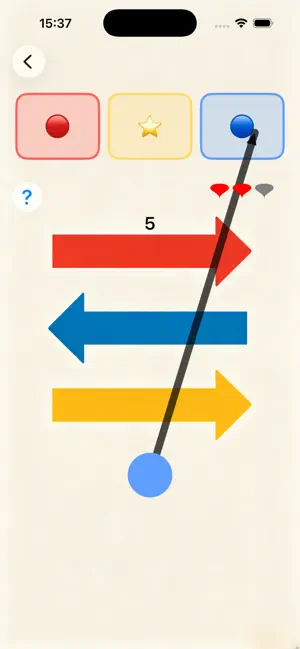
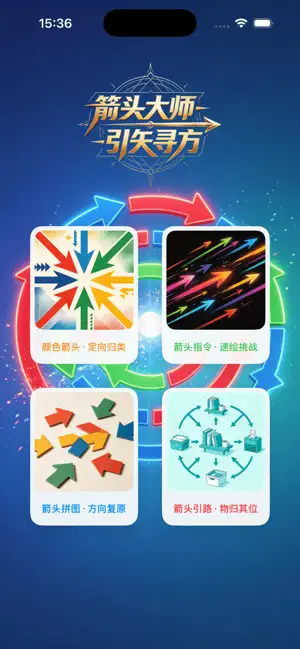
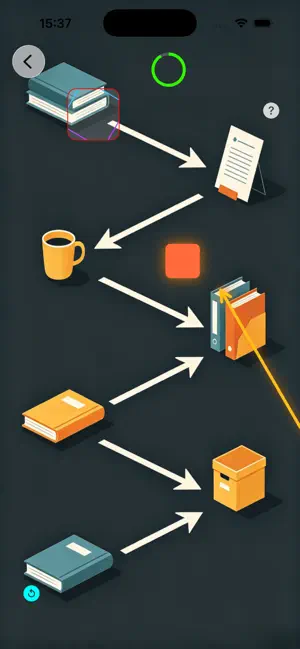
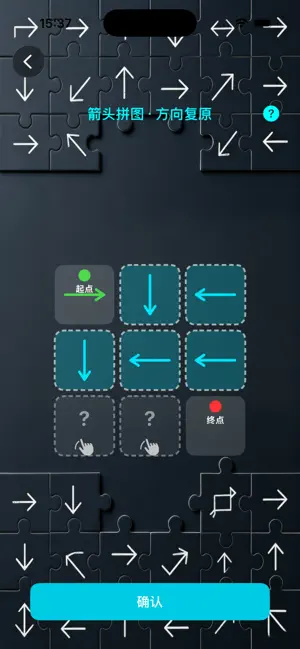
箭头大师-引矢寻方包含多个玩法: 箭头引路·物归其位:绘制1-3个箭头,引导随机移动的小方块(原生视图组件),在规定时间内到达指定目标区域(如屏幕角落的圆形/方形区域),完成关卡挑战。 箭头拼图·方向复原:屏幕上呈现一个不完整的“路径拼图”(由若干箭头组成,部分箭头缺失),玩家根据路径的走向,绘制缺失的箭头,使整个路径形成一条连贯的、从起点到终点的通路,完成拼图即可通关。 箭头指令·速绘挑战:屏幕上方随机出现一个“指令箭头”(固定方向:上、下、左、右),玩家需在规定时间内,快速绘制出与指令箭头方向一致的箭头,连续匹配成功次数越多,难度越高,挑战最高连击数。 颜色箭头・定向归类:按颜色画箭头分流分类,屏幕下方出现彩色小元素(红 / 黄 / 蓝),上方对应不同颜色收纳区域,玩家画出对应方向箭头,引导彩色元素滑入同色区域。
App details
What you can learn from 箭头大师-引矢寻方
Every shipping app on the App Store has gone through the same decisions you're working through right now: which screenshot goes first, what caption sits over it, which device frame to show, what color the background should be. The 4 screenshots above are 箭头大师-引矢寻方's answers to those questions — they're public, they're real, and they made it through Apple's review.
What the numbers say: 箭头大师-引矢寻方 runs a mixed light-and-dark set where the background shifts from screenshot to screenshot (first shot #FCF4E4) — each image has to stand on its own, so the captions carry more of the story. The accent colour we picked up, #FCBC14, is the one to reuse for badges, arrows and highlighted words if you borrow this look. Hit Use this style to open the editor with these exact colours and drop your own screenshot in.
Notice the first screenshot in particular. It's the one users see in search results and on the product page, and it's where most apps spend their best caption and tightest design. Look at the proportion of background to phone, where the text sits, what one thing the image is trying to communicate.
Want to see how other Games apps approach the same problem? Browse more Games apps in the showcase.
Take what works into your own screenshots
Open LaunchShots and design your App Store & Google Play screenshots — pick a device frame, drop captions, ship in minutes. Free, in your browser.
Open the screenshot editor →Apps with a similar look
Closest background + accent colours among the listings we've analysed — useful when you want to see the same palette handled by a different team.