Screenshots
Icon palette
About this app
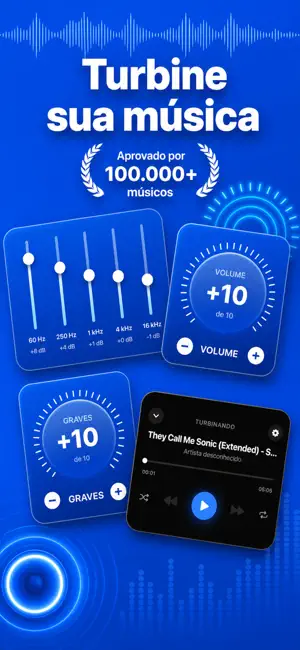
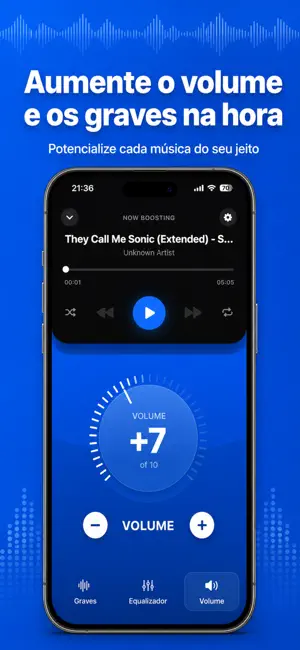
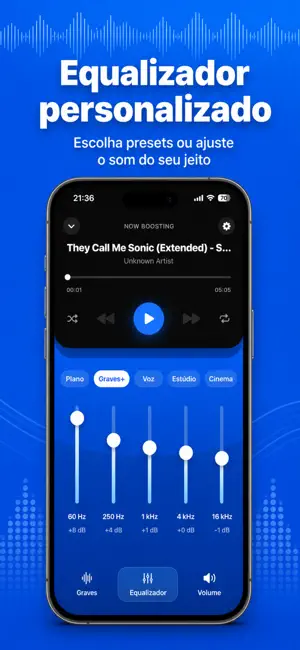
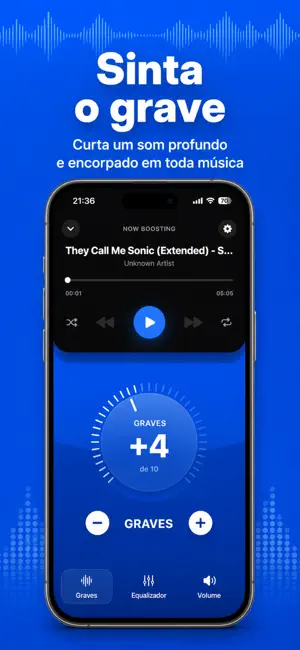
Assuma o controle do áudio do seu celular com o Sublab. Amplifique seu áudio, adicione peso e profundidade com o reforço de graves e molde cada faixa com um equalizador completo — feito para ouvir música e podcasts. Recursos Principais: 1. Aumento de Volume: Amplifique a saída de áudio para uma experiência de audição mais rica e completa. 2. Reforço de Graves: Adicione presença e profundidade aos graves para que sua música pareça física, não plana. 3. EQ Personalizado: Ajuste sua própria curva com o equalizador manual para ter controle total sobre o som da sua música. 4. Qualquer Saída: Otimizado para os alto-falantes do celular, fones sem fio, fones com fio e dispositivos Bluetooth. É necessária uma assinatura para acessar todos os recursos. As opções de assinatura incluem um plano semanal e um plano anual. Terms of Use (EULA): https://www.apple.com/legal/internet-services/itun…
App details
What you can learn from Amplificador de Volume + Bass
Every shipping app on the App Store has gone through the same decisions you're working through right now: which screenshot goes first, what caption sits over it, which device frame to show, what color the background should be. The 4 screenshots above are Amplificador de Volume + Bass's answers to those questions — they're public, they're real, and they made it through Apple's review.
Notice the first screenshot in particular. It's the one users see in search results and on the product page, and it's where most apps spend their best caption and tightest design. Look at the proportion of background to phone, where the text sits, what one thing the image is trying to communicate.
Want to see how other Music apps approach the same problem? Browse more Music apps in the showcase.
Take what works into your own screenshots
Open LaunchShots and design your App Store & Google Play screenshots — pick a device frame, drop captions, ship in minutes. Free, in your browser.
Open the screenshot editor →