Screenshots

Icon palette
About this app
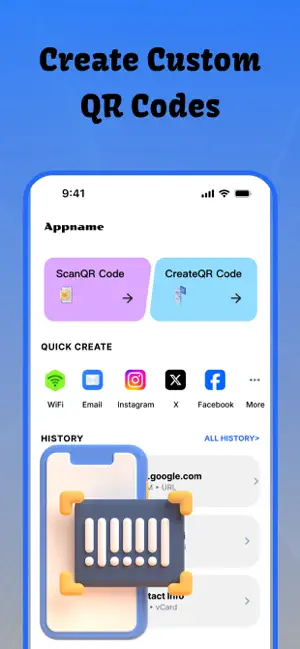
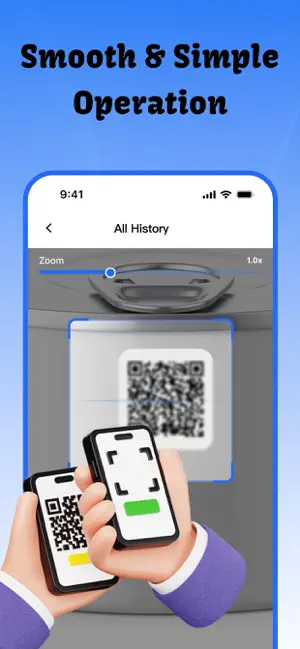
QR Gen & Scan is a lightweight and secure QR code and barcode tool for iPhone and iPad. It integrates professional code scanning recognition and QR code generation functions, delivering smooth and stable performance for daily use, office work, shopping and business scenarios. All data processing is completed locally on your device. Core Features All-in-One Smart Recognition Support real-time camera scanning and local album image recognition. It accurately identifies QR codes, barcodes, commodity barcodes and other mainstream code formats. The intelligent recognition algorithm ensures stable decoding performance in low light, backlight and other complex environments. One-Click QR Code Generation Easily generate high-definition QR codes for text, URLs, contact information, business cards and more. All generated codes are clear and compatible. You can save codes to your photo album for sh…
App details
What you can learn from QR Gen & Scan - Code Reader
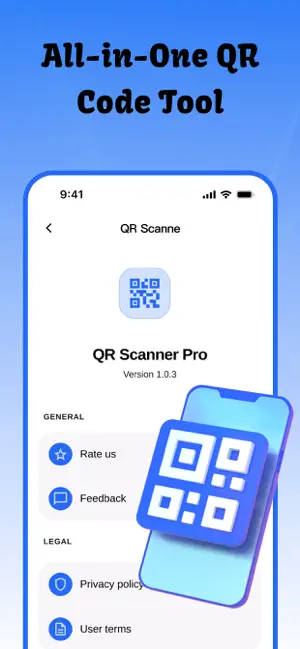
Every shipping app on the App Store has gone through the same decisions you're working through right now: which screenshot goes first, what caption sits over it, which device frame to show, what color the background should be. The 4 screenshots above are QR Gen & Scan - Code Reader's answers to those questions — they're public, they're real, and they made it through Apple's review.
Notice the first screenshot in particular. It's the one users see in search results and on the product page, and it's where most apps spend their best caption and tightest design. Look at the proportion of background to phone, where the text sits, what one thing the image is trying to communicate.
Want to see how other Productivity apps approach the same problem? Browse more Productivity apps in the showcase.
Take what works into your own screenshots
Open LaunchShots and design your App Store & Google Play screenshots — pick a device frame, drop captions, ship in minutes. Free, in your browser.
Open the screenshot editor →