Screenshot style breakdown
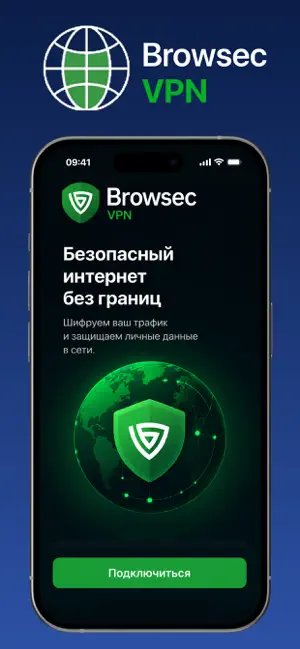
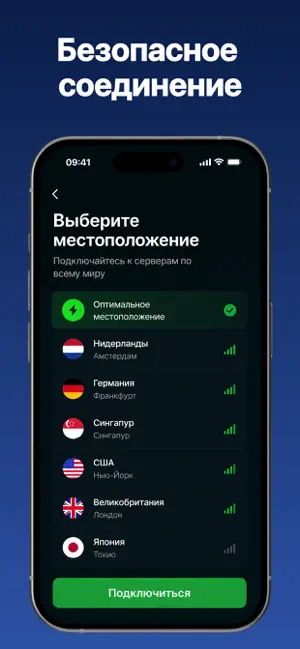
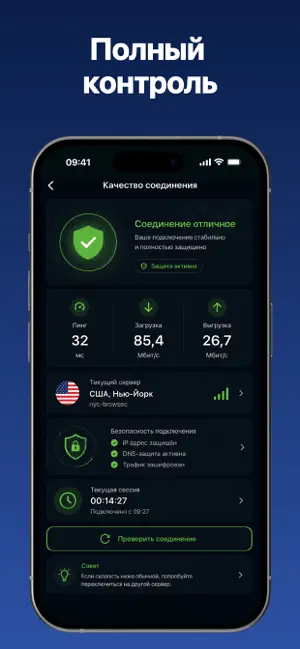
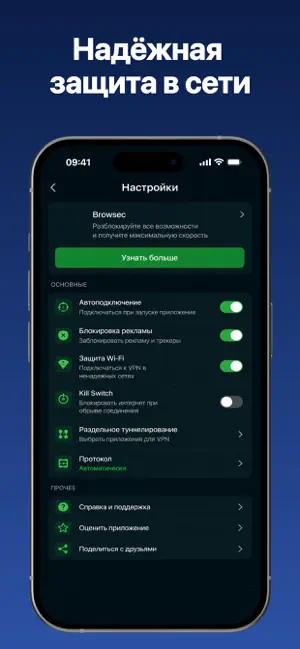
Sampled from 5 of Browsec трекер's App Store screenshots — background, accent and theme, measured by LaunchShots (not something Apple publishes).
#0C1C4C bg
#2E3B65
#2C54A4 accent
#FFFFFF text
Screenshots

Icon palette
About this app
Помогает пользователям мягко интегрировать движение в повседневную жизнь, превращая короткие упражнения в осознанные ритуалы. Интерфейс использует нежные зелёные градиенты, карточки со скруглёнными углами и плавные анимации переходов, создавая спокойную и располагающую атмосферу. Пользователи могут следовать простым подсказкам по движениям, отмечать выполнение упражнений или добавлять короткие заметки о своих ощущениях после практики. Приложение способствует развитию осознанности тела и дыхания без лишнего давления и сложности. Карточки с упражнениями можно сортировать по интенсивности, продолжительности или области внимания, например: растяжка, осанка или мобильность. Еженедельные графики помогают отслеживать регулярность занятий, а также определять, какие упражнения лучше всего влияют на уровень энергии или расслабление. Уникальная функция «Pulse Flow» ненавязчиво анимирует завершённ…
App details
What you can learn from Browsec трекер
Every shipping app on the App Store has gone through the same decisions you're working through right now: which screenshot goes first, what caption sits over it, which device frame to show, what color the background should be. The 5 screenshots above are Browsec трекер's answers to those questions — they're public, they're real, and they made it through Apple's review.
What the numbers say: Browsec трекер runs a dark set with one background colour (#0C1C4C) carried across every screenshot — the listing reads as a single poster when the shots sit side by side in search results. The accent colour we picked up, #2C54A4, is the one to reuse for badges, arrows and highlighted words if you borrow this look. Hit Use this style to open the editor with these exact colours and drop your own screenshot in.
Notice the first screenshot in particular. It's the one users see in search results and on the product page, and it's where most apps spend their best caption and tightest design. Look at the proportion of background to phone, where the text sits, what one thing the image is trying to communicate.
Want to see how other Health & Fitness apps approach the same problem? Browse more Health & Fitness apps in the showcase.
Take what works into your own screenshots
Open LaunchShots and design your App Store & Google Play screenshots — pick a device frame, drop captions, ship in minutes. Free, in your browser.
Open the screenshot editor →Apps with a similar look
Closest background + accent colours among the listings we've analysed — useful when you want to see the same palette handled by a different team.