Screenshots

Icon palette
About this app
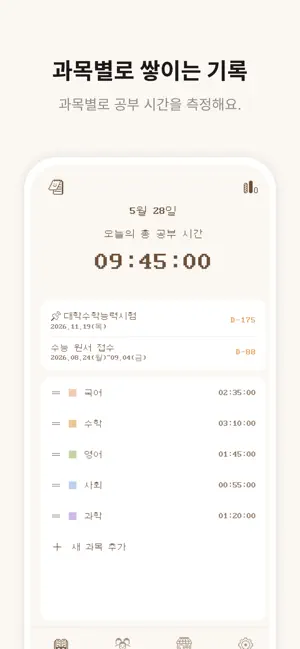
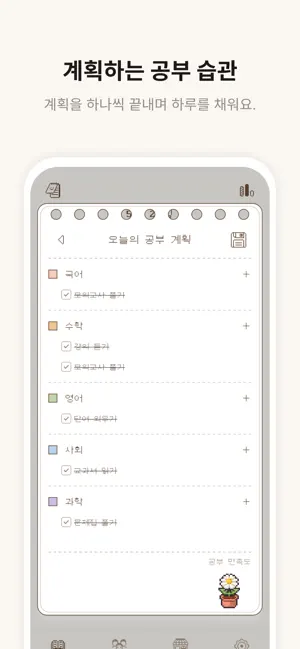
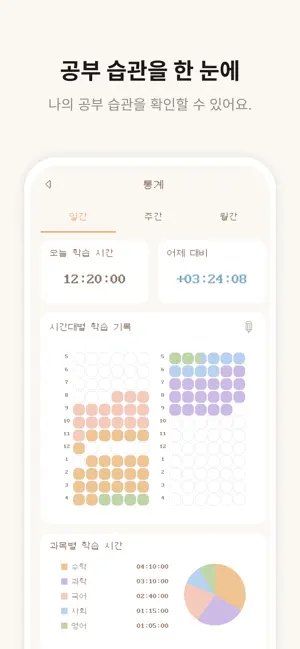
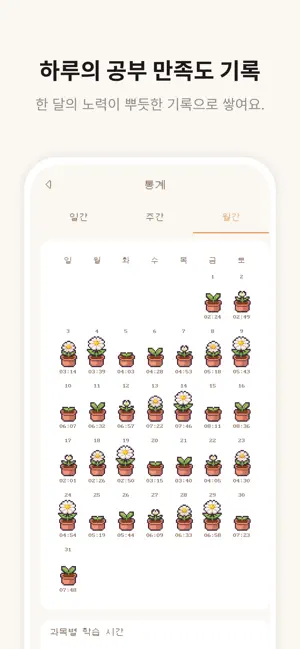
혼자 하면 자꾸 흐트러지는 공부, 뽀짝타이머에서 친구와 함께 시작해요. 스터디룸에 복작복작 모여 같이 집중하고, 매일의 기록을 차곡차곡 쌓아보세요. [주요 기능] • 공부 타이머 과목별로 공부 시간을 재고, 집중한 만큼 기록돼요. • 함께 공부하는 스터디룸 친구를 초대하거나 스터디룸에 들어가 같이 공부해요. 누가 지금 집중 중인지 실시간으로 보이니까 자연스럽게 동기부여가 돼요. • 나만의 캐릭터 꾸미기 오늘의 기분에 맞춰 캐릭터 분위기를 바꿀 수 있어요. • 플래너 오늘 할 일을 적고, 공부하고, 계획대로 실행했는지 체크해요. • 통계 일·주·월 단위로 공부 시간을 모아 보고, 달력으로 꾸준함을 확인해요. • 채팅 같은 방 친구들과 이야기 나누고 서로 응원해요. • 선물하기 아이템을 친구에게 선물하며 함께 으쌰으쌰! 복잡한 기능보다, 매일 쓰기 쉬운 기능에 집중했어요. 지금 뽀짝타이머에서 오늘의 공부를 시작해보세요.
App details
What you can learn from 뽀짝타이머
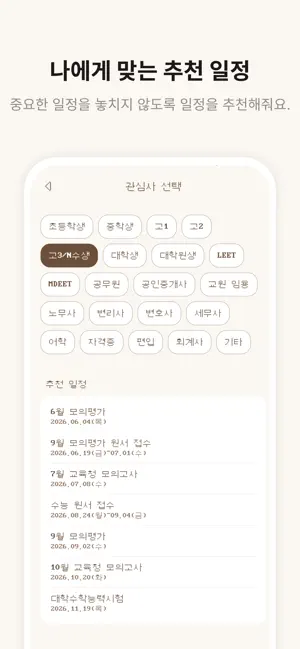
Every shipping app on the App Store has gone through the same decisions you're working through right now: which screenshot goes first, what caption sits over it, which device frame to show, what color the background should be. The 6 screenshots above are 뽀짝타이머's answers to those questions — they're public, they're real, and they made it through Apple's review.
Notice the first screenshot in particular. It's the one users see in search results and on the product page, and it's where most apps spend their best caption and tightest design. Look at the proportion of background to phone, where the text sits, what one thing the image is trying to communicate.
Want to see how other Education apps approach the same problem? Browse more Education apps in the showcase.
Take what works into your own screenshots
Open LaunchShots and design your App Store & Google Play screenshots — pick a device frame, drop captions, ship in minutes. Free, in your browser.
Open the screenshot editor →